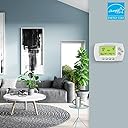
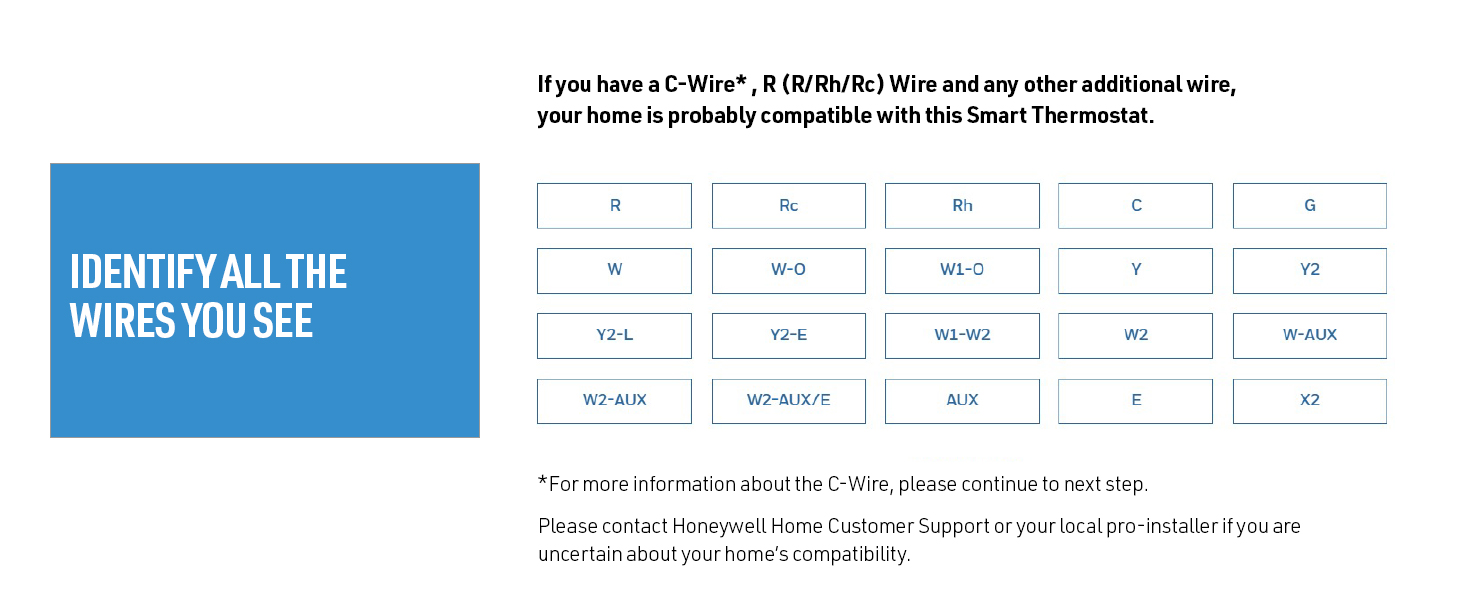
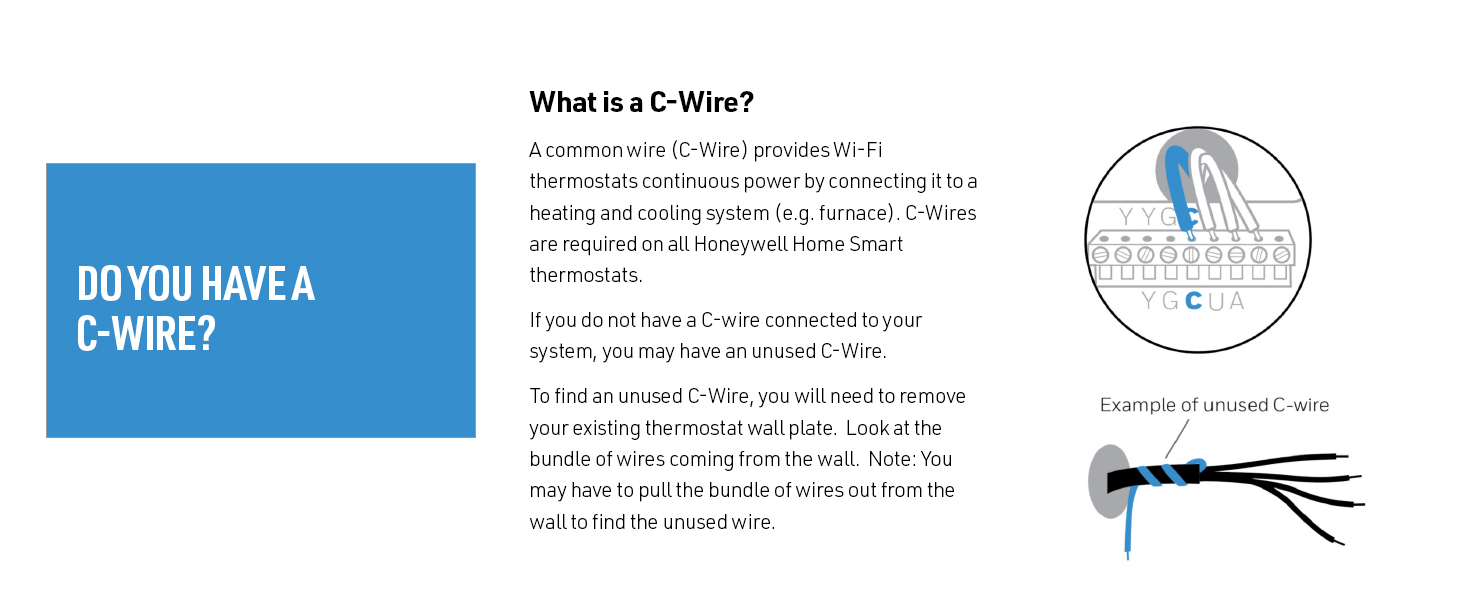
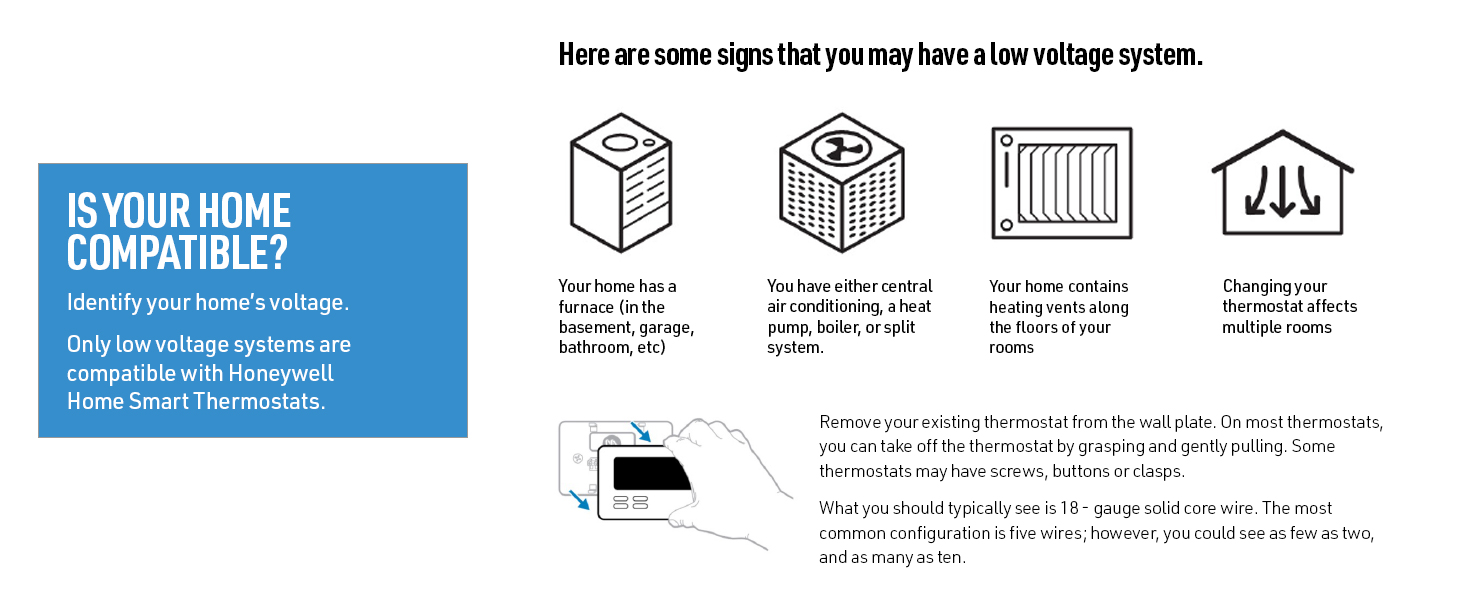
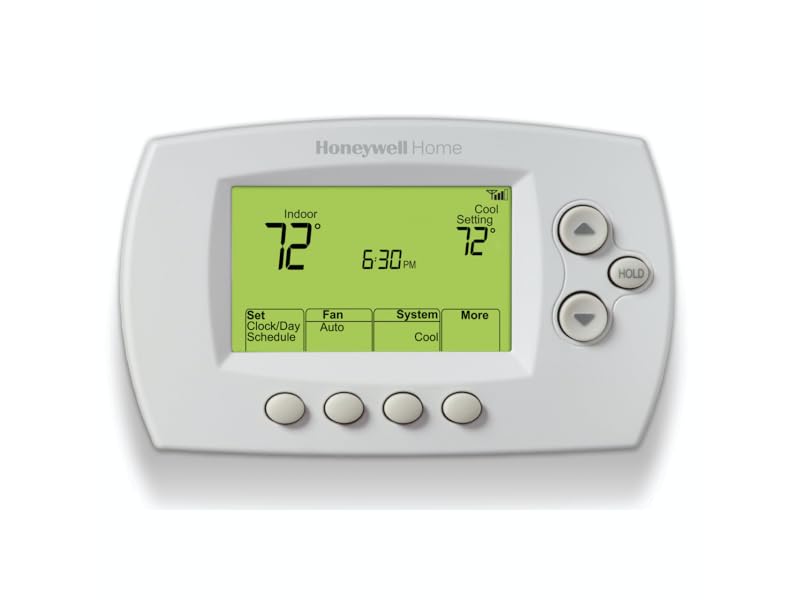
I bought two of these Honeywell thermostats because I want to be able to remotely control the climate in my home, mainly during road trips: to save energy while away and also so I set the temp on the way back so the house is comfortable upon my return. There is no way I would spend a mortgage payment on some fancy always-on LCD screen that "learns" and has tons of bells and whistles that just clutter my brain with a lot of uselessness. Setup was not exactly easy, but as long as you give yourself 15 minutes and follow the instructions, it's pretty straight forward. You'll set up an account with Honeywell's MyTotalComfort-dot-com and then register your thermostat(s). You'll need some of the paperwork that comes with your thermostat that includes a unique serial number (or possibly MAC address.)Pros: they work, they're simple, they connect to wifi and you can set them from a web browser, phone or tablet, from anywhere connected to the internet. The temp reading is accurate, and there are no batteries (power from the c-wire). They have a schedule with 4 programmable time slots per day, weekdays vs. weekends, and also home vs. away modes for daytime.Cons: The schedule is limited to only 4 daily time slots: if you need more, you're out of luck as there is no work-around. Also, the MyTotalComfort site didn't push updates to my thermostats when I went away (just before xmas 2018). I got an alert that my updates didn't go through and a day later, it was working again. I searched the internet and apparently Honeywell's system has outages more often than they'd probably want to admit. So that was annoying, and the outage was relatively short-lived. Also, while setting up the schedule, there is an option to configure the fan to "On" or "Auto". Generally, I use "Auto", and I use "On" at night to create white noise that masks outside traffic stupidity and the nearby commuter train. That feature simply does not work in the schedule, and I've tried setting that option several times without success. So I have to turn it on and off manually (or from my phone) like I did before. First world problem, I know. So it looks like there are a few bugs in Honeywell's software; fortunately, that stuff can be fixed with software updates, if they chose to do so.In conclusion, the devices are worth 5-stars. The software and Honeywell infrastructure falls a tiny bit short of expectations, and so I think that downgrades the product as a whole to a solid 4 stars. I would absolutely recommend these thermostats to a friend, just set your expectations for a few software glitches along the way, and like I said, my fingers are crossed that they'll up their game and in a few months I'll report back.Update: Jan 21, 2019, Honeywell's MyTotalConnectComfort.com has been offline all day. No connected functionality at all. The app and web site say to call Honeywell Customer Care at 1-855-733-5465, and when you do, it says "Due to high call volume we can't take your call" and then disconnects. It's a nice thermostat, but the software back-end is falling way short. This is the 2nd time since installing (about a month ago) that the IOT connected portion of device hasn't worked for an extended period of time. As a result, I've downgraded from 4 to 3 stars, as there is simply no way to reach anybody or address Honeywell's problem.Update: May 10, 2019, connectivity and remote functionality have been consistent and reliable for 4 months, so I'm raising my rating from 3 to 4 stars.Update: November 18, 2019: it has been several months, and the thermostats have been operating flawlessly, and MyTotalComfort has been reliable too. It looks like they got their act together and I'm generally very happy with my purchase. I was thinking about upgrading my rating from 4 to 5 stars and did not because (after a year) there are a few behaviors that I don't care for. Note, my issues are not with the actual thermostat, and more with the software that runs it, and with the MyTotalComfort web site. The following perspective comes with the benefit of hindsight:1. The thermostat's temperature reading is very accurate (which is good). And it will react at the slightest temperature variation, which is kind of good. Most thermostats allow the temperature to fluctuate a bit more before cycling your AC or Heat on and off again. I guess it's a personal preference; in my case, the more frequent cycling of the equipment will slightly increase the wear and tear in exchange for a more constant temp. I noticed this coming from a much lower-end White-Rogers thermostat. This is not a huge deal, but it's something to consider and is not adjustable.2. During the summer, I set the A/C to turn on 15 minutes before the family gets home from work/camp etc. But the software is so "intelligent" that it decided to turn on the A/C early, so that the temperature is already at the set level, in anticipation, at programed time. I suppose that's convenient in the summer. In the winter, I set the heat turn up in the morning when it's time for everyone to wake up and start their day. The "intelligence" turns the heat up early, so the temp is at the set level at the set time. And then everyone wakes up early. So now I have to anticipate the stupid "Artificial Intelligence", and set the temp to come up late, after everyone should be up, so that when the "intelligence" decides to start warming the place up early, it's about when people should be getting up. And of course this fluctuates as the "intelligence" tries to figure out the weather and how quickly my house warms up. The "intelligence" is VERY annoying and can't be disabled. I would have probably *not* bought into the Honeywell ecosystem if I had known about this "feature."3. Programming the blower doesn't work. I've attempted to program the blower to turn on at night and off in the morning (to create white noise) but that feature simply does not work. Additionally, there is a "circulate" feature that is supposed to periodically turn the blower on for a few minutes (for a variety of benefits including reduction of humidity and temp consistency) and that feature doesn't work either. I'd prefer the option not be there, than to have it and it doesn't work.4. I'm constantly nagged, when I use the app from my phone: "Let PSEG optimize your thermostat" in exchange for a 1-time cash incentive. I decline *EVERY*SINGLE*TIME* and it keeps nagging me. After the 30th time, you'd think they'd stop harassing you; is this a deliberate annoyance or an oversight? I don't know. It is clearly annoying and needs to change.This is my final update. In conclusion, it's a good thermostat, and you simply can't find a comparable wi-fi connected device at this price. If you can deal with the software annoyances, go for it. Maybe some day Honeywell will update and improve. Otherwise, you can always pay four times more for a device that's connected to a more refined software ecosystem that will have these idiosyncrasies sorted out.