Desertcart purchases this item on your behalf and handles shipping, customs, and support to Croatia.
๐ Carry Speed & Security in Your Pocket โ Never Miss a Beat!
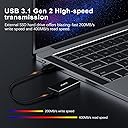
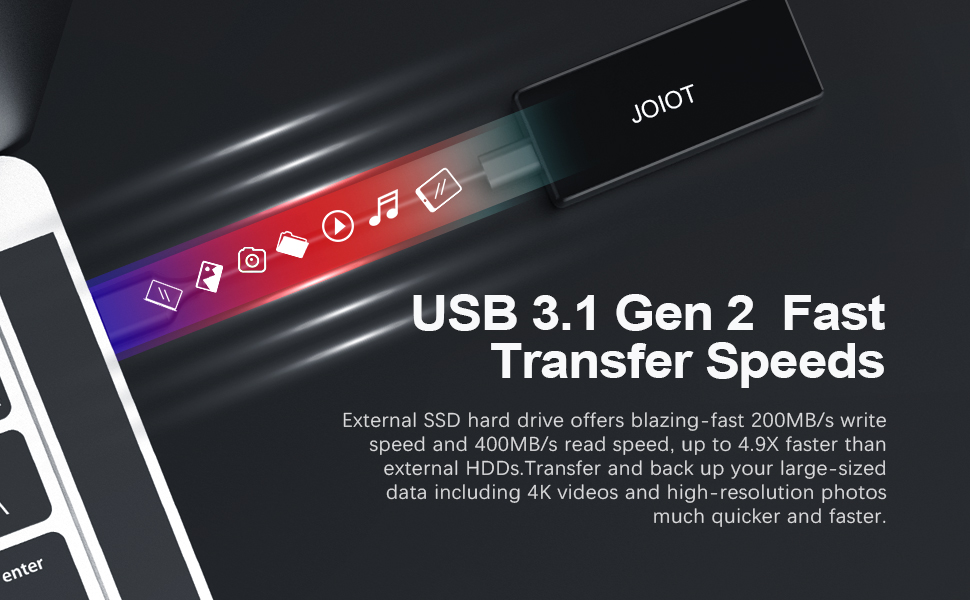
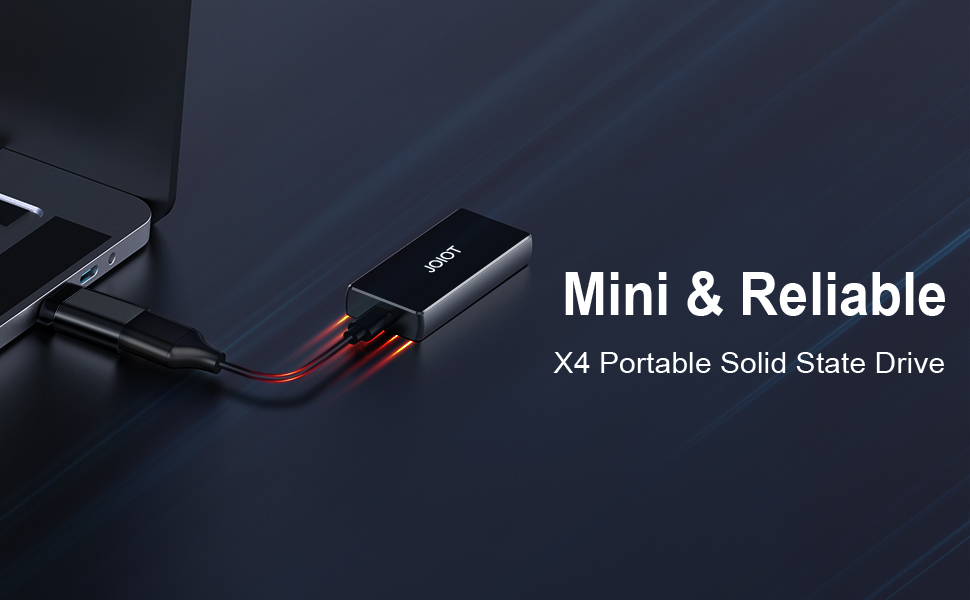
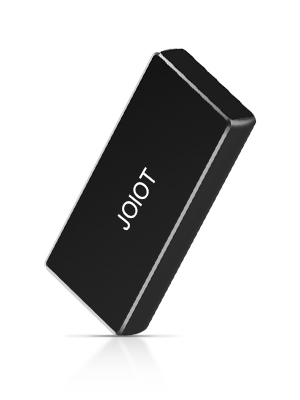
The JOIOT 250GB Portable External SSD combines a shock-resistant aluminum body with ultra-lightweight design and USB 3.2 Type-C connectivity, delivering up to 400MB/s read speeds. Compatible across major OS platforms and gaming consoles, itโs engineered for professionals who demand fast, reliable, and portable storage on the move.


| Additional Features | Portable, Shock Resistant |
| Asin | B08CV5GTMS |
| Best Sellers Rank | #160 in External Solid State Drives |
| Brand | JOIOT |
| Built In Media | '1* Portable Solid State Drive, 1*Type-A to Type-C Data Cable, 1*A to C Adapter, 1* Storage bag' |
| Cache Memory Installed Size | 250 |
| Color | Black |
| Compatible Devices | Laptop |
| Compatible Video Game Console Models | Microsoft Xbox One, Sony PlayStation 4 |
| Connectivity Technology | USB |
| Customer Package Type | FFP |
| Customer Reviews | 4.2 4.2 out of 5 stars (683) 4.2 out of 5 stars |
| Data Transfer Rate | 200 megabits_per_second |
| Digital Storage Capacity | 250 GB |
| Enclosure Material | Aluminum |
| Form Factor | 2.5-inch, Portable |
| Hard Disk Description | Solid State Hard Drive |
| Hard Disk Form Factor | 2.5 inches |
| Hard Disk Interface | USB 2.0/3.0 |
| Hard Drive Size | 250 GB |
| Hardware Connectivity | USB 3.1 Type C |
| Hardware Platform | PC |
| Installation Type | External Hard Drive |
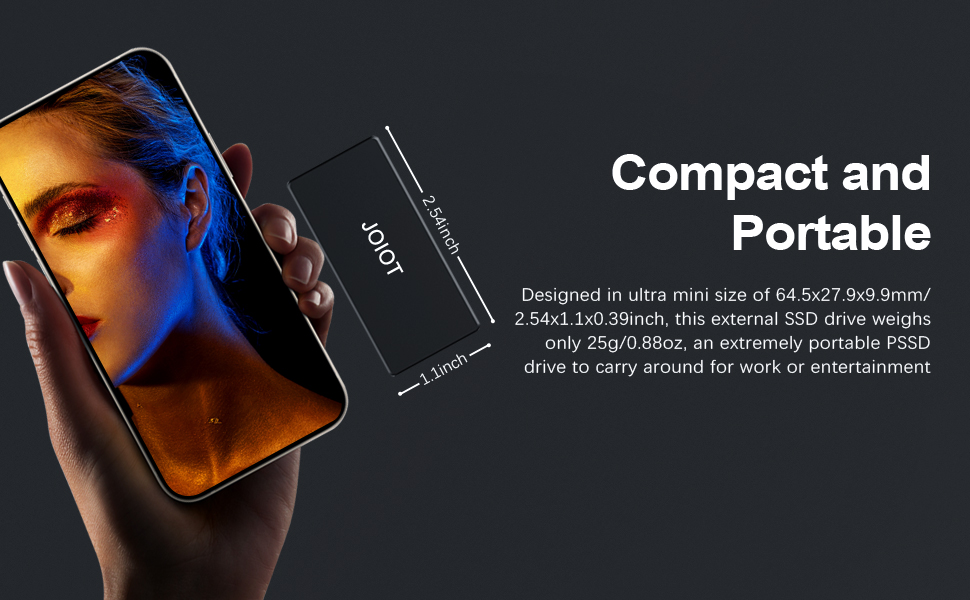
| Item Dimensions L X W X Thickness | 2.54"L x 1.1"W x 0.39"Th |
| Item Weight | 22.68 g |
| Manufacturer | JOIOT |
| Media Speed | 200 gigabytes_per_second |
| Mfr Part Number | X4-Black-250G |
| Model Name | X4-Black |
| Model Number | X4-Black-250G |
| Number Of Items | 1 |
| Read Speed | 400 megabytes_per_second |
| Specific Uses For Product | backup, storage |
| Warranty Description | 1 year manufacturer |
User
Speedy, will not boot RPI4, but can be used as rootfs. Is a 4k drive
This drive is pretty speedy! I'm running my Raspberry Pi 4 from it, and I'm quite happy.Note that you can't BOOT the pi from it, but you can have the next best thing.... You can run your RPi from it, but you do have to do the initial boot from the SDCard. Once booted, though, all the disk access is on the SDCard.A couple of things to be aware of:1) This drive is a 4k sector drive. This means just burning an sdcard image with RPI Imager or Win32 disk imager WILL FAIL. They seem to expect 512 byte blocks. It just writes a corrupted filesystem to the drive.2) It works fine after boot.3) I tried everything I could think of, but the RPI4 will NOT boot from this device for some reason.4) Not all is lost - you can move your / filesystem to the SSD and gain the speed and durability advantages. You will have to book from the sdcard, however.I tried every way possible to boot from it, but could not get it to work. I even manually created a FAT32 boot partition and a copy of a root ext4 filesystem by hand, and it would not boot.Here's how I got it to work.Steps taken on the Raspberry Pi:delete original partition on the SSD and create new ext4 partition with gparted (gparted usually needs to be installed)mount the SSD ext4 partition (I used /mnt/target)copy the current OS partition to the newly created on on the SSD. (I used "sudo rsync -axv / /mnt/target"). This takes about 5 minutes on my pi4Bget the PARTUUID of the SSD ext 4 partition you just copied. (I used "sudo blkid" and found the PARTUUID for the partion on /dev/sda)backup /boot/cmdline.txt to cmdline.sdedit the /boot/cmdline.txt, replacing the PARTUUID with the one you just found for the partition you created on /dev/sdaXedit the fstab **ON THE SSD** and replace the PARTUUID for / with the SSID you just put in cmdline.txt. (I used "sudo vi /mnt/target/etc/fstab") Don't edit the regular /dev/fstab! Because of the change above, it will never bee seen. Again! Edit the fstab ON THE SSD filesystem you just created.reboot.You can confirm the device is running on the new SSD by using "findmnt -o -n SOURCE /" and it should show a partition on /dev/sdaHas been running OK for me for a while. Search raspberry Pi Forums for more information and detailed instructions.
User
What do you do with your old M2-SATA afffter you upgrade...๐คทโโ๏ธ Get this little guy๐
After upgrading to a 256 from a 128 I needed something to store my old SSD. Well this is just what I wanted & needed.Yes, its USB 3.0 ๐คทโโ๏ธ, Yes, its ALL-METAL housing, YES it fits 25 & 50mm M2.-SATA. "AND" it's no bigger than a zippo! ๐ Its great.All you need is in the packaging you take care of business. The only thing I needed was a case to travel with it and any mini earphone zipper case is perfect.After installing the old SSD in the enclosure there is even enough room to put some thermal pads, 0.5mm over the chips and NOT interfere with closing it up. While the USB 3.0 speeds might not be what USB-C is it works just fine for travel Laptop storage. IF you have a phone that supports OTG get the USB-C ver'Considering this is somewhat older tech by todays standard... you could... buy an SSD + this enclosure + a case & have a portable storage for less then say a 'WD 1tb mechanical' drive...๐๐All in All I have 2 of these and they both work just fine for what they are. A place to store data on the go and fit in a pocket/bag then move on. PS yes... they do get a little warm after LARGE file transfers. But that's normal for silicon chips inside a metal box๐คฃ
User
Good value SSD drive with one drawback
I bought 2 of these SSD drive. A 150Gb and 1T. They work well and write fast enough for my needs. The only flaw both have is that they disconnect after a while, specially when copying a lot of files. It may be due to overheating but Iโm not sure. I had to restart large transfers many times because of that issue. Overall satisfied for the price still.
User
Amazing value for what you get
This little external SSD is absolutely amazing. The capacity you get in such a small size is extremely useful for storing tons of data in something you can toss in a pocket or bag easily. I haven't really hammered it, but performance seems fine.I'm using one on a Raspberry Pi 4 in lieu of an SD card. These are better than SD cards and even regular thumb drives because they have a controller on them which allows you to support functions like garbage collection and TRIM. If you just need something for carrying files then you may not care about things like that, but this will work in those cases as well.
User
DON'T BUY THE JOIOT Portable SSD HARD DRIVE. It is GARBAGE!
I purchased a JOIOT 128GB hard drive and it worked intermittently. I returned one right away and the replacement didn't last very long. I've changed out the connection cable and it was not the problem. The problem is their cheap hard drives. It does not connect most of the time but my disk utility software shows it's connected. It cannot fix it though. WASTE OF MONEY!
User
Small, quick drives - fantastic customer support.
I mostly use this to edit video off of. Store the files on it, and it feels about as fast as my internal SSD. Highly recommend.Purchasing another!(250gb version)---update---The above purchases were great, so i gave them to friends and bought the bigger version for myself.As soon as I plugged it into the computer, I've been having issues. Froze up my computer, crashed it. Super weird, because that's never happened by plugging in an external drive. I reinstalled my version of windows after, because everything got a little funny.I exchanged it for another 1tb version, and I'd say it works about half the time.I don't know if it's quality control, or the smaller sizes just work better, but really confusing.------------------update again----------------After getting into contact with the manufacturer, I believe issues are resolved! Bonus points added back for customer service, and day 1 of testing replacement drive things seem to be working as they should. Pretty stoked again!
User
Solid SSD
I love how small this is and I have never had an issue with corruption or data loss. I have had it for a few years now and I really like it.
User
Make sure cable works!
I had already bought a smaller external SSD from JOIOT that worked great, so I decided to get the 1tb X4-plus. The drive itself is fine, the only problem is with the cable. It seems to freeze from time to time in the middle of moving data ( especially on to the device). I've tested it with other cables and the freeze doesn't happen. If the problem starts out when you first get it, return it immediately.
User
Excelente
Bueno, funcional, barato compacto y perfectamente portable.Justo lo que yo queria
Trustpilot
2 weeks ago
2 weeks ago