Desertcart purchases this item on your behalf and handles shipping, customs, and support to Croatia.
🚀 Elevate your mobile setup with pro-grade clarity and sound — anytime, anywhere!
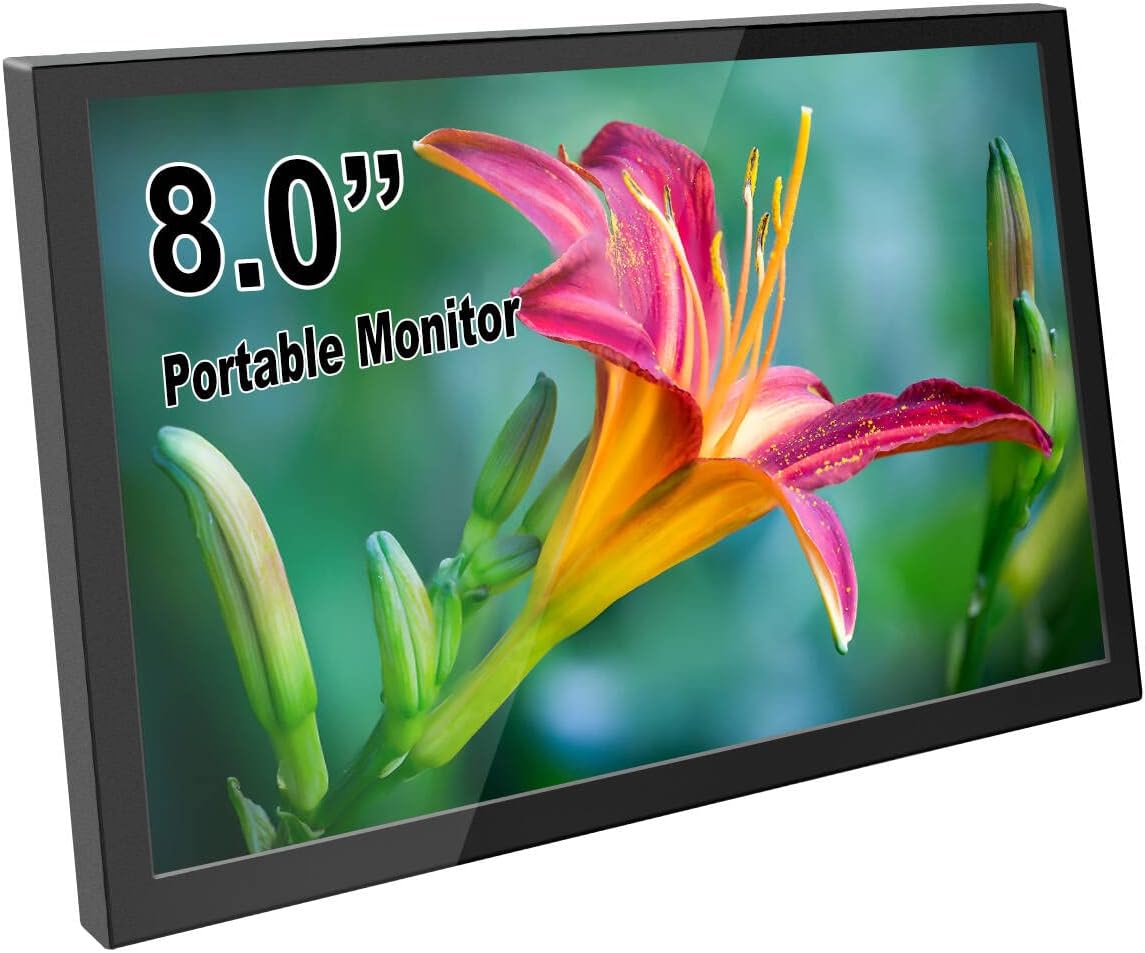
This 8-inch portable monitor features a crisp 1280x800 IPS display with built-in stereo speakers, powered conveniently via USB. Its compact aluminum design and VESA mount compatibility make it ideal for professionals seeking a versatile second screen for Raspberry Pi, laptops, gaming consoles, and more. Enjoy plug-and-play connectivity with mini HDMI input and adjustable settings for brightness and volume, all in a lightweight, travel-ready package.


| Additional Features | Built-In Speakers, Eye Care, Portable, VESA Mount |
| Asin | B088WLRN31 |
| Aspect Ratio | 16:10 |
| Best Sellers Rank | #31,364 in Electronics (See Top 100 in Electronics) #865 in Computer Monitors |
| Brand | ELECROW |
| Brightness | 300 candela_per_square_meter |
| Color | Black |
| Color Gamut | 72 |
| Compatible Devices | Desktop, Laptop, Tablet, Gaming Console, Jetson Nano, Raspberry Pi (5/4/4B/3/3B) |
| Connectivity Technology | HDMI, USB Type C |
| Contrast Ratio | 800:1 |
| Customer Reviews | 4.3 4.3 out of 5 stars (175) 4.3 out of 5 stars |
| Display Resolution Maximum | 1280 x 800 pixels |
| Display Technology | LCD |
| Display Type | LCD |
| Hardware Connectivity | mini HDMI |
| Included Components | 1 x 8 inch monitor, 1 x HD to Mini HD cable, 1 x Metal stand, 1 x Power adapter, 1 x USB C Micro USB cable |
| Item Dimensions D X W X H | 0.55"D x 7.7"W x 4.8"H |
| Item Weight | 550 g |
| Manufacturer | ELECROW |
| Model Number | 8e32228c-ec78-49b0-bc9c-d60e158a4d21 |
| Mounting Type | Desk Mount, Wall Mount |
| Native Resolution | 1280x800 |
| Number Of Component Outputs | 1 |
| Picture Quality Enhancement Technology | IPS |
| Power Consumption | 8 watts |
| Refresh Rate | 60 hertz |
| Resolution | 1280x800 |
| Response Time | 16 milliseconds |
| Screen Finish | Glossy |
| Screen Size | 8 inches |
| Shape | Rectangular |
| Specific Uses For Product | Business, Entertainment, Gaming |
| Total Number Of Hdmi Ports | 1 |
| Viewing Angle | 170 degrees |
| Voltage | 5 volts |
| Warranty Description | 1 Year Manufacturer |
| Warranty Type | 1 Year Manufacturer Warranty |
User
Excellent little 8" HDMI monitor
I bought this to use with a Raspberry Pi 400. It was a great choice. The 1280 x 800 resolution is very good for the small screen providing a very sharp, bright picture. The size, picture quality and price are ideal for this application.
User
You get what you paid for
You get what you paid for. I just wish the screen saver wasn't a light show and it would just power down the screen on idle
User
Awesome little screen
I’m using this little monitor as my fourth screen for my PC setup, just under my main 32” 4K monitor. Sometimes I’ll have small programs running which I’d like to keep constant track of or have a live view of my security camera and this little guy fits the bill.The monitor is extremely light and doesn’t feel particularly robust but general usage in a static position should be perfectly fine. If you’re using it as a portable solution, I’d just be careful not to bang it up too much. I’m powering this off my own USB-C cable attached to a plug in adapter and HDMI is connected through a HDMI to mini HDMI adapter without issue.The screen is plenty bright and nice and clear. Viewing angles aren’t bad and colors look good with slight adjustments. All in all, not disappointed with the performance.The only thing I don’t like is that it doesn’t turn off by itself when you have no video signal, at least the way I have it setup. Because I have it connected to a constant power source, it just flashes colors when there’s no video signal. Most monitors will turn off after no signal for a few seconds, but not this one. If you’re using this as a main monitor for a portable setup or Raspberry Pi, maybe it won’t have this issue since the power will likely get cut when you turn off the PC. Because of the way I have the monitor set up, I can’t always be hitting the power button on the back of the monitor. In either case, I worked around this issue by connecting my power source to an outlet switch. When you switch it back on, you don’t need to hit the power button on the monitor for it to turn on which is good.Other than that small nitpick, this a decently solid monitor that’s a perfect size; not too small and not too big.
User
A perfect addition for games like Elite Dangerous and Microsoft Flight Simulator
This little screen is full of big screen features, unlike many of its peers. An easy to use on/off switch, great color, touch that hasn't needed to be calibrated, rugged case, internal menu for controlling panel settings. Windows 11 automatically recognized it, both as a display and its touch capabilities. The stand completely exceeded my expectations and is a perfect fit for the little display.I use the little panel to display my GT730 GPS in MS Flight Sim. In Elite Dangerous I use if for running Icarus. Both work great. I'm completely satisfied with my purchase and heartily recommend this charming little touch screen.
User
Works
Works great for what I paid. 10/10. Would use this for any Raspberry Pi project.
User
Nice monitor, but has a low-quality power adapter, which could force you to throw it in the trash.
Screen quality is very good and I really liked using it.... for about a month. Unfortunately, I did not realize that they put a super-cheap, low-quality, power adapter port on it, which uses a mini-USB on the monitor and plugs into a standard USB port on your computer for power. After about a month of relatively light use, the mini-port on the monitor came loose and twisted-up inside the case. It was about a week after my return-window expired, so I didn't know what to do with the thing, because the port was totally unusable. So, I took it apart and looked at it, hoping I could repair it myself. What I found is the mini-port in this thing is only attached on one side to the board in the monitor, so if you don't hit the port exactly straight and go easy on the push, when you plug the power cord in, it will literally bend and twist the port up-inside the case, making it impossible to plug the power cable into it... and it is impossible to fix the thing once you have done that. In the end, I wound-up throwing it in the trash after only 5-weeks of use, 3-weeks of which I used it very little at all. I would not recommend buying this monitor at all, simply because I have seen and experienced for myself what a cheap, low-quality power port they have put on this thing. It may work alright for you, if you are super-careful with the mini-port on the power adapter, but if you miss it one time and push too hard, your money is going straight into the trash can.
User
Great Monitor but it Blew up an Intel Nuc / Sync Issues
I bought this screen for a cyberdeck project I was building. But apparently trying to power it and output the hdmi to it from the same small computer was a big mistake. This could be an issue with Intel NUC computers OR with the screen itself. But in order to make my project work I had to supply 5v from a totally separate source than the computer I was creating even though it was rated for USB2.0 ports and had plenty of power to drive it.In summary, be CAREFUL when powering it via USB and feeding video from the same computer. You may get some kinda of voltage feedback after powering down the PC. I blew up (2) intel Nuc computers experimenting with this monitor at no fault of my own before i figured it out.The project DID succeed after separating my power rails and plugging the monitor into a separate USB power I provided. But I will not do that again.The screen is bright, Beautiful even, and has powerful speakers. Plus a handy headphone jack. It would be perfect, if it hadn't cost me two computers.Only other gripe would be sync issues. With rebooting the computer it sometimes doesn't register a signal and I have to manually hit the power button and turn it back on again. It's annoying, but not a deal breaker. Here's a picture of the completed cyberdeck featuring this monitor. I'm very happy with the size and features it provided.
User
Great image great price!
Great image. Great price!
User
サブディスプレイにうってつけ
メインのディスプレイとは別の、BGMプレイヤーを操作したり、作業用ビデオなどを表示させるサブディスプレイとして運用しています。コントロールを自分の手で操作するにはうってつけです。ipadのように、タッチパネル部分とディスプレイの縁に段差がなく、前面は完全にまっ平です。もし、指紋がつくのが嫌だとか、画面の反射が強いなと思ったら、自分でカットできるタブレット用表面保護フィルムを貼り付ければ、タッチパネルの機能を損なうことなく、反射と指紋の対策をばっちりこなすことができます。事実、一緒に保護フィルムを購入して、貼り付けて使っていますが、保護フィルムがタッチ操作を妨害することはなく、理想的に機能しています。付属しているmicroUSB→USB-Aのケーブルがあまり長くないため、本製品の置き場所次第ではちょうどよい長さとは言えず具合が悪いです。必要であれば、microUSB→USB-Aのケーブルを備えておくとよいと思います。
User
Un piccolo economico ottimo monitor touch
Esattamente cosa mi serviva.Piccolo, economico semplice ma chiuso e non con elettronica a vista come altri monitor simili.Touch efficace, definito, luminoso buoni colori (anche se ovviamente non è fatto per avere chissà che resa).Persino il piccolo supporto esterno è molto pratico.Unica pecca, non ha un sistema di standby, rimane sempre acceso anche se gli altri monitor vanno in risparmio energetico.
User
Complemento de productividad indispensable
En mi empleo, es necesario estar siempre en comunicación con el equipo de trabajo. En mi caso utilizamos Teams y he encontrado super conveniente mantener la aplicación siempre visible en una pantalla exclusiva. A pesar de que ya utilizaba dos monitores. Tener una pantalla en el frente detrás del teclado es ideal.
User
Excellent native resolution
Excellent native resolution, as described.Touch sensitive screen, Windows recognized.
User
期待通りの性能
パソコン用に繋いで小型モニターに使ってます。主な用途はモニター2台使って仕事しなきゃいけない時に、YouTubeとかダラダラ流しておく用。この大きさでこの解像度は珍しいですし、接続も直感的に出来ます。約一万円というのも安い。さすが中華製。パソコンと連動しないのでいちいち手動で電源をオンオフしなきゃいけないのが少し面倒ですが、期待通りの性能はキッチリあります。あ、でもパソコンのスピーカーから音を出しているので、このモニター自体のスピーカー性能は未検証です。(初回の接続時にちゃんと音出るなって思った程度)安かろう悪かろうにはならないんじゃないかな?そんなにこだわりが無いなら良いと思います。
Trustpilot
3 weeks ago
1 month ago