🚀 Unlock the power of 5G — Stay ahead, stay connected, stay unstoppable!
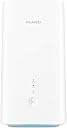
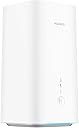
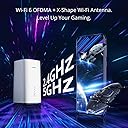
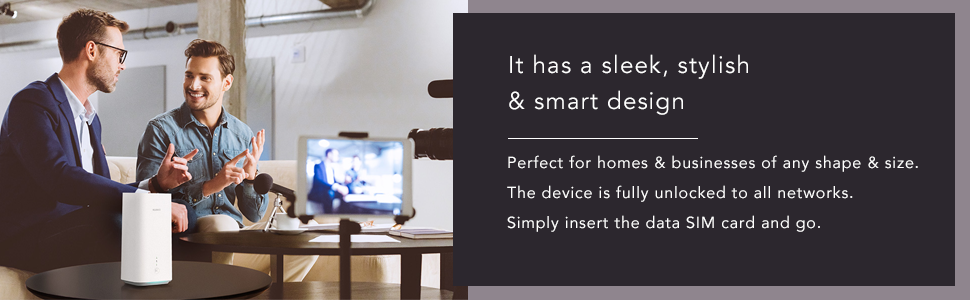
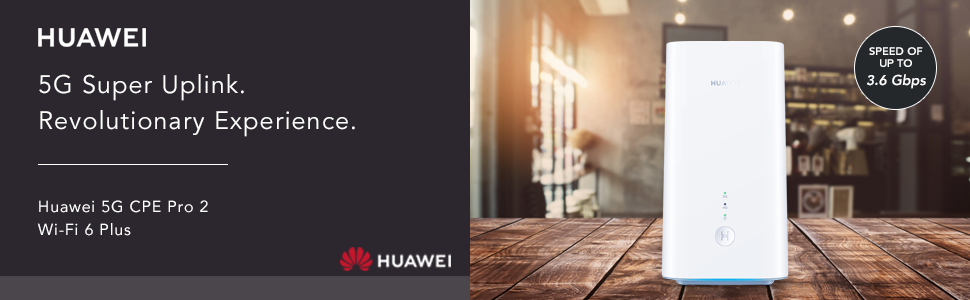
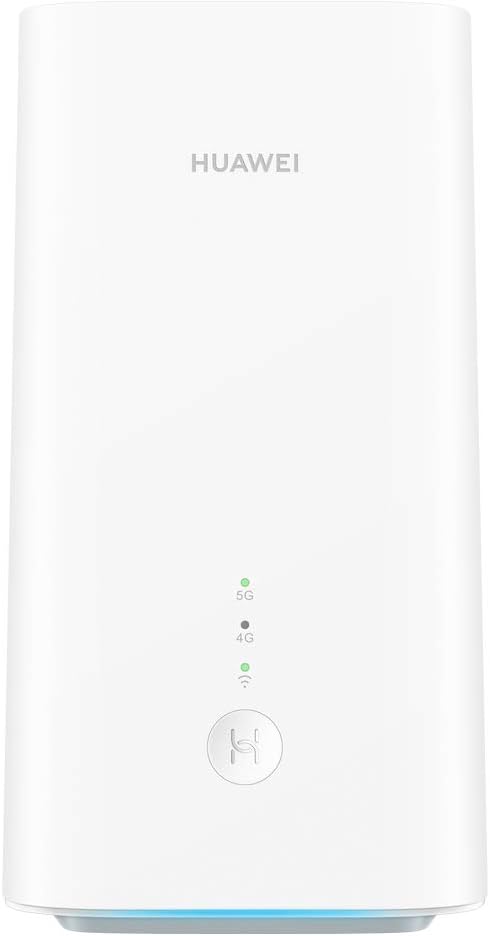
The Huawei 5G CPE Pro 2 is a cutting-edge dual-band router featuring the Balong 5000 chipset, delivering theoretical 5G download speeds up to 3.6 Gbps and supporting up to 64 devices simultaneously. Designed for medium to large homes, it offers 30% broader signal coverage with Wi-Fi 6 Plus technology and an innovative X-Shape antenna for superior gaming and streaming performance. Backed by a 2-year warranty, it’s the ultimate smart home connectivity upgrade for professionals demanding speed, reliability, and future-ready tech.


| ASIN | B08L6L777Z |
| Are Batteries Included | No |
| Best Sellers Rank | 59,221 in Computers & Accessories ( See Top 100 in Computers & Accessories ) 116 in Mobile Broadband Devices |
| Brand | HUAWEI |
| Colour | White |
| Connectivity Type | 5G |
| Customer Reviews | 3.8 3.8 out of 5 stars (229) |
| Date First Available | 14 Oct. 2020 |
| Guaranteed software updates until | unknown |
| Item Weight | 600 g |
| Item model number | H122-373 |
| Manufacturer | Huawei |
| Operating System | RouterOS |
| Product Dimensions | 9 x 9.66 x 17.8 cm; 600 g |
| Series | H122-373 |
| Voltage | 12 Volts |
| Wattage | 24 watts |
| Wireless Type | 802.11a, 802.11ac, 802.11b, 802.11g, 802.11n |
B**H
CPE Pro 2 improves on the original and a great Home Broadband solution, especially in a rural spot!
I live in a rural area, where fibre broadband cannot get better than 25Mbps download speed, with upload of around 5Mbps - just about going out of date in terms of what's required (for WFH, gaming, 4K streaming etc). I wanted something better, with the arrival of a next-gen games console and the desire to download 50gb games. I decided to invest in a 5G Home Broadband plan directly with a leading UK network, and they sent me the original CPE Pro. It was good, great in fact, but when I found out this had already been released and I'd gotten old tech for £70 a month (18 month contract) and £100 up front, I was not particularly happy! So I cancelled that contract whilst I could and bought this, along with a 5G Unlimited SIM only plan (the Home Broadband was capped at 1TB, but this SIM only deal is truly uncapped with no fair usage policy, so even better!). I now pay only £33 a month, although the up front cost was £379 instead of £100. Over the 18 month period that will save me £369 and I have the latest tech and truly unlimited data! Not to mention my chosen music streaming service included as a benefit, saving me a further £180 over 18 months. Anyway, the device itself. The Huawei CPE Pro 2, is fantastic. The original was fantastic, but this smaller model boosts performance by more than 10%, in both upload and download speed. I'm not actually in a 5G area just yet, so I'm using a 4G signal, which as I sit here at my desk RIGHT NEXT TO the CPE Pro 2 and run a speed test on my iPhone 12 Pro (same network, 5G enabled SIM also on 4G signal), I get 3.1Mbps download and 5.0Mbps upload speed, with a ping of 61ms. The CPE Pro 2, delivers 100Mbps+ download and 10Mbps upload with a ping of 20ms. Perfect for handling everything I intend to throw at it. I've been using this set up for a couple of months now, and spent a week with the CPE Pro 2 instead of the original CPE Pro. That was giving me around 80Mbps download at the top end, with an average download of 6-8Mbps. This just shows the latest hardware is much better. It's also smaller and also silent. This model has a fan inside but I can't hear it for trying. It does not have the input for an external antenna, which the CPE Pro did, but that's no problem given the better performance it delivers. All of my testing has been via WiFi and not ethernet - I'm saving that for my console but just expect a more consistent performance. In addition, I use 4x Huawei Q2 Pro, and 1x Huawei Q2 Pro Satellite devices to create a mesh network around the house. This means I now get almost the same signal as the main router gives me, at both ends of the house, throughout upstairs and in the garden. This additional hardware was SO simply to set up and covers what were previously significant blackspots, with almost no loss of strength. The Huawei Smart Home app for iOS is great too, allows you to keep an eye on how your network is doing, how it's being used and good diagnostic tools. It's also really simple to set up guest WiFi and have parental control over individual devices if you need it. This set up handles 3 of us working from home, 4K streaming on the TV, 4x Amazon Echo devices, a number of iPads/iPhones and also games consoles - many simultaneously. It really is a very capable set up, all driven by the CPE Pro 2 bringing in a strong signal in the first place. Worth every penny, and certainly worth testing even if you think your 4G signal by phone is not great, as you can see, I get 20x the speed my phone can achieve - most likely owing to the device being a dedicated one for converting mobile signal to WiFi, and larger than the iPhone. The CPE Pro 2 is really light too. I'm really looking forward to the day it catches 5G signal as that gets closer, currently 150m up the road!
D**T
Works well
I’m using this with a good value unlimited data SIM which uses the EE network (1P internet). 5G speed is good, better than on mobile phones, in a poor signal strength area. I have previously used Huwawei’s 4G modems. They have sockets to which an external antenna can be attached to boost signal strength. This model does not. The antenna I purchased works well with 4G and was marketed as “5G ready”. It seems a shame that it cannot be attached to this modem.
L**K
No manual 4G/5G control – causes frequent disconnections
This router has a critical firmware limitation that is not clearly disclosed on the product page. There is no option to manually lock or switch between 4G and 5G. Network selection is fully automatic. In areas where 5G signal is unstable, the router constantly switches between 5G and 4G, which in my case caused regular full internet dropouts requiring manual reconnection or reboot. Huawei technical support confirmed in writing that: • Manual 4G/5G selection is not supported • The behaviour is firmware-related • There is no fix or firmware update available If you don’t have exceptionally strong and stable 5G coverage, this router is unreliable. I had to return it and replace it with another brand that supports manual network control. Hardware looks good on paper, but the firmware makes it unsuitable for real-world use. My advice - look for something else, this is very bad router and you will be disappointed, trust me
F**D
Warning: does not play well with enterprise network infrastructure
I got this Huawei CPE Pro 2 5G to use with a Three (UK) 5G unlimited data plan as a backup for my unreliable Vodafone/BT Openreach VDSL fixed broadband connection. Unlike Three's pathetic 4G LTE, their 5G is outstanding where I live, with over 400Mbps down and 30 Mbps up, vs. 40 Mbps down and 10 up on VDSL, albeit with slightly higher latency of 12ms vs. under 8ms. The CPE Pro 2, unlike the CPE Pro, does not have CMA ports to plug your own antenna. 5G is extremely sensitive to placement, just 20 centimeters in my window are the difference between 30 and 12 Mbps up and 12ms vs 20ms latency. This means having the option for better antennas can make a huge difference, and it's disappointing Huawei took this out. I run a Ubiquiti UniFi switch and AP network, so I have zero interest in the Huawei's built-in WiFi. I've had bad experiences with a previous 4G LTE router (Netgear LB1121) that did weird things with unsolicited ARP that would cause it to disable the rest of the network, so I put the Huawei in a VLAN, but even then it was still able to take portions of my network down, those using Devolo Magic2 LAN powerline bridges. It turns out the Huawei spews Spanning Tree Protocol (STP) packets that force reconfiguration of the network. Perhaps they were trying to be "helpful" in a misconfigured consumer network, but the end result is that even in a VPN this is unusable. My solution was to plug it into the Ethernet port of an OpenBSD router to isolate it. I was going to do that to establish a WireGuard VPN tunnel anyway to get around Three's Carrier Grade NAT. It's possible the Huawei doesn't play these tricks in Bridge Mode, but I haven't tried that yet. Apart from that, the Huawei is a fast wireless router that offers a respite from the sad state of the UK''s abysmal fixed broadband infrastructure. Just keep in mind you don't have much control over the routing features and it does some really weird stuff that doesn't play nice outside consumer network setups.
T**E
Efter att testat det mesta stängde jag av brandväggen och dess filter och nu funkar den bra..... ______________________________________________________________________________________________________ Så buggig....när jag surfar så 10-20 ggr om dan så blir det nån microlåsning och sidan jag ska till dröjer...(5-20sec) Allt annat funkar (5G, fart och sånt) Har kontaktat Huawei och fått hemskt dålig service.
A**I
رائع جدا
Z**D
وصلني منتج يختلف عن المطلوب
Trustpilot
1 month ago
2 months ago