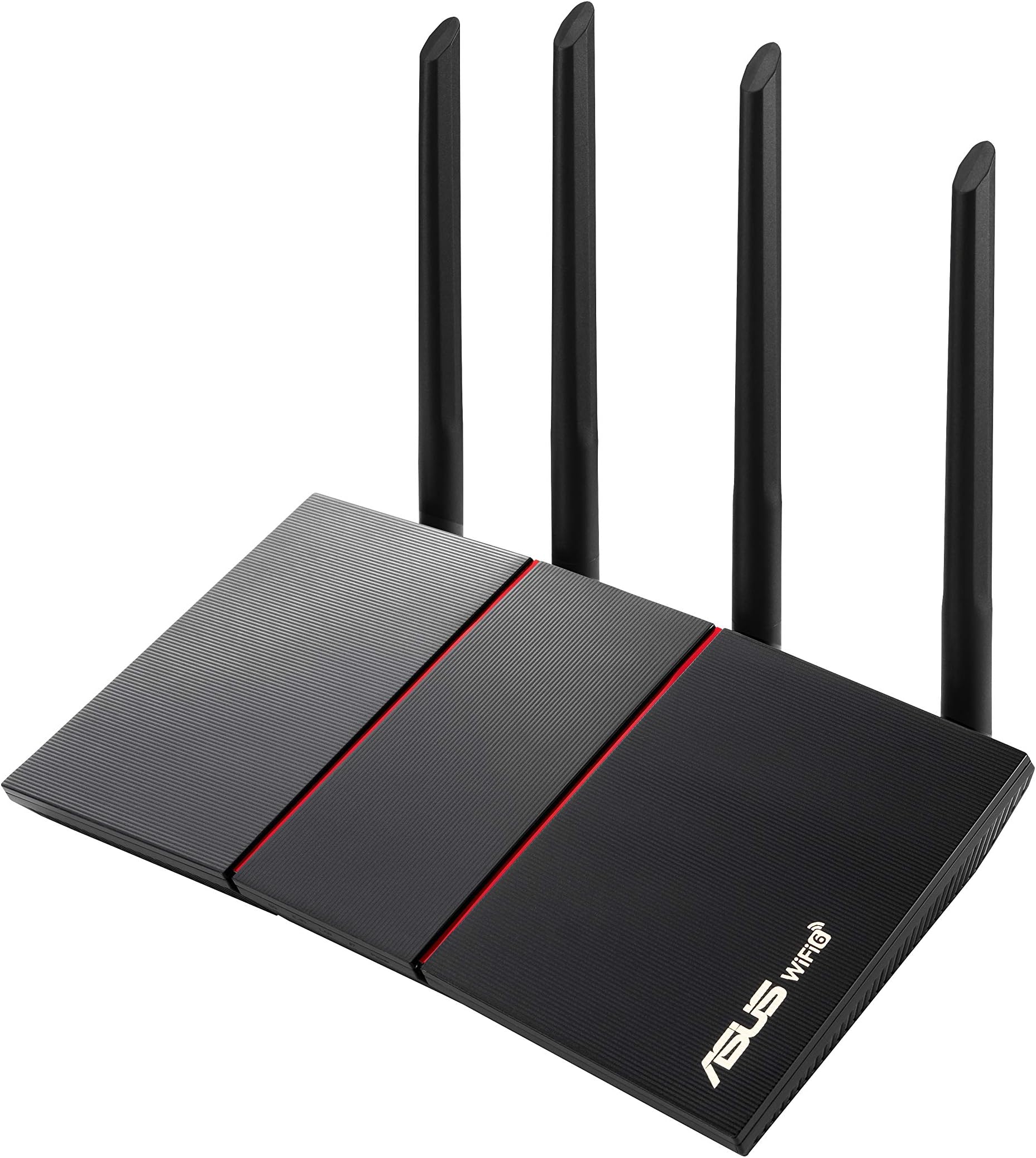
INTROIf you're here for a dedicated router for Quest 2 VR streaming (e.g.: Virtual Desktop) then you've come to the right place!CONTEXTYouTuber "Virtual Panda" made a video titled "The Best Router for Oculus Quest 2 Wireless PCVR with Virtual Desktop", where this was the mid-end router recommended for using streaming services to wirelessly use your Quest 2 so I picked it up to check it out... and I'm SO glad I did!Whenever I'd use Virtual desktop, my Network latency would be the biggest bottleneck ever! My previous setup was the following:ISP router --> TP-Link AC1200 --> Powerline Ethernet --> PC, EthernetandISP router --> Quest 2, 5GHzEven though the connection to 5GHz was strong, the router clearly was struggling with all the traffic. With a network latency of around 30ms, I'd have to turn every single setting to its absolute minimum, or have a latency of 200ms. It was awful.PURCHASE/RESULTSThen I bought this router and I was a bit concerned that since the ethernet was powerline passthrough, which DOES decrease the speed a little, that this router would not work. I've never been more happy to be wrong!This router clearly does what it needs to! I can currently run medium settings (simply because my PC isn't SUPER beefy with a GTX 1080 instead of any of the RTX series) with a REALLY high bitrate and no perceivable lag (note, there IS still lag of about 30ms but as long as you're not doing Beatsaber it's practically undetectable).The following is now my setupISP router --> TP-Link AC1200 --> Powerline Ethernet --> RT-AX55 --> PC, EthernetandISP router --> TP-Link AC1200 --> Powerline Ethernet --> RT-AX55 --> Quest 2, 5GHzNote: I've also disabled the RT-AX55's 2.4GHz channel, and set the RT-AX55 in Access Point mode instead of Router mode. I saw some recommendations online to do this. I'm not sure if it's necessary but it's clearly working.This has been the greatest investment for my Quest 2 that I have ever made. I'm no Facebook fan and have no loyalties to any brands or channels mentioned at ALL, but I spent so long doing this research that I understand the frustration and worry around spending money on something that might not work.SUMMARYI'm sure this router isn't for everyone. Maybe there are better routers out there with better functionality for a larger number of connections and devices. But here is the summary for this device, 2 questions and 2 answers:Q: Is this router for everyone?A: I honestly do not know, I'm sure it depends.Q: Is this router a good choice for Virtual Desktop/Would I recommend this to other Quest 2 users for wireless play/Is this router worth the £90 I spent on it?A: (Provided you have some way to connect it with ethernet to your primary router, like a physical Cat5e cable, or with Passthrough solutions) 100% Absolutely!Grab this router, plug it in, set it up on the app on your phone, connect your quest to this router, and have fun!P.S.: Maybe it's because I'm using a Quest 2 instead of the CV1 I was using before, but streaming gameplay on discord saw NO performance decrease! Maybe that's the headset, this router, or both, but my friends could watch me game over the internet incredibly well! (Note: I had some trouble with this; make sure the StreamVR overlay's setting to "always be on top" is disabled, and that the game is fullscreened when you run it. Then choose the "Stream" option in the BOTTOM-LEFT of discord when your VR game pops up, NOT the "Stream application" option in the middle of any discord calls your in. It should all work then :D )