🚀 Elevate Your Network Game!
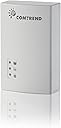
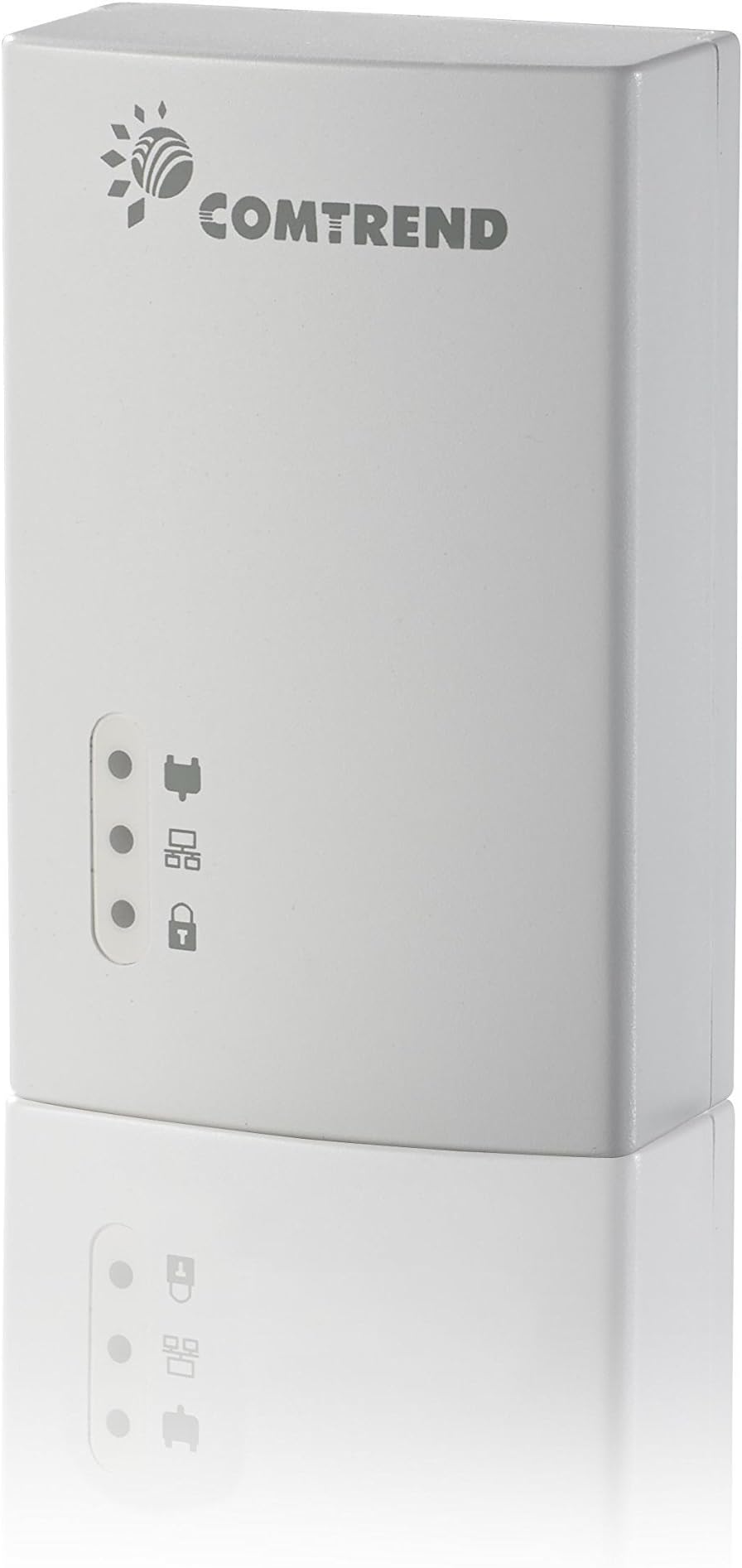
The Comtrend Powerline Ethernet +PoE Adapter (PG-9172PoE) delivers high-speed connectivity with a PHY rate of up to 1200Mbps, supports up to 16 nodes, and features 8 levels of packet prioritized QoS, making it an ideal choice for enhancing your home or office network.
| ASIN | B00X3GX7K8 |
| Best Sellers Rank | #373 in Powerline Network Adapters |
| Brand | COMTREND |
| Built-In Media | Device, QIG, Ethernet Cable |
| Color | PG-9172 |
| Compatible Devices | Desktop |
| Customer Reviews | 4.1 4.1 out of 5 stars (250) |
| Data Link Protocol | Ethernet, IEEE 802.3 |
| Data Transfer Rate | 1200 Megabits Per Second |
| Global Trade Identification Number | 00897384000142 |
| Hardware Interface | Ethernet |
| Item Type Name | Comtrend PG9172 PG-9172, Bridge, Wall-Pluggable, White |
| Item Weight | 0.02 Pounds |
| Manufacturer | Comtrend |
| Mfr Part Number | PG9172 |
| Model Number | PG9172 |
| UPC | 897384000142 |
| Warranty Description | 2 year manufacturer |
S**R
Incredibly Reliable
If you need a powerline solution look no further. I have this paired with their PoE version on the other end and it works incredibly well. Powerline in general isn't always reliable and to add PoE capabilities, it just makes things tougher. I had initially gone with another brand (which used the more common Homeplug AV2 spec) and had 5-10 drops each day per camera. Determined to find a more reliable solution, I went with Comtrend in order to try the G.hn technology. Its been 2 weeks with zero drops (recording 24x7 x 3 cameras). I have been very impressed with the stability of this technogy. The only thing I would say is that set up can be easy if you just plug them in and use the config button to enable security. Once you attempt to log into the UI to manage the device (which is actually pretty neat because it's configurable like a managed switch) you open yourself up to lots of settings that can easily complicate your installation and drag out the installation time.
B**G
Extend Your Network
The Short Story: Great Product! I bought this unit - along with two others from Comtrend that are G.hn but have no WiFi - to extend my home office network into the studio behind our house. Setting up the first two units - both PG-9172's, one as a base and one in my office - was easy and took about 10 minutes. Setting this one up was easy, but more trouble, because I couldn't get it to connect with the base until, located at my router. Tech support responded to my question THE SAME DAY, and told me to reset this unit (WiFi) to factory spec (a matter of holding the Config button for 10-20 seconds), and then to NOT use "security" since I was in a single family home (not an apartment or condo). Did all that; works great. The signal is good enough that my desktop signed onto the Comtrend WiFi (another building and 80 feet away) rather than my base router which is in the room below my office. You can't go wrong with these products or this company.
J**.
Adapters work, but know how to reset them if you can't get them to connect or pair.
I bought a kit of these to go with this individual one. One of the two in the kit would not connect to the others, so I had to send the kit back and wait for a replacement. Then when I got that in, the two kit units worked, but then the individual one didn't connect. After having to call the manufacturer twice, each time the first person to answer didn't know a thing about their products, I finally managed to get a more experienced tech to call me. Even he didn't know that the "pairing" button was also the "reset" button, and this is not indicated anywhere in the manual/documentation, nor online. He first thought the power saving button doubled as the reset button. Anyway, after resetting the individual unit, I was able to pair it up with the replacement kit I ordered. That said, the units work well with plenty of speed, but they get HOT! I tried activating the power saving feature, but I can't seem to get it to function. I'll keep working at it though. If the company would have simply mentioned the reset button in the documentation, I could have resolved the connection issue myself. Sure would save their techs a lot of time on the phone!
J**S
Silly Easy
I don't write many reviews but I had a real need for a product like this. We have IP phones that run off PoE and many WFH users running long 25' wires back to their routers. With these products, it was a snap to plug one module near my router and the other near my phone. There really was no other configuration needed. Phone booted up and works great. The 2 modules are only ~15' apart. I would like to test moving them to opposite sides of the house and on a different circuit. Not sure if that matters or not? So far very happy with this purchase and will advise my firm to make many more purchases.
N**O
NON TECH PEOPLE BEWARE! CONFIG SETTINGS NOT USER FRIENDLY
This works fine if you just want to plug it in and use the access point name and password it comes with, which is, as always, a long string of impersonal letters and numbers. But if you want to name your Wifi to something personal and include a custom password, forget it! The typical consumer WILL NOT UNDERSTAND how to do it. You need at least some basic understanding of how IP addresses work. All of the vital configuration info does not come in the box, you'll have to download the user manual off their website, even then it is very confusing. It's UNCLEAR as to what the default IP address is to get to the WiFi config settings. But first you'll have to change your computers IP address to manual and match the same subnet mask as the router (you know, so they can talk), then you'll have to enter the COMTREND's devices default IP in your browser, which is no where to be seen on the device and not very clear in the manual either. Then you'll have to enter the default login credentials, but don't worry, the user manual wont include the "username," so you'll have to call their customer support (which to their credit was quickly answered by a human). But EVEN THEY DIDN'T KNOW the default username of their own product. I mean, whaaaat? All this sounding confusing?.. IT SHOULD! It's something you should not have to deal with on a consumer product like this. IT IS NOT INTUITIVE AND NOT USER FRIENDLY! I've never had such a hard time configuring a wireless access point. I simply wanted to name my wifi and give it a fun password. But that is seemingly an impossible task. Will likely send back.
D**.
Completely my fault for not doing the research, but be aware that this powerline adapter is not compatible with the vast majority out there on the market.
Trustpilot
1 month ago
1 month ago