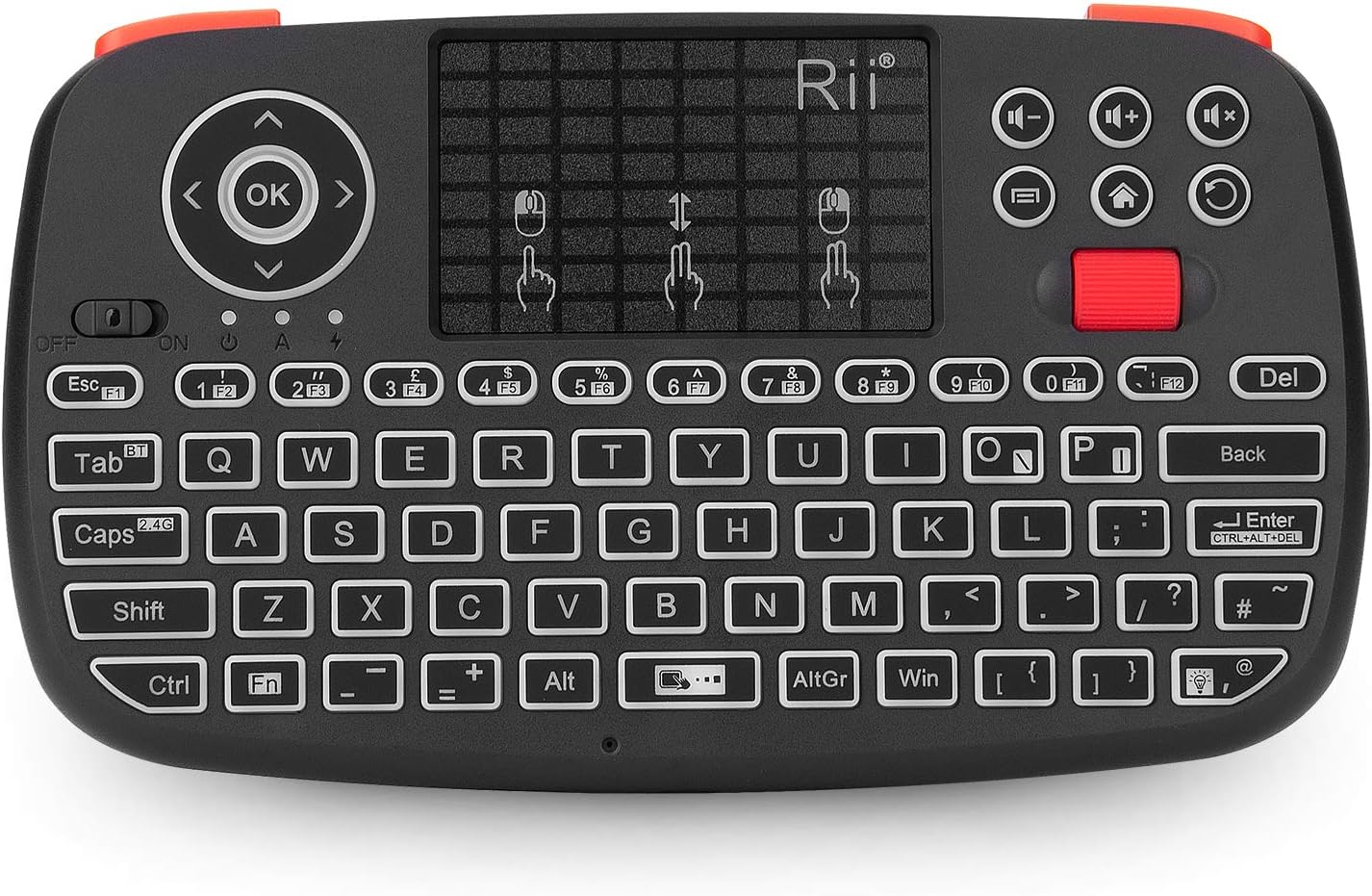
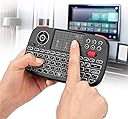
I have been using the device for a good few months now and so, I can say that it really suits the needs that I purchased it for. The majority use of this device is to allow navigation and typing on a computer that I have connected to the living room TV to negate the need for a full sized keyboard/trackpad whilst sat on the couch. The device is connected to the computer via the wifi dongle and the response time is absolutely fine for navigating Windows 11. I also have set up the Bluetooth connection to navigate MacOS on an iMac with no noticeable lag to make navigation awkward on either Operating System.The switching between the two connectivity methods is simple on the device itself and changes virtually instantaneously. The backlighting on the keyboard is very helpful when ambient lighting is low. However, the device sleep timing is quite short and requires a key depression to re-wake the device. This is not a major issue but sometimes annoying if the trackpad is your major use, as trackpad movement doesn't appear to wake it up but only a physical key press. The battery life is reasonable but a feature that would've been handy would be a battery low indicator (however, when the battery is almost drained, the connectivity light does begin to blink off with every key pressed).Key presses themselves are pretty solid and leave no doubt that the key has been pressed, which may be handy to those that look at the device as opposed to the screen when typing who then look up to see that half the inputted key presses didn't register.The device is nice and light but well manufactured. The size is more than adequate for all the functions that the device has and nothing seems too tight to cause mis-clicking of the wrong button. The scroll wheel works well, the trackpad is responsive and the multi-touch functions seem to work as designed.The only thing I would have wished for, that is missing, is to have a shift key on the right-hand side of the keyboard. As, being a left hander, having to use the shift key from the left is an un-natural motion for me as when using a full sized keyboard, I would use my left-hand's little pinky to press that key leaving the rest of my fingers free to type any key on the left-hand side of the keyboard.Overall though, I am more than happy with this device since purchase and it does get used on an almost daily basis. So, for the price, I think it is a great piece of kit with its dual frequency capability and back lighting, it is a step above similar looking device of a similar shape (one of which I had purchased previously that was single frequency, no backlight nor scroll wheel).