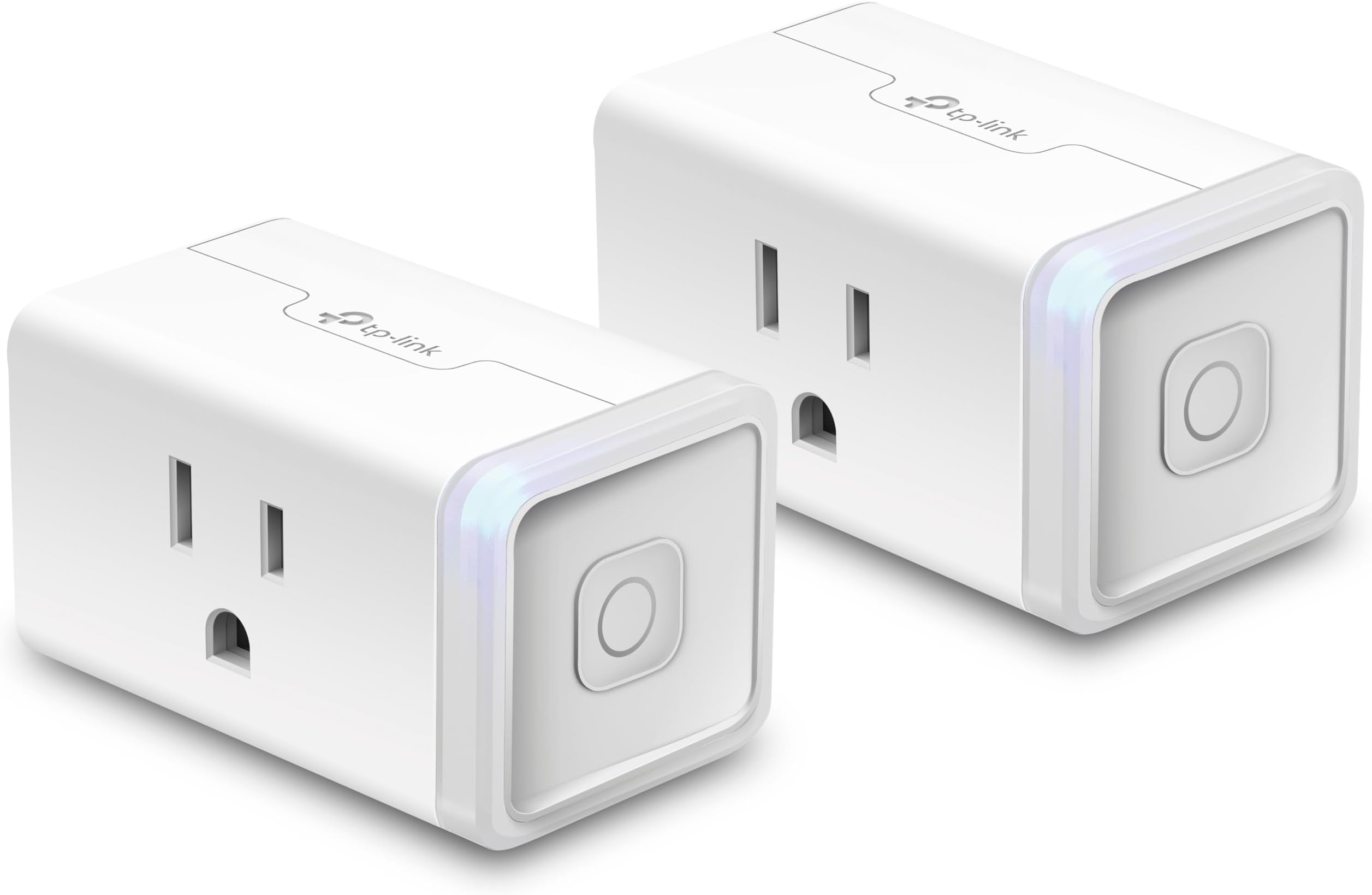
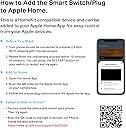

Kasa Smart WiFi Plug Mini by TP-Link – Smart Plug, No Hub Required, Works with Alexa and Google (HS105 KIT), white
Product ID: 41011505
📱Remote control anywhere
🗓️Custom scheduling & scenes
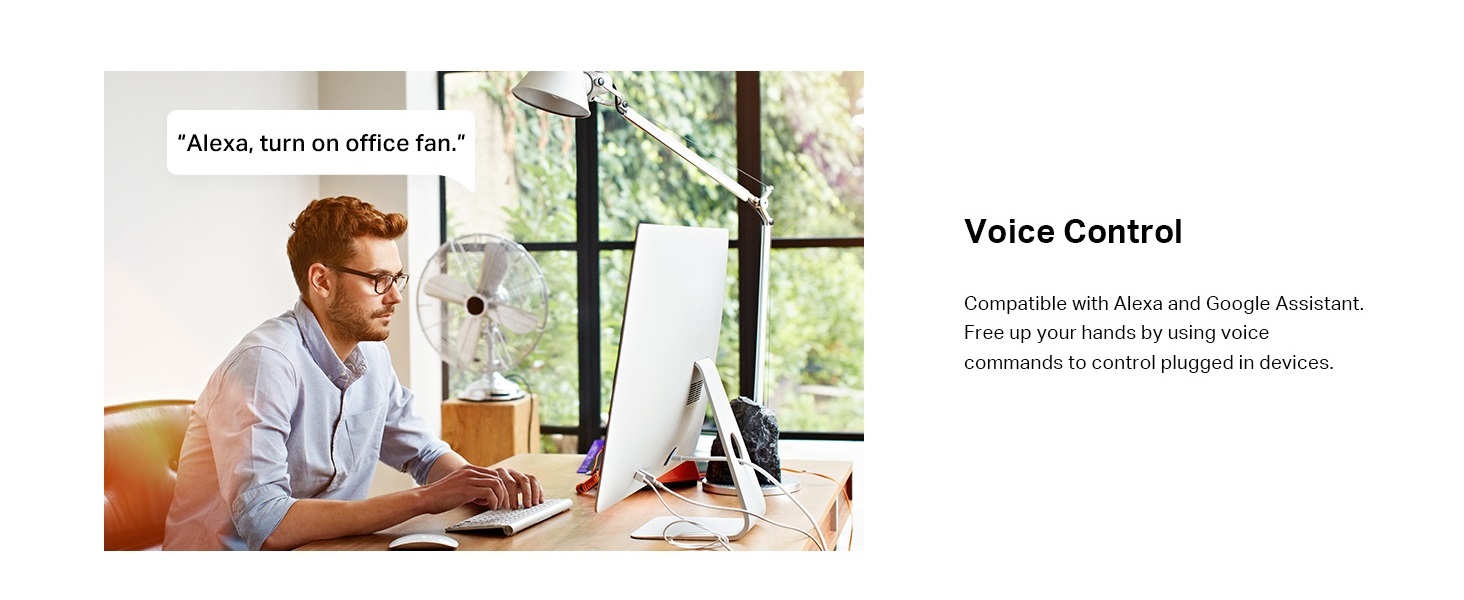
🗣️Voice assistant compatible
Desertcart purchases this item on your behalf and handles shipping, customs, and support to Croatia.
⚡ Power up your smart life, anywhere, anytime!
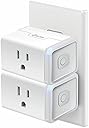
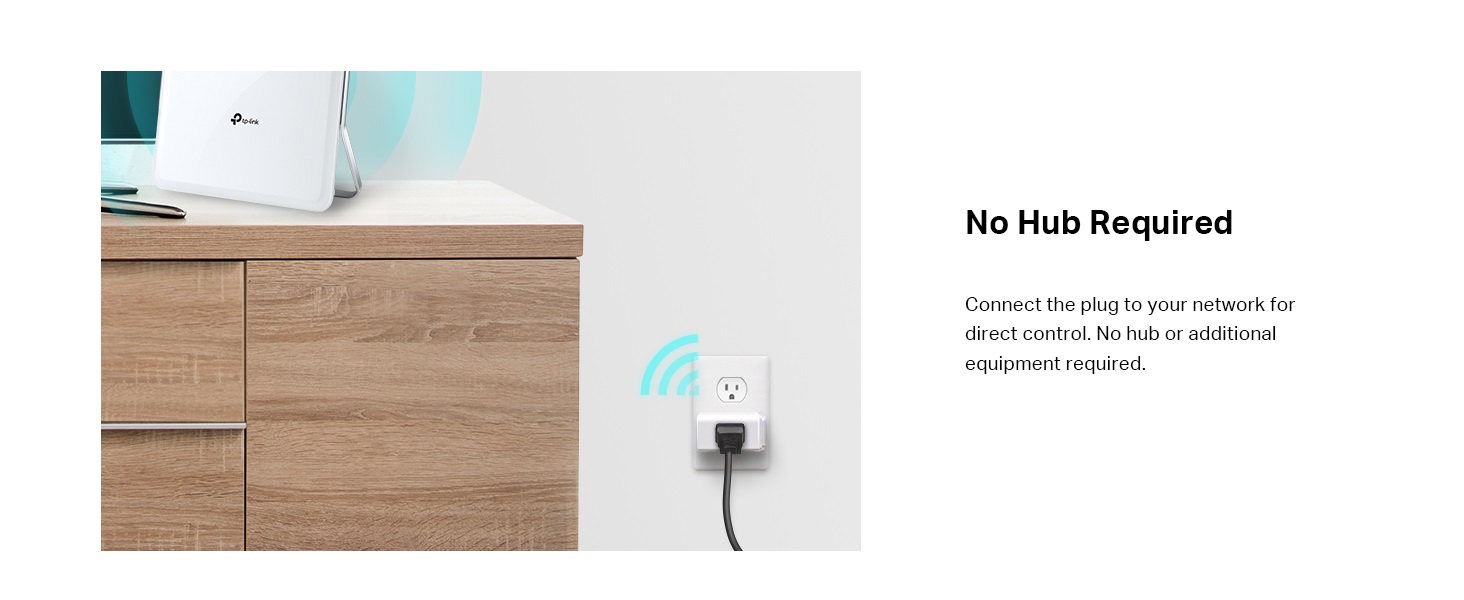
The Kasa Smart WiFi Plug Mini by TP-Link (HS105 KIT) is a compact, UL-certified smart plug that enables remote control and automation of your home electronics via the Kasa app. Compatible with Alexa, Google Assistant, and Microsoft Cortana, it supports voice commands and custom scheduling without needing a hub. The 2-pack design allows side-by-side installation without blocking outlets, powered by a secure 2.4 GHz Wi-Fi connection and backed by a 2-year warranty.




| ASIN | B06WD6Q8K9 |
| Batteries Included? | No |
| Batteries Required? | No |
| Best Sellers Rank | #1,483,138 in Tools & Home Improvement ( See Top 100 in Tools & Home Improvement ) #1,466 in Electrical Outlet Switches |
| Certification | UL approved |
| Color | white |
| Customer Reviews | 4.6 4.6 out of 5 stars (4,422) |
| Date First Available | February 19, 2017 |
| Included Components | Smart Wi-Fi Plug Mini HS105 * 2, Quick Start Guide |
| Is Discontinued By Manufacturer | No |
| Item Package Quantity | 1 |
| Item Weight | 6.4 ounces |
| Item model number | HS105 KIT |
| Manufacturer | TP-Link |
| Material | Plastic |
| Mounting Type | Plug-In Mount |
| Part Number | HS105 KIT |
| Product Dimensions | 3.5 x 3.9 x 5.5 inches |
| Shape | Rectangular |
| Size | 2-Pack |
| Style | Classic |
| Switch Style | Remote |
| Voltage | 120 Volts |
| Warranty Description | 2 Years |
S**N
Just works. Flawless with Alexa. Reliable.
I really love these things. I've got about 15 of them, the std HS 110 model, and the in-wall HS 200 switches around my house for various things, and they are used daily. With a few Amazon Echos around the house, we can control lighting inside and out with simple commands. Setting these up is incredibly simple using the Kasa App. The app will find their ad-hoc network after boot, program your desired wifi setting, reboots it and your off and ready. Inside the Kasa app you can program timers, names, scenes when you have multiple, and quick one-touch commands. I really haven't found any features lacking. The Kasa skill for Alexa is great, and allows creating command groups for control. It's a little complicated when you start creating groups using friendly names that sound alike, as you can command a group name or an individual switch name, but overall, once you get it set it's flawless. Furthermore, the reprogramming is super easy. Reset to factory, and reprogram is equally simple. Fortunately, I only had to do that when I rebuilt my wifi to handle this many devices (around 70 wifi devices now in my smart home). I haven't had to reprogram for any other reason (like losing settings), and if the wifi goes down, they can be reconnected automatically in a short time, or if it's prolonged, simply unplug to reboot and they'll reconnect quickly. NOTE: STD WiFi, like your Comcast or simple Best Buy WiFi router, cannot handle more than 15-20 wifi devices at once, so if your looking for a smart home with lots of WiFi devices, and still using tablets, phones and laptops, be sure your WiFi is up to the task. The simplicity of the devixe and control using the Kasa App over WiFi was what won me over Hue and WeMo, both of which are more complicated, and require appealing hardware, not to mention usually more expensive! I really cannot recommend enough.
R**W
VERY easy setup; w/ Alexa these plugs can do wonders!
I started out by purchasing 2 of these to control standalone lamps in my master bedroom and home office/den. I quickly used the Krasa app to add them to my network, then in less than 60 seconds I used my Alexa app and connected these to my Amazon Echo system, which now consists of 3 echo dots, 1 regular echo, and a new Echo Show. I then bought 2 more to connect my living room main light and an additional lamp. Flash forward to this year with the onset of the Christmas season. Because I go all out for Christmas, decorating my entire downstairs and part of the upstairs, I had one goal in mind—to control ALL of my Christmas lights on both levels through my Echoes and dots, which means going through my Krasa app. To accomplish this, I purchased a few more of these smart plugs in the 2-packs (which are slightly cheaper than buying them individually). I used the Krasa app to add them to my current setup, gave them a short name so I'd know which was which, then I used the Alexa app to discover them all. I presently have 8 of these around the house in various places, with Christmas lights, animated figurines, even my main Christmas tree all plugged into these smart plugs. I did this with the help of extension cords and a power strip that are used to accept the plugs of all the aforementioned lights and figurines, etc. The power strips are at the end of the chain and get plugged into the TP Link mini-plug. Then on the Alexa app I place all of these mini-plugs into one group entitled, quite simply, "Christmas lights." When I want to turn them on, I now simply say, "Alexa, turn on Christmas lights," and instantly, all the lights, figurines, and the Christmas tree are on. I use a similar command to turn them all off. No more running around to all the different outlets, bending down, maneuvering around tight spots or Christmas decorations that are placed to hide the outlets, plugging and unplugging everything. My entire house can now be all controlled with one command to Alexa. I should point out that for me, the setup of these mini-plugs to my Wi-Fi network took less than 1 minute per plug, if that; and connecting them to my Krasa app (the app used with these devices) also took less than 1 minute. Ditto for getting them set up in the Alexa app. Total for each device's complete, individual setup was about 2 to 3 minutes. Final but very important note here: if you have an old Wi-Fi router or a weak signal in some parts of your residence, the latter of which is common if your router is placed a bit of a distance from your mini-plugs, you will probably experience connection issues when trying to set up or use these devices. In all seriousness, if you're going to even have an Echo or Dot, you really ought to seriously consider spending the money to upgrade your Wi-Fi router, and this might include buying a setup like the Netgear Orbi, which is THE best system to give you powerful and strong Wi-Fi in a large home of 3 stories, for example. Extenders aren't that good. The Orbi is uniquely different. My Wi-Fi router is a year old, has 4 antennas on it, runs all the wireless bands, and was placed by me in the center of my house, providing a very strong signal to all my various devices, of which there are plenty. Lastly, it's also good to have a reliable and fast Internet service. After having Comcast for so long, where I had their fastest service at the time, when I moved into my newly constructed house in summer 2016, I went a different route. Comcast was wired for my new subdivision, but they didn't even realize it! Because they argued with me about this, telling me they couldn't provide more than 100 megs download and 25 megs upload, I decided to go with AT&T, which had installed fiber optic lines along their entire paths. They hooked me up right when I moved in, and I'm getting 1GB download AND upload on my wired main PC, while I'm getting anywhere from 700 to 900 megs download and 700 to 900 megs upload on my wireless connections (wireless will always be a bit slower than wired). This absolutely blows away Comcast, and at a lower price! More importantly, however, these speeds provide for far more reliability and performance with my TP Link smart plugs and smart bulbs, which I also have.
B**A
The Missing (TP) Link
The TP-Link smart outlets and bulbs tend to be very reliable products. I have been using these ever since the larger plugs were released. I recently started adding this smaller one as leaves other outlet outlet on a duplex outlet available. Depending on your wall outlet, the larger ones (HS100) usually will not. It tens to block most or all of the second outlet. So I use those in locations where I am plugging in one item (Christmas tree), or with an extension cord. Configuration of these is a breeze. You plug it in, follow the p[package directions, wait for the blinking lights, join to the temporary TP-Link wifi it makes, add it to your actual home wifi, and that's it. Alex will detect these, or you can add them on the app. The Kasa app is reliable and allows for schedules, routines, etc. You can also, use dusk and Dawn settings which will turn on/off based on your location's sunrise and sunset. It has lots of features, like "Away" mode for random on and off settings. You can also move these around and rename them in the app on the fly. If you do take one out of use and then re-use it, you may want to do the reset when prompted by the app, just to wipe out the network and settings and start clean. The HS105 is grounded (the outlet has 3 slots, hot, neutral and ground) and it can handle up to 15 amps. There is also a 10 amp version (HS103) if you know you will be using it just for a lamp, etc. These really work great and are very reliable. The 2 pack is usually a better deal than buying one, and watch for sales as Amazon often puts these on sale. Outside of a Black Friday type deal, I have gotten them for $34.99 for a 2 pack. During the holidays you can usually get them for much less in bundles with Echo, etc.
D**K
Great alternative to smart lighting and more versatile as well. Setup in less than 5 minutes and app is very simple and easy to use. You can set schedules, simulate being away, and control everything from your phone. Also love the size as you are able to plug it in to an outlet without blocking the adjacent outlet! It also works with Alexa, which is a plus. Love this product and definitely recommend it.
S**N
Purchased this product. However cannot use it due to the 240 voltage in India.
R**A
I debated buying smart plugs since they are only useful on "dumb" items but once Christmas rolled around I knew I wanted them for my Christmas tree lights. Since the plugs are short and wide, you can use both outlets on the wall. We used one for the mini tree which was plugged into a power hub. For the big Christmas tree, a prelit tree with 12 plugs to connect, we put the smart plug into the wall and plugged a power bar into it with all the stacked plugs from the tree. Both set ups worked excellently. These were easy to set up and the app works really well. I could set up routines within the Kasa app to turn my tree lights off and on at specific times, including a "good night" scene that would turn both plugs off at the same time. The app responded with no delay and using Alexa worked the same (other than when I'd say "Alexa turn on mini tree" I'd occasionally get an answer about 3 trillion trees). It was really magical to come downstairs in the morning to see the trees all lit up :) The one thing that might be a draw-back for some people is that there is an audible click when they turn off or on (it reminds me of the old school timers from the 80's). I have an open concept main floor and I could hear the clicks if I was on the same floor, but not if I was upstairs. If you were thinking of getting these for the bedroom to turn on your bedside lamp to help you wake up in the morning, it would startle you.
K**G
Received 2 sets of these with next day shipping. Very easy to set up on Android -- download the app first, plug the unit in and follow the app instructions which automatically connect you to the plug wifi, it disconnects and then you are done. It took me less than 1 minute per plug to set up. App is fast and works fine. These plugs are Google Home and Alexia compatible, lots of IFTTT options too. Setup with these apps was very quick and the products were recognized function perfectly. Will be ordering more TP-Link products as the need occurs.
J**M
**UPDATE - 2 months of use** I've now been using the plugs for 2 months, and I have had no problems with them working via the app or voice command with Google Home. I still wish the app could have an automatic timer start whenever I activate the plug, but I have found a work around that uses IFTTT and Stringify apps. I have also bought 8 of the smart switches made by TP link in the past 2 months as well. The HS200 switches are great. they have a little night light built in so that when the switch is off you can see where it is. The light is not very bright so it is not evasive. The switch suffers the same problem as the plugs in that an automatic timer cannot be activated through the app, you will need to find other work arounds for that function. The only problem I have had with the switches was durring instal, I did not have much room the the box so I had to shorten both the wires coming from the switch and shorten the extra house wireing that was in the box. If it had been a deep box this likely wouldn't have been an issue. based on the performance of the switches, and now that I have figured out a work around for the timer, I have increased my rating from 3 to 4 stars. **End of Update** First off, these plugs work well for simple tasks (i.e. turning on and off a lamp). TP-Link also has very quick responses if you email in problems. The hardware also work great with Google Home once you figure out how to set them up. In order to use them with google home, you need to go into the app and turn on "remote control" in the settings for each plug, why this is not a default I do not understand, and no where in the instructions does it state that you need to do this. It took me a bit to find that option, but once selected it was easy to add to Google Home. My biggest problem with the plugs is the lack of versatility when programing scenes. I had bought them to turn sub woofers on and off in my TV room, and they do work, but I wish the app would allow you to use the timer function when creating a scene (i.e. I could turn on the sub woofers and an automatic 4 hour timer would start everytime). would have had 5 stars if the timer function was available in the scene portion of the app. Current work around is a daily schedule to turn off the plugs (even if they were not turned off), but it would be simpiler and more eligant if the timer fuction could be used.
Trustpilot
3 weeks ago
5 days ago