❄️ Stay cool, stay ahead—because overheating is so last season!
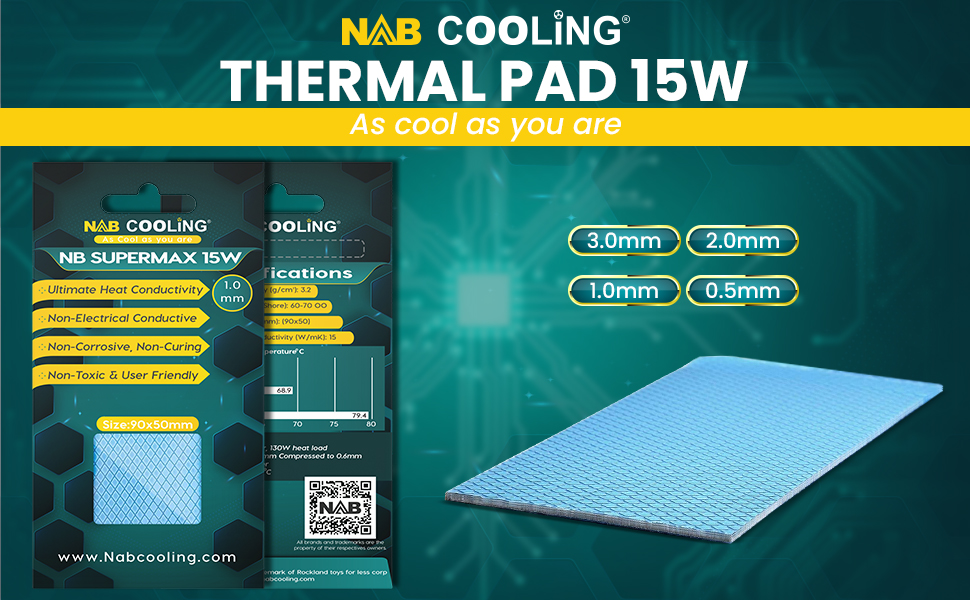
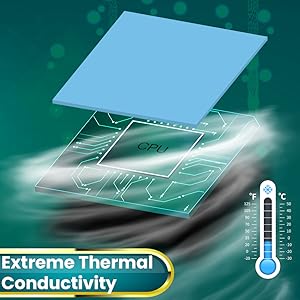
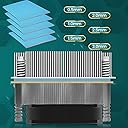
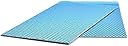
The Nab Cooling Thermal Pad delivers a powerful 15 W/mK thermal conductivity in a safe, non-electrical conductive silicone form factor. Measuring 90x50x2.0mm, it operates across an extreme temperature range (-60°C to +220°C), making it ideal for laptops, GPUs, CPUs, and gaming consoles like PS4. Easy to install and designed for durability, this pad is non-toxic, anti-static, fire-retardant, and odorless—ensuring reliable, long-lasting thermal management for your high-performance devices.



| ASIN | B095NLV4S6 |
| Batteries Required? | No |
| Batteries included? | No |
| Best Sellers Rank | 225,817 in Computers & Accessories ( See Top 100 in Computers & Accessories ) 349 in Thermal Pads |
| Colour | Blue |
| Customer Reviews | 4.5 4.5 out of 5 stars (275) |
| Date First Available | 24 May 2021 |
| Item Package Quantity | 1 |
| Item Weight | 40 g |
| Item model number | nb max 2.0 |
| Manufacturer | Nab Cooling |
| Part number | nb max 2.0 |
| Plug profile | Panel Mount |
| Product Dimensions | 9 x 5 x 0.2 cm; 40 g |
| Size | 90x50x2.0 |
| Wattage | 15 watts |
F**I
I believe I did order "Nab Cooling" thermal pad, but what I received seems to be an item from aliexpress or something. Despite all this, I did test them on one side of my 3090 and they actually perform better than stock.
R**O
Used it for my NVMe and temperature drop by 3-4 degrees
G**P
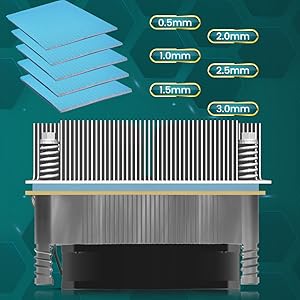
I have a rtx 3080 Ti founders edition, and memory junctions temps maxed out at 102 degrees before. I saw these pads mentioned in a youtube review where they installed a couple of different brands of thermal pad in the same gpu and compared the temps. The NAB pads did slightly better in the review than the GELID pads that everybody raves about. I installed 1.5mm pads on the front of the card and 2mm on the back. My memory temps now max out at 78-80 degrees, so I am quite happy. Bonus is that you get more pad in the package than the GELIDs, and they cost less too.
T**F
I'm absolutely shocked at how well this worked. I wasn't expecting a simple thermal pad replacement to make this much of a difference, but figured it was worth a shot. I'm glad I took the chance because it totally fixed the issue. The VRAM temperature was heating up to between 108-110 C, which is way too hot. Once I replaced it with a 2mm pad, I stacked 1mm pads, the temperature dropped down to around 88 C. When I got in there to replace the pads, it looked like the factory pads had poor contact, which can definitely account for the overheating. Replacing the pads was a breeze. I'm glad I did this because it will definitely extend the life of my expensive graphic card.
J**E
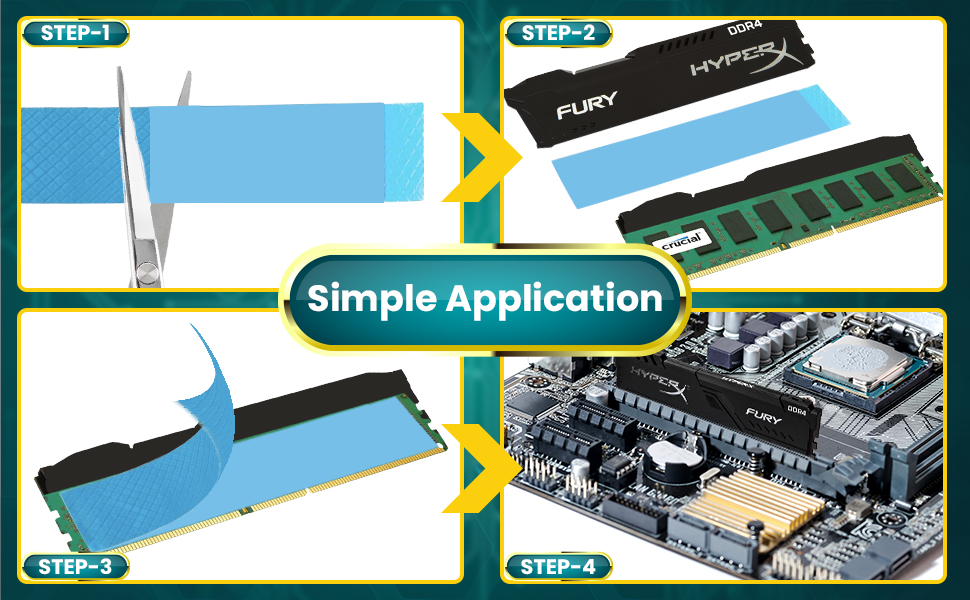
Cut to the size you need, i used it for the memory and vrm's after re pasting CPU/GPU, used 1mm and it was perfect size. (Asus Strix laptop GL503). I highly recommend these as they have a high heat transference rate.
Trustpilot
5 days ago
2 months ago