Buy anything from 5,000+ international stores. One checkout price. No surprise fees. Join 2M+ shoppers on Desertcart.
Desertcart purchases this item on your behalf and handles shipping, customs, and support to Croatia.
💼 Elevate your data game—store more, move faster, stress less!
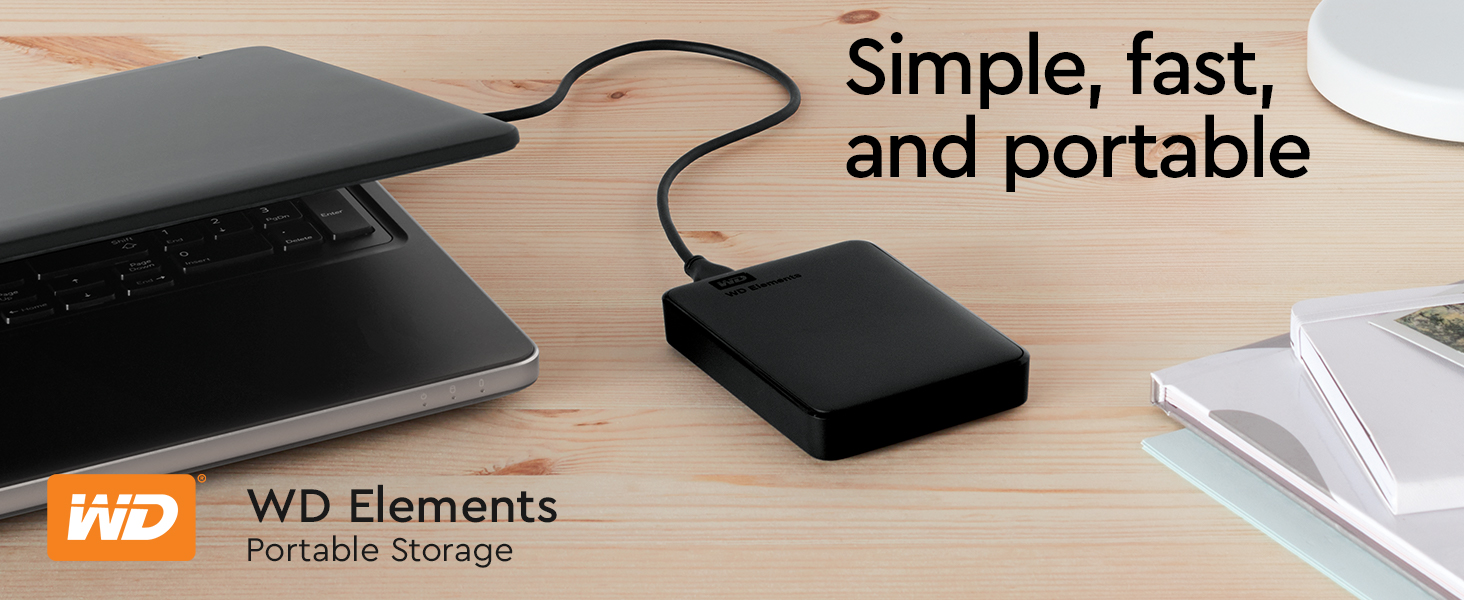
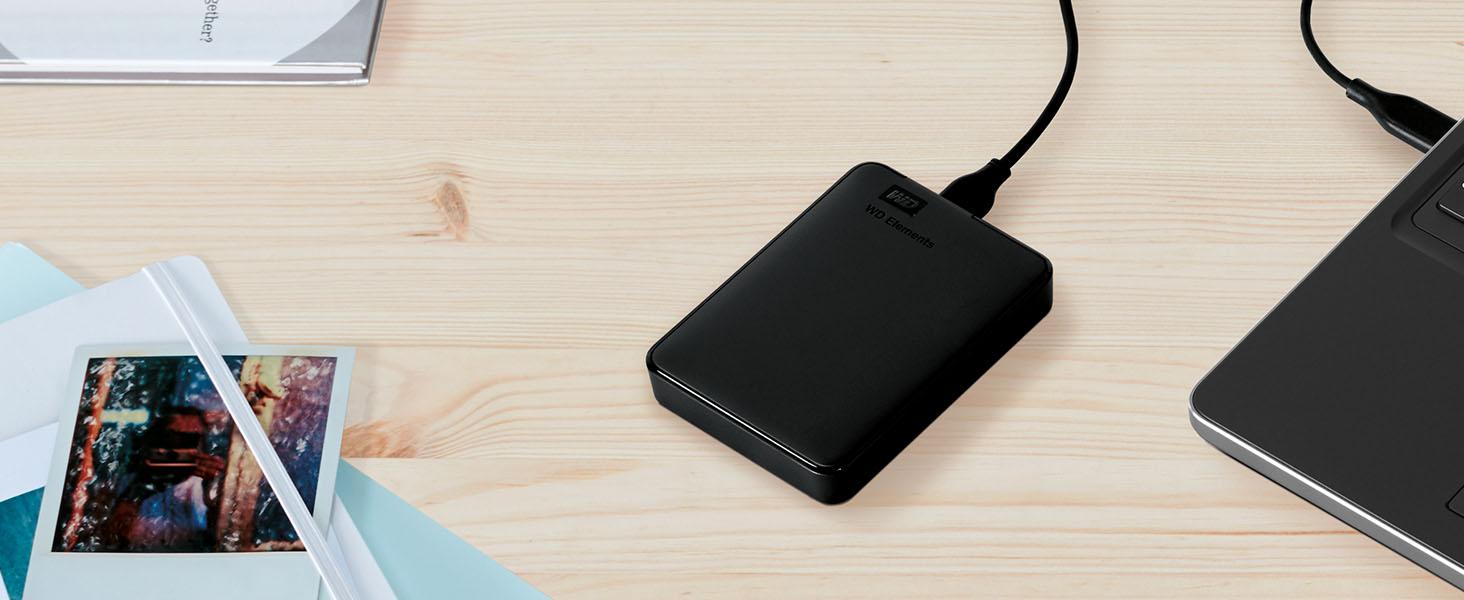
The WD 4TB Elements Portable External Hard Drive combines expansive 4TB capacity with USB 3.2 Gen 1 superSpeed connectivity, delivering fast, reliable storage in a sleek, compact design. Compatible with both Windows and Mac, it offers true plug-and-play convenience for busy professionals needing secure, on-the-go data backup and transfer. Backed by Western Digital’s trusted quality and a 2-year warranty, it’s the smart, stylish choice for managing your digital life effortlessly.


| ASIN | B0713WPGLL |
| Additional Features | Portable |
| Best Sellers Rank | #2 in External Hard Drives |
| Brand | Western Digital |
| Built-In Media | SuperSpeed USB-A cable (5Gbps), Quick install guide, WD Elements Portable hard drive |
| Cache Memory Installed Size | 4 |
| Color | Black |
| Compatible Devices | Laptop,Desktop |
| Connectivity Technology | USB |
| Customer Package Type | Standard Packaging |
| Customer Reviews | 4.6 out of 5 stars 313,502 Reviews |
| Data Transfer Rate | 1 Megabytes Per Second |
| Digital Storage Capacity | 4 TB |
| Enclosure Material | Made of high quality material. |
| Form Factor | 2.5-inch |
| Hard Disk Description | Mechanical Hard Disk |
| Hard Disk Form Factor | 2.5 Inches |
| Hard Disk Interface | USB 2.0/3.0 |
| Hard Disk Rotational Speed | 1 |
| Hard-Drive Size | 4 TB |
| Hardware Connectivity | USB 3.0 |
| Hardware Platform | Mac, PC |
| Installation Type | External Hard Drive |
| Item Dimensions L x W x Thickness | 4.35"L x 3.23"W x 0.83"Th |
| Item Type Name | WD WDBU6Y0040BBK-WESN 4TB Elements Portable External Hard Drive - USB 3.0 |
| Item Weight | 0.52 Pounds |
| Manufacturer | Western Digital Technologies, Inc. |
| Media Speed | 1 |
| Mfr Part Number | WDBU6Y0040BBK-WESN |
| Model Name | Elements Desktop |
| Model Number | WDBU6Y0040BBK-WESN |
| Number of Items | 1 |
| Read Speed | 1050 Megabytes Per Second |
| Special Feature | Portable |
| Specific Uses For Product | Personal |
| UPC | 718037855981 |
| Unit Count | 1.0 Count |
| Warranty Description | 2 year Limited Warranty |
2**S
Worked Great on a Brand New 2022 MacBook Pro with the M1 Pro Chip
Worked Great on a brand new 2022 MacBook Pro with the M1 Pro Chip. It's amazing how cheap HDDs are now. I will continue buying them until the price of external SDDs goes down. You can literally get twice as much storage capacity with HDDs for half the price of a SSD. As always, with external drives used to do backups on Mac computers, you must reformat the disk before doing the backup and this WD is no different. Reformatting is a very easy task as always, and it takes no more than a few minutes to get the external drive ready for your Mac. However, I ran into some issues with Time Machine on the newest version of Monterey (the one that came installed in the laptop). It seems like it no matter what format you choose when reformatting the external drive, Time Machine automatically reformats the drive on its own to the new Apple File System (APFS) when you do your first backup. Not only that, but once Time Machine reformats the drive to APFS and completes the backup, then it blocks the HDD and you cannot use it to save anything else in it, drop files, etc. It basically locks the drive for backups only. Oh, and with the APFS format you cannot use the drive to backup older Apple computers. I NEVER had this happened in any of my Apple computers before. I tried a few other HDDs from other brands to ensure this was not an issue of the WD brand. They all did the same, so I knew it was an Apple software glitch issue. It took several calls to Apple to figure out that yes, Time Machine does this. The only way around this issue is to create a "new volume" in the external HDD. Then you can use the separate volume to save other things, drop files, etc. You could create as many volumes as you can, and the APFS makes it very easy. When you plug the HDD, the volume for the backup pops on your desktop (Time Machine color), along with any other volumes you created (yellow color). Hope this saves somebody out there a lot of frustration and aggravation trying to figure out what the issue with Time Machine and external drives using the newest Monterey version. I also hope Apple fixes this problem. It makes no sense that you select a specific reformat option but then Time Machine ignores it and reformats to APFS against your wish and block the drive in the process. The WD external drive works great. It is a really great value for 2TBs of storage, and it is a very small and lightweight drive. All the issues mentioned are specific to the Apple operating system that would happen with any HDD of any brand.
A**S
Reliable External Storage - Perfect Capacity and Performance!
The WD 2TB Elements Portable External Hard Drive has been exactly what I needed for reliable, high-capacity storage! This drive delivers outstanding performance and convenience for backing up files, expanding storage, and transferring data. The 2TB capacity is perfect for storing massive amounts of photos, videos, documents, and backup files. Having this much portable storage has eliminated my constant worry about running out of space on my laptop. The USB 3.2 Gen 1/USB 3.0 connectivity provides excellent transfer speeds that make backing up large files quick and efficient. No more waiting hours for file transfers - this drive moves data fast enough for practical daily use. The portable design is ideal - compact enough to slip into a laptop bag but substantial enough to feel durable and reliable. The sleek black finish looks professional and the size is perfect for travel or desktop use. What sets WD apart is their proven reliability. This drive has performed flawlessly for months of regular use without any errors, corruption, or performance degradation. Western Digital's reputation for quality storage is well-deserved. The plug-and-play functionality works perfectly with Windows systems - no software installation or complicated setup required. Simply connect and start using immediately for seamless storage expansion. This external drive has provided peace of mind for data backup and practical storage expansion. Outstanding reliability, capacity, and performance at an excellent value. Highly recommend for anyone needing dependable external storage!
G**L
Great Hard drive
I've had this hard drive for a while now and it works great! I've never had a problem with it or a complaint about its function. Great size, good amount of storage. Connects without any glitches.
J**L
Great product
I bought a wd passport about 8 years ago and I have loved it. So I decided to stick with the company and bought this one. It is so much faster when transfering. No problems since it worked immediately with plug in. So far I am really happy with the new one. I have one for personal things like my college work and pictures. And now one for pictures I use for making things. Glad I bought this one.
D**T
5 TB of Space so You Can Stop Deleting Things… Eventually
So you wanted storage. Lots of it. You wanted to keep every photo, every movie you said you’d watch “later,” and every game you’ll probably uninstall in two weeks anyway. Enter this WD Elements 5 TB drive — your digital hoarding companion. What it offers: Five terabytes. Yep, 5 TB. That’s enough to fill with backup after backup of backups. Reviewers report it hits around 100–135 MB/s for large sequential transfers. GadgetsGenes +3 Happy TechFam +3 Review Finder +3 Plug‑and‑play simplicity: Just USB it, and you’re off (on a Micro‑B connector, because apparently USB‑C is still optional). Happy TechFam +1 Great value: At one point the 5 TB version dropped to ~$89, making it one of the more affordable “massive storage” options. Tom's Hardware Lightweight and portable enough to toss in your bag. Reviewers like the portability. GadgetsGenes +1 What you don’t get (and what you’ll be forced to accept with a sigh): It’s still a mechanical hard drive. That means spinning parts, slower speeds especially when dealing with lots of small files, and vulnerability to drops. Reviewers measured write speeds around 80–100 MB/s or less in some tests. Techwatch.de +2 Review Finder +2 No fancy extras: No hardware encryption, no bundled high‑end file‐management software, no USB‑C (in the standard model). If you were hoping for premium features, you’ll feel that absence. GadgetsGenes +1 Mixed reliability feedback. Some users swear it works flawlessly; others report failures within a couple of years, especially if handled roughly. ProductReview.com.au +2 Reddit +2 My summary in plain English (with a side of sarcasm): If you’re looking for a “put‑it‑in‑a‑drawer and never think about it” backup device, this is a great pick. It gives you lots of space for not lots of money. If, however, you’re planning on using it for mission‑critical data (like 10 years of family archives), expecting SSD‑speeds, or you’re planning to travel with it and subject it to being tossed in a backpack with your laptop and coffee tumbler — well, maybe temper the expectations. Don’t rely on it as the only copy of anything. Final verdict: Buy it if you need capacity and want a simple solution. Treat it with respect (i.e., don’t drop it, plug it into a USB‑3 port, remember: backup your backup). Expect it to get the job done, but don’t expect miracles.
A**Y
Reliable 5TB portable drive that just works – perfect for backups and extra storage
I’ve used a bunch of these WD Elements drives over the years, and this one is exactly what you’d expect – simple, no-frills, and it does the job really well. Plugged it into my Windows laptop and it showed up right away, no software install needed. Same thing on my Mac – plug and play, formatted it quick and good to go. USB 3.0 speeds are solid for a spinning drive – copying big video files or game backups takes time but it’s consistent and way faster than USB 2.0 junk. The 5TB gives you a ton of space. I use it mainly for Time Machine backups, storing old photos/videos, and keeping Steam libraries I don’t play often. Fits everything I need without worrying about space for a long time. The drive itself is pretty quiet – you hear a faint hum when it’s working
R**Y
Seamless Storage Solution at an Unbeatable Price
The WD Elements Portable External Hard Drive is a fantastic choice for Mac Air users seeking reliable storage without breaking the bank! It's incredibly user-friendly with true plug-and-play functionality, solid build quality that inspires confidence in (data's safety) encryption and comes at an accessible price point and outstanding value. Whether you're backing up important files, storing your media library, or need extra space for creative projects, this drive handles it all with ease. A smart investment that simply works.
H**Y
Great product for the price.
Excellent 1TB Harddrive. Worked perfectly to backup my PC and all files. Fast and effective.
M**K
Excellent Value and Performance
I recently purchased the WD 4TB Elements Portable USB 3.0 High Capacity Hard Drive and I am extremely satisfied with my purchase. The drive is compact and easy to use - just plug it into my computer's USB port and I'm good to go. The 4TB of storage is more than enough for my needs, and the transfer speeds are reasonable for a standard 5400rpm HDD.. One thing that initially concerned me was the drive's tendency to get hot during use. However, I have used it extensively over the past few weeks and have not experienced any issues with overheating. In terms of value, I believe the WD 4TB Elements Portable USB 3.0 High Capacity Hard Drive offers excellent value for the price and the high capacity and decent transfer speeds make it well worth the investment. If you need a lot of storage on the go and are looking for a reliable and high-performance option, I highly recommend the WD 4TB Elements Portable USB 3.0 High Capacity Hard Drive.
R**E
Bien producto
Genial, cómodo y funcional. Muy recomendable, las críticas que vi acertaron.
C**N
HD Externo
Produto excelente, original e funcionando perfeitamente
E**S
Ele é Mutio Bom, vale cada centavo.
É mais pesado que os outros, +-50%, tambem tem dimensões menores, e é muito rápido. comprarando com o modelo de 5Tb da WD.
S**N
安心して使い続けられる、信頼性の高いポータブルHDD
WDのポータブルHDDは、会社と自宅で合わせて5台ほど使用していますが、これまで一度もトラブルが発生したことはありません。認識しなくなったこともなく、安定して使えているため、個人的にはとても信頼している製品です。 価格が手頃でコストパフォーマンスが良い点に加え、本体がコンパクトで場所を取らないのも気に入っています。持ち運びや設置のしやすさは日常使いにおいて重要ですが、その点でも不満はありません。 「普通に、当たり前に使え続ける」――それが一番難しくて、一番価値がある。そう感じさせてくれるHDDです。今後も同シリーズを選ぶと思います。
Trustpilot
2 months ago
1 month ago