📷 Capture the Past, Relive the Future!
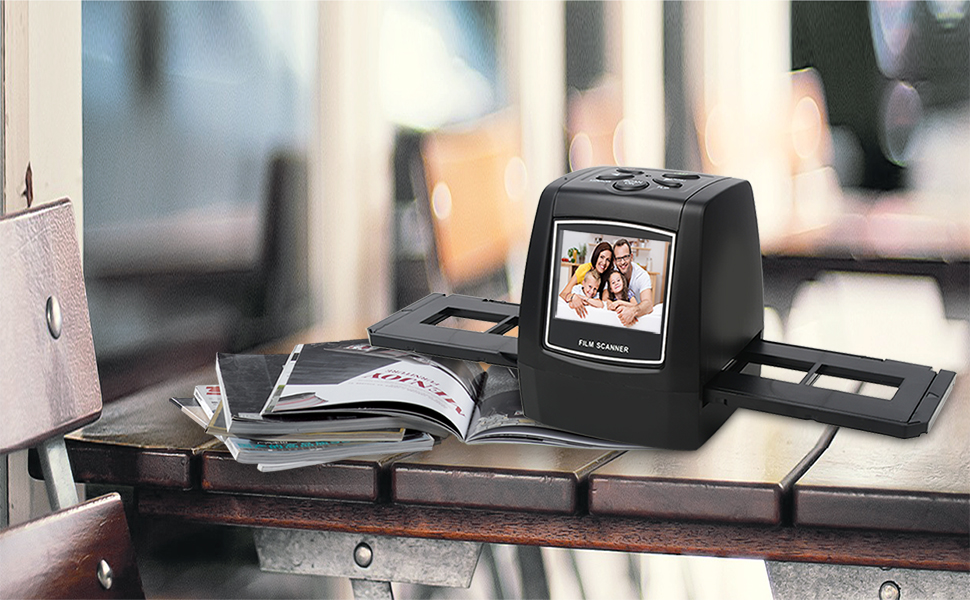
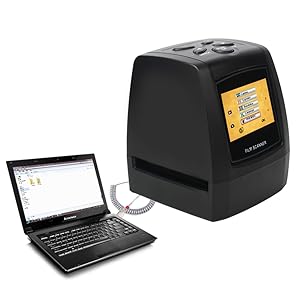
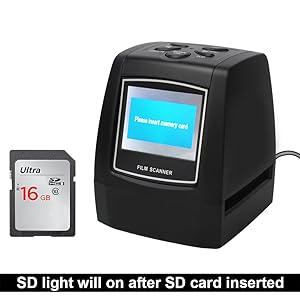
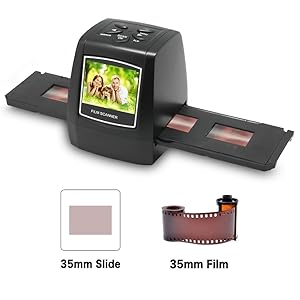
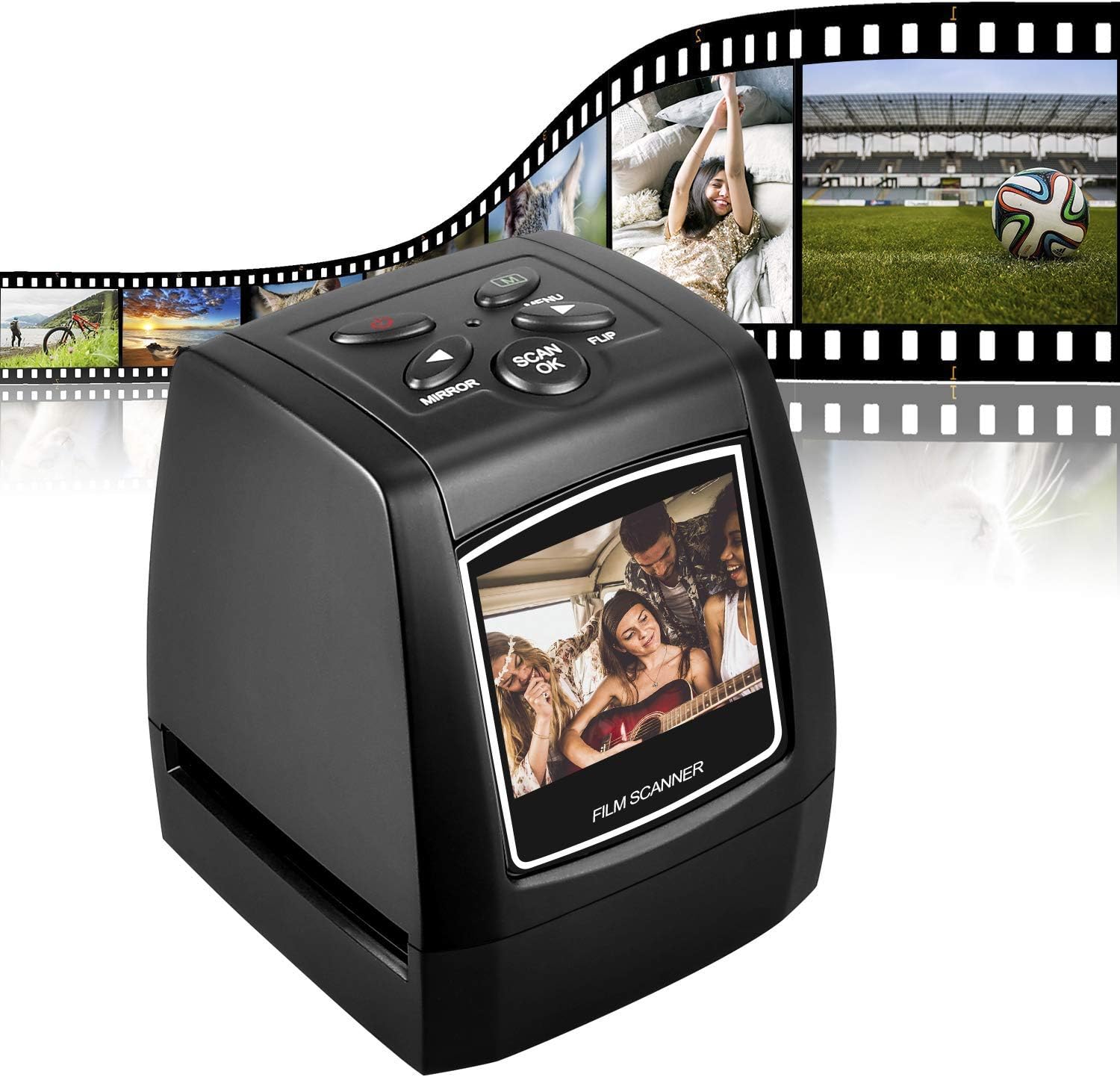
The DIGITNOW 5M/10M Standalone Film/Slide Scanner is a high-resolution device that allows you to convert your film and slides into digital formats with ease. Featuring a 2.4'' LCD display for clear viewing, it supports SD cards up to 32GB and offers 1800 DPI scanning resolution. Compatible with various operating systems, this compact scanner is perfect for preserving your memories.


| ASIN | B01HZXAKZ4 |
| Best Sellers Rank | 72,175 in Computers & Accessories ( See Top 100 in Computers & Accessories ) 59 in Film Scanners |
| Brand | DIGITNOW |
| Brand Name | DIGITNOW |
| Color Depth | 24 bits per pixel |
| Connectivity technology | USB |
| Customer Reviews | 3.8 out of 5 stars 1,037 Reviews |
| Item Dimensions D x W x H | 8.5D x 10W x 8.5H centimetres |
| Item Weight | 269 Grams |
| Manufacturer | BR |
| Media Type | Negatives |
| Minimum System Requirements | Windows XP |
| Model Name | Digitnow!5M/10M |
| Model name | Digitnow!5M/10M |
| Network Connectivity Technology | USB |
| Optical Sensor Technology | CMOS |
| Product Warranty | 1 Year |
| Product dimensions | 8.5D x 10W x 8.5H centimetres |
| Resolution | 1800 |
| Scanner Type | Film |
| Scanner type | Film |
| UPC | 190835032564 |
| Unit Count | 1.0 count |
M**T
Good enough and easy to use.
I paid £39.99 for this just after 5pm on 17/8/25. It arrived mid afternoon 19/8/25, so delivery was good. Even since then though, the price is now £10 higher ... Packing inside the cardboard outer was also good - that modern soft-but-still-firm plastic foam stuff, much better than that old moulded polystyrene that eventually fractures and breaks up. This stuff looks like it should be good to keep the scanner & bits safe for years. If you don't already have a suitable 32Gb SD card REMEMBER TO BUY ONE AT THE SAME TIME YOU BUY THE SCANNER! I forgot, decided to buy one through a local store, messed up the Click & Collect thing and had to wait for it. As regards the scanner itself, I had no problem setting it up or using it, once I'd got the hang of it. Negative strips are a bit fiddly to get straight and in the right place in the holder the first time but not a major problem once you've done it a couple of times. Slides are dead simple to do. After that, actually doing the scans could hardly be easier. The image quality seems OK for the price but, for me, it's difficult to say as most of my scans were of 35mm photos that weren't that good anyway. In fairness, I think they were probably taken before autofocus and auto-exposure came along and you had to guess it all out for yourself. If you've never had to do that you have no idea what "fun" you've missed! It's made me appreciate just how damn good even the cameras in modern mobile phones are now, where you can take a pic or video you know will be fine and then have it in front of hundreds of folk all over the world in a few moments. Is this scanner pro-quality? Probably not. But then it's not pro-pricing either. Has it been OK for what I need so far? Yes, though I'm still laughing from seeing old photos where I actually had hair!
J**G
Product: good. User manual: not so much.
Others have said this before me, but the user manual is lousy. However, the product is intuitive enough to use and it was quick and easy to hook up to a TV while reviewing some old slides. My first impressions weren't good; the scanner connects to the TV/PC via an AV lead and the output quality was poor. The slides (when previewed live on screen) looked washed out and the screen swam with faint static. So I wasn't expecting great things from the scanned images that had been saved to the SD card. Happily, however, the scans themselves were infinitely better than the previews on screen. When I plugged the SD card directly into the TV (and later, via an adapter into my PC), the images were excellent. The scanning process itself is very quick and simple, and it's worth pointing out that you don't have to plug the scanner into the TV at all. The preview window works fine for choosing and reviewing the images. The scans are saved to the SD card so all it really needs is the power supply. All in all, then, if you want a device that allows you use the TV/PC connection to run a live slideshow for your family, this isn't going to be your best choice; the preview quality really isn't good enough. You'd need to adopt a 2-stage process: scan first, then show the scans on screen. Do that, and the quality is fine. On the other hand, if you just want to scan old slides quickly and to a decent resolution (5MB is the default) then this will very happily do the job, and at a reasonable price.
C**E
Great item
Bought for uploading old family slides, very easy to use, compact and no problem save images directly to my laptop. Small viewer but I cropped any slide holder edge shadows off the photos once on my laptop. The slides I am up loading are very old , quality of the images are poor but that adds to their charm , plus I am pretty sure my mothers camera was not a high spec model ;) I am most happy with the scanner, does exactly what I wanted it for, for not a crazy price, good value and fun to be able to see and share images that would otherwise be still just sitting in a box on a shelf :)
A**S
Could not recommend this item
I really could not recommend this item and am considering returning it to Amazon. On the face of it the scanner looks reasonably well made. The power lead is all of a foot long so not very useful. The instructions are basic and not very helpful but I soon had the scanner up and running with a 8G SD card installed and some slides ready to go. The slides I am scanning are all of good quality on either Kodachrome or Fuji film stock, correctly exposed and in focus. I am scanning at the scanners native 5M setting and making no adjustments. The resulting files are then copied to a pc and the images viewed using Photoshop. The first issue I have is that you cannot save the configuration so have to go into the menu and select Slide every time you switch the equipment on, it always defaults to negative film. Scanning is simple, align the slide then press the scan button, wait for the file to be saved and move on to the next slide. Now the bad part. The resulting scans are terrible and almost useless. The images are not sharp, very high contract with over saturated colours and covered with image noise showing signs of over compression. No amount of adjustment could rectify the situation. I tried 10M but could see no improvement. To me this item is not worth the £50 I paid and would give it no stars if I could.
R**N
You get what you pay for I guess……..
Having ‘inherited’ a few hundred 35mm slides of my Dad’s I wanted a straightforward and cost effective way of preserving the best of them as part of our family history. And based on the Amazon recommendation and other reviews the DigitNow looked attractive. On the plus side, at around £66 it was relatively cheap compared with models by bigger names like Kodak. And although some other reviewers complained about the instructions etc., it is relatively uncomplicated and easy to operate. However, the scanned results are pretty disappointing. Having tried each of the limited number of potential adjustments I found it difficult to obtain an acceptable quality scan, even allowing for the fact that some of the original slides were not of the highest resolution. It’s also disappointing that after scanning just a couple of dozen slides the plastic slide holder - essential for loading the slides - is beginning to come apart at the hinges. I will persevere and use the DigitNow device to identify whether any of the slides are worth keeping but, if so, I may need to find another way of preserving them. Very disappointing..
D**N
This is actually quite good
Read a lot of reviews on this before I bought but have to say it's a great scanner for the money. Considering I was intending to scan some pretty old prints I appreciated the end results would rely just as much on the slide quality as the scanner. Out of the box it was well packaged and as I had read some negative reviewers about the instructions I decided to ignore them. To be fair the menu is self explanatory and I got it figured it out fairly quickly. Couple of points to help any new buyers. I found the standard settings created a image slightly too bright for my liking so I set the brightness to -1 which gave better results. Also I have some slides from the 1950's to scan and these older thinker slides did not fit the holder very well. I got them scanned but would not want to do too many of them. Agree with other reviews that the slide and negative holders are a bit fiddly but soon got used to it. I've scanned in both 5M and 10m and have to say the scan is lightening fast so takes no time at all to get through a good number of slides. So for someone looking for an inexpensive scanner I'd certainly recommend this. All seems pretty robust and I'm hoping it lasts well under use.
B**E
Basic no frills scanner
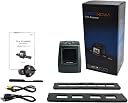
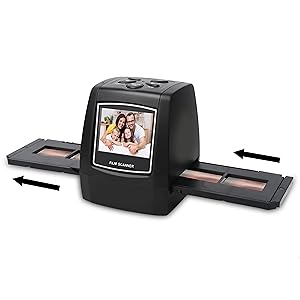
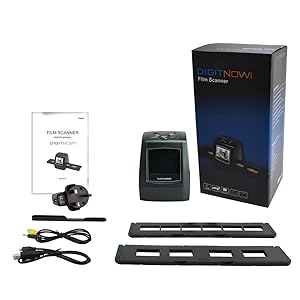
This is a simple slide/negative scanner that allows you to convert scanned images to low resolution digital images and save them to a memory card or computer using the supplied cable The unit is quite small being of a similar size to a slide viewer and can be used to view your negatives and slides It comes complete with two excellent holders one for slides and one for negatives Basic exposure and editing is built in but I found the menus difficult and the results erratic But if like myself you just need a basic low cost scanner then this is worth serious consideration
P**.
just the job for digitising a slide collection
I looked at several different slide scanners before deciding on this one. One thing to beware of (which I only discovered after delivery) is that there are at least three different versions of this although they all look exactly the same. I had viewed an excellent youtube video which persuaded me to buy this scanner, but I only found out when it arrived that this has 5/10Mp output, rather than the 14/22mp output on the video, and it is also missing the converters for feeding in film negatives such as 110 film. There are also different feeders for slides, but the one provided for which you preload four slides and feed them through works fine for me. The menus take some getting used to - it defaults to scanning negatives so every time it is switched on the menu option has to be changed to scan slides. Operation is very quick -probably about 1-2 seconds to scan a slide so I was able to scan a box of 40 slides in under 15 minutes including loading/unloading. There is a counter showing how many more slides can fit on the memory card - for a 32mb SD card (full size type) this was around 28000. 32mb is the maximum size which the scanner can accept. I did encounter one problem - After scanning around 250 slides the machine froze - the only button which worked was the on/off switch. I emailed the support team - to date I have still not received an acknowledgement from them. A few minutes later I managed to work around the problem. I copied the memory card contents to my hard disk and then reformatted the card. The scanner magically started working again. I think I must have reformatted the SD card incorrectly although I was using the windows defaults - there is nothing in the manual to indicate how the SD card should be formatted. I now regularly copy from the SD card to my hard disk to prevent a re-occurrence. In summary - this is a value for money scanner. If you have a good quality original then the scanned copy is very good (considering an expensive quality scanner would probably take several minutes per slide). Loading and scanning is mastered very quickly. Highly recommended
Trustpilot
3 weeks ago
2 weeks ago