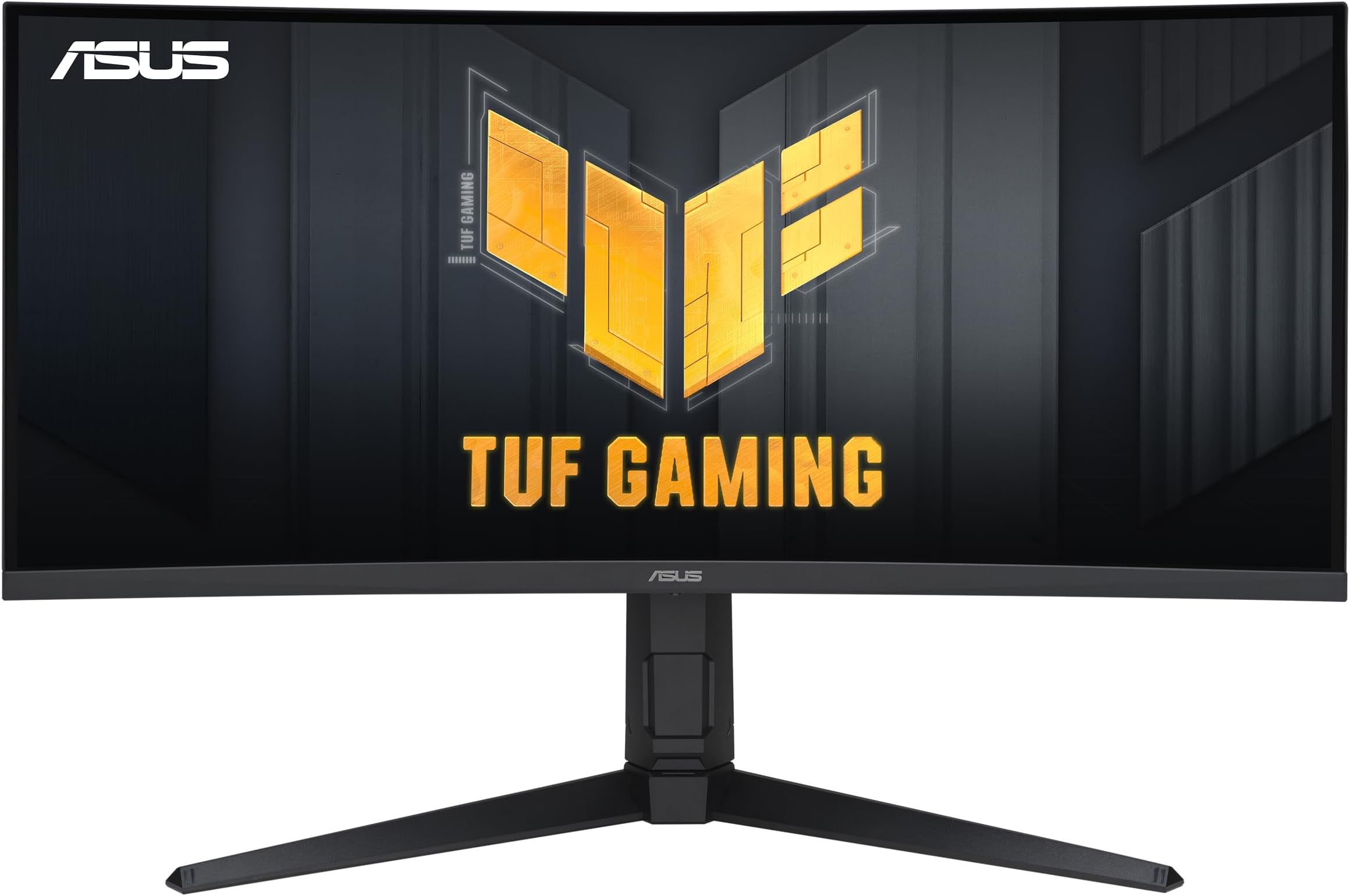
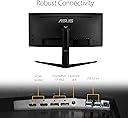
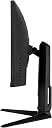
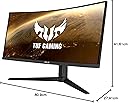
This was my first ultrawide monitor and after about a month of use, I am really happy with it! When I first started looking for an ultrawide, I wanted something with at least 144Hz, 1440p, and under $700 before tax. I looked through best buy, newegg, etc. and found that this was pretty much the best deal out there from a reputable brand. I didn't get any dead pixels or anything like that. The stand was easy to assemble and I really appreciate that HDMI and DP cables were included. My desk isn't too deep so I was worried about the feet sticking out really far but generally they never get in the way. For gaming: for newer games with 21:9 support, I was really blown away with how immersive it feels, especially for campaigns/ story modes. I didn't notice a massive difference between 1080p (my previous monitor) and 1440p, that being said, I don't have them side by side. You could always just go to a best buy or canada computers and see the difference yourself and if it doesn't matter to you, you could probably find a cheaper 2560 x 1080p monitor (if you're set on getting an ultrawide). The biggest difference I noticed was the refresh rate. When I bought my previous monitor, I didn't know a thing about refresh rates and just got a 60Hz panel. The difference between 60Hz and 165Hz is night and day. I had no idea how much my old monitor was bottle necking my system until I used this monitor. I mainly play MW 2019 and Warzone and you can really notice it whenever you're slide canceling or swapping weapons, the animation is just buttery smooth. I've never played on a 144Hz panel so I don't know how much of a difference there is between that and 165Hz but I can't imagine the extra 21Hz is that noticeable, but it is definitely a nice to have. But if anyone reading this is using a lower refresh rate monitor like I was, you WILL notice a difference if you upgrade. As far as performance goes, it is a beefy monitor so you need a pretty beefy gpu. I'm running a 3070 ti and a Ryzen 5 5600x, most (gpu intense) modern titles I've played with this monitor run at usually run at 120-150ish fps. Whereas my previous 1080p monitor would run at more like 150-170ish fps (not like I could see those frames anyways lol). So if you have an older gpu consider 2560x1080p or consider an upgrade now that gpu prices are (kind of) dropping. If you only play games that are easier to run like cs go or valorant, you would probably be able to run them at a reasonable framerate on this monitor with an older gpu but don't quote me on that because I haven't tested it myself. That being said, those were just the general framerates that I was getting but you will obviously get different numbers based on your system, graphics settings, etc. One thing I noticed the first time I played with this monitor was that if I had HDR enabled, my frames would drop to 20 or less and was basically unplayable. I may have had settings on that conflicted with it or something but HDR wasn't a feature I knew or cared too much about so I just never turn it on and my games run just fine. Also, if you play any older games that don't support ultrawide, the first minute or two that you boot up the game, you'll probably be playing with the settings so it doesn't look super stretched or weird. Generally I found most triple-a games released after 2015 or so were fine but that was just with the games I play and everyone's steam library is different so take that information with a grain of salt. For web browsing/ productivity: more screen real estate will always make multi tasking easier and I found that this monitor is great for that. Having two side by side windows open on this thing is so convenient and easier to use compared to a 16:9 panel. If you have something big like a 40" monitor, the ease of use probably wouldn't be that different but my previous monitor was 32" and the extra 2 inches and the different aspect ratio makes viewing separate windows much easier. I haven't done anything like video or audio editing on this yet but I can imagine the width makes those tasks easier. I've never had a dual monitor setup so I can't compare the two, but make sure to check out some comparison videos (just search up dual monitor vs. ultrawide) before purchasing and see what would be best for you because I really think it just depends on which tasks you need it to do and dual monitors may be a better choice for you, but personally, it does everything I need it to do. For watching YouTube videos, I just turned the zoom on chrome up to 125% because the default 100% zoom was a bit too small. As far as black bars go, I really don't mind them that much. There are some chrome extensions you can install that will zoom or stretch the video to get rid of black bars (in fullscreen) but usually I find that it just distorts the video too much and if any information is shown near any of the sides, you usually can't see it so I find myself rarely using the extension but they're there if you want them. The speakers on the monitor are kind of bad, but I feel like that's the case with almost all monitors with built in speakers. I can appreciate that ASUS took the time to add them and they're fine if you're in a pinch. If you intend on using speakers for your system I'd strongly recommend accounting for them when you're considering your budget (also use push to talk when you're playing multiplayer games, we all think you're annoying if you don't). I also wanted to mention that I was pleasantly surprised with the stand's height adjustability. I figured I would just find the right height on never move it again but I actually find myself adjusting it a lot depending on what I am doing. For multiplayer games, I often find myself moving it higher up so that it is at eye level, but if I'm playing a more laid back game or storyline where I don't need to be a complete sweat, I'll lower it as much as possible and angle it up at me. That being said everyone is going to have a different experience with it but I really like what they did with the height adjustability. Overall, I'm really happy with this monitor, and I don't really see myself going back to a 16:9 panel anytime soon. For the specs this monitor has, it is a pretty reasonable price compared to other monitors with similar specs. You could definitely compromise some specs to get a cheaper panel, like going 144Hz or 1080p but as a complete package, this monitor can do everything I want it to. If anyone finished reading this novel of a review, I hope I touched on at least one or two subjects you were wondering about. That being said, make sure to do all your own research, this review is all based around my experience with the monitor, how it performed with my system, and how it met my needs. I would never want anyone to make a purchase this big based solely on my recommendation, so your mileage may vary. I'm also by no means an expert on this stuff so I apologize if I got any information wrong. P.S. If you do end up getting getting this monitor (or any ultrawide panel), watch a 21:9 music video on YouTube (ex. Bangarang by Skrillex or Am I Wrong by Nico and Vinz), those are really cool to watch in fullscreen, and don't forget to use display port and not HDMI:) EDIT: about 2 and a half years later and this thing is still one of the best purchases I've made for my setup.