Desertcart purchases this item on your behalf and handles shipping, customs, and support to Croatia.
🖥️ Elevate Your Workspace & Play with Stunning Clarity and Smoothness!
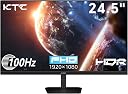
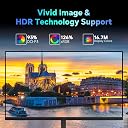
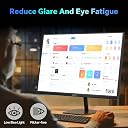
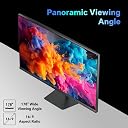
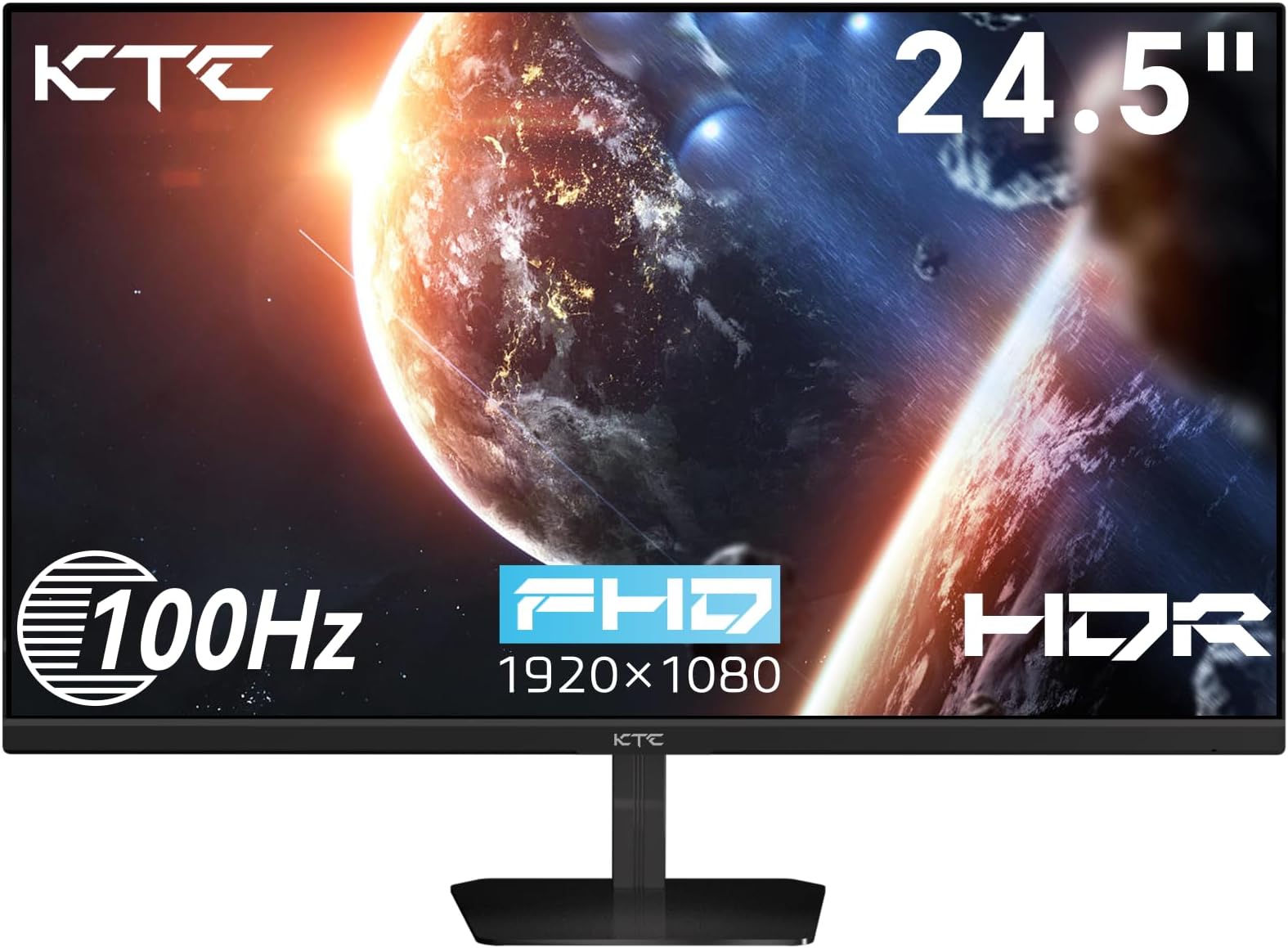
The KTC 24.5 Inch FHD 100Hz IPS Monitor delivers vibrant 1080p visuals with a wide 126% sRGB color gamut and 178° viewing angles. Designed for professionals and gamers alike, it features a fast 100Hz refresh rate with Adaptive-Sync technology to eliminate screen tearing. Eye-care innovations like flicker-free and low blue light reduce fatigue during extended use. Flexible connectivity options include HDMI and VGA, while VESA mounting ensures ergonomic versatility. Backed by a 3-year warranty, this monitor is a reliable upgrade for home office and gaming setups.


| ASIN | B0DK3FKSW1 |
| Adaptive Sync | FreeSync, G-Sync Compatible |
| Additional Features | Adaptive Sync, Eye Care, Flicker-Free, Frameless, Tilt Adjustment |
| Aspect Ratio | 16:9 |
| Best Sellers Rank | #18,386 in Electronics ( See Top 100 in Electronics ) #1,671 in Computer Monitors |
| Brand | KTC |
| Brightness | 300 cd |
| Color | Black |
| Color Gamut | 126 |
| Compatible Devices | Desktop, Gaming Console, Laptop |
| Connectivity Technology | HDMI, VGA |
| Contrast Ratio | 1300:1 |
| Customer Reviews | 4.3 out of 5 stars 376 Reviews |
| Display Resolution Maximum | 1920 x 1080 |
| Display Technology | IPS |
| Display Type | LCD |
| Hardware Connectivity | HDMI, VGA |
| Image Contrast Ratio | 1300:1 |
| Included Components | 24.5 inch FHD 100Hz Monitor*1pcs, Adapter*1pcs, Screwdriver*1pcs, HDMI Cable*1pcs, QSG*1, Tilt Adjustable Stand*1pcs |
| Item Dimensions D x W x H | 4"D x 24"W x 18"H |
| Item Weight | 4.85 kg |
| Manufacturer | KTC |
| Model Name | H25B7 |
| Model Number | H25B7 |
| Mounting Type | Desk Mount |
| Native Resolution | 1920x1080 |
| Number of Component Outputs | 1 |
| Picture Quality Enhancement Technology | HDR |
| Pixel Pitch | 0.28 |
| Power Consumption | 36 watts |
| Refresh Rate | 100 hertz |
| Resolution | FHD 1080p |
| Response Time | 7 milliseconds |
| Screen Finish | Matte |
| Screen Size | 24.5 inches |
| Screen Surface Description | Matte |
| Series Number | 1 |
| Shape | Flat |
| Specific Uses For Product | Business, Entertainment, Gaming |
| Total Number of HDMI Ports | 1 |
| Viewing Angle | 178 degrees |
| Voltage | 12 volts |
| Warranty Description | 3 Year |
| Warranty Type | 3 Years Manufacturer Warranty |
A**T
After 1 year of daily use, I can say this is the best monitor I've ever had!
***UPDATE (01/13/2026)*** - The M27T20 is still going strong with no issues whatsoever! I've been using the KTC M27T20 as my main monitor for a little over a year now and it has been amazing! I updated the firmware to the latest version (V1.2.1A) and used an ICC Profile from a YouTube channel called "techless" and loaded it through a program called DisplayCAL and after a few small tweaks to the settings in the monitor's OSD (which I'll upload a screenshot of my settings), this monitor has gone above and beyond my expectations! The two main features that make this monitor worth it for me are the Local Dimming and HDR capabilities. First, HDR is amazing but I have found that your experiences and how it is implemented with PC games will vary from game to game. Though with NVidia's new RTX HDR and programs like SpecialK/reShade, you can customize HDR content to best fit your display and the KTC M27T20 will need some tweaking to get things perfect but once you've got the settings dialed in, it's beautiful and vibrant. Second, Local Dimming is a must have feature to have enabled when using HDR as you'll be able to get those inky blacks. While you're not getting the black levels of an OLED display, the KTC M27T20 is a VA display with excellent contrast and with local dimming enabled, you can get pretty close to an OLED with minimal blooming...most of the time. Local dimming should really only be enabled with HDR content and I leave it on Auto but when I used my Switch to play The Legend of Zelda: Tears of the Kingdom, I turned it on and despite being SDR, it worked really well with the artstyle and areas like the Depths looked great with Local Dimming enabled so your mileage will vary. A feature that I was unaware of when I purchased the monitor but came in handy was the 90w USB-C port on the back of the monitor. It can be used as an alternate display connection for a variety of devices and act as a fast charging port. Because of it's power output, I can power my Pinecil soldering iron off of my monitor which is crazy to think about. There's also 2 USB-A 3.0 ports, a USB-B UpStream port, 2 HDMI 2.0 ports, a DisplayPort 1.4 port, and a 3.5mm audio connection. This monitor also doubles as a KVM but I haven't tested it since it's a feature I don't have any use for personally but I know many look for it. If I had one complaint about the monitor, it's that the power cable is a bit short. There's a cable that runs from the monitor to a power brick and then another cable running to the wall or surge protector. Both cables are awkwardly short and I have to prop the brick on a shelf under my desk otherwise it would be suspended in the air rather than resting on the floor where I would've liked it to be. Also, despite having built in speakers, they work but the quality leaves a lot to be desired. Make sure you get a pair of desktop speakers instead. Final thoughts, if you don't want to spend the money that current OLED monitors are going for and want a good HDR monitor with excellent contrast, go with the KTC M27T20. It's cheaper than a lot of the competition and as long as you update the firmware from the main website, you'll be golden. (Sorry for poor quality phone pictures, I just wanted to show the difference Local Dimming can have when running a game with HDR enabled)
P**S
Excellent HDR Monitor at a Mid-Range Cost
As of this review I've had no problems, will revise later if anything crops up. If you're in the market for an HDR monitor, and you're worried about OLED burn-in issues or price, this is an excellent middle-ground. I managed to purchase this monitor at $459 with a $120 coupon, which put it into the $360 range after tax. At that price it is an absolute steal, especially compared to the Cooler Master GP27Q, of which this monitor is a variant (KTC are the panel makers for the Cooler Master Mini-LED monitors). When purchasing this monitor, you should consider immediately upgrading the firmware, as it allows the use of HDR, local dimming, and VRR to work together. Reading over other reviews, it's clear that some of the users who have purchased this monitor don't understand the caveats of Mini-LED. You should never run local dimming and HDR when doing normal tasks in SDR, it will wash out the color and the blooming will be terrible. The monitor has a setting of "AUTO" for both local dimming and HDR, and you should assign them to that. You should then activate HDR whenever you're planning to watch HDR content or play games (win + alt + B in Windows), as it will automatically turn on both settings. For HDR this monitor is exceptional, the blooming is only noticeable under strict circumstances, and the brightness and saturation are great. While it is not as precise as my TCL QM8's backlight system, the implementation is quite good. The motion clarity is also really good in gaming, especially for a VA panel (specifically HVA for this monitor). I've played plenty of FPS games, and when you set the overdrive to advanced, which is the recommended setting in almost every scenario, there is little-to-no ghosting or black smear. Keep in mind this is still a 165hz panel, and if you're interested solely in FPS games I'd recommend something with a higher refresh rate. Setting overdrive beyond advanced will cause inverse ghosting, though this is common in most LCD monitors with aggressive overdrive settings. For SDR you'll need to do some calibration to your liking, as the colors are overly saturated out of the box, and you cannot adjust colors in HDR. My personal settings were to leave the Professional Mode in Native, and all of the initial "display" settings untouched. Under "Color Temperature" I set it to User, and then configured it for Red 48, Green 48, and Blue 47. Your colors may need to be adjusted differently, no panel is the same. The SRGB and DCI-P3 settings are also reasonably accurate, but keep in mind that with the gamma shifts of a VA panel this isn't a good monitor for color critical work. Interestingly, while this monitor will default to 144hz when HDR and local dimming are set to Auto, you can set custom resolutions that will force the monitor to still run at 165hz. While the difference is practically unnoticeable, I would understand why someone would want to do this for maximum performance. Setting a custom resolution will also allow you to force the monitor to run at 10-bit instead of 8-bit. This monitor is, like most "HDR" monitors, an 8-bit panel that will employ FRC to reach 10-bit color depth. The difference is negligible, but the manufacturer lists the panel as 8-bit for this reason. You can also run MPRT on this monitor, but the option is only available if you turn off HDR and local dimming. This includes switching them off of Auto, as MPRT will remain locked out otherwise. Other notable additions to this monitor are the 90w USB-C charging and video input, and 2 USB 3.1 pass through ports. When configuring this, note that the monitor sets the USB ports to off under KVM on initial setup. I'd recommend "Auto" setting if you are running something like a keyboard through the monitor, as the "USB UP" setting will not make the keyboard sleep when you turn off your computer. I don't need the KVM switch, so I cannot comment on use of that feature. You can configure hot settings for the joystick, but some of the most important features can't be bound to this function, which is an oversight in my opinion. Being able to turn off HDR to enable MPRT quickly would be nice (you can bind local dimming at least), but it's not a big deal for my use cases. I'd also like to point out that the build quality is pretty decent, though not as nice as the Gigabyte Aorus monitor it's replacing. The stand is heavy, and serviceable, but not particularly noteworthy, it does all the tilting and turning you'd need though. As for downsides, I'd argue that not including HDMI 2.1 is a little unfortunate. This monitor can simulate 4K and then downscale to 2K, which would be nice if you were interested in using this with a console. The viewing angles, due to it being a VA panel, aren't amazing, but still appreciably better than a TN panel, and you don't get the IPS glow. I have once noticed the flicker from local dimming, but it was localized to the Vignetting setting in the Witcher 3. Turning the setting off fixed the problem, but I don't understand why it would've caused an issue to begin with as it was causing the corners of the screen to be light rather than dark. There is a bit of black crushing, so you'll probably need to adjust your games to help alleviate overly dark or bright areas. I also don't understand why the blue light filter only adjusts in increments of 25, so be aware you may want to use your OS settings or videocard drivers instead. I also, for whatever reason, did not have the 3.1 adapter cable in my box, though I already had one from my previous monitor. There seems to be a common complaint of missing cables, so consider having alternatives on-hand. Frankly, all of these issues are minor to me, as the overall presentation is impeccable for the cost. It's worth noting that if you're not like me, and don't need the extra inputs/outputs, the AOC Q27G3XMN at $250-$280 is an excellent alternative to this monitor. It has a slightly worse build quality, less dimming zones, which doesn't matter as the implementation is good, and the OSD software is worse, but the presentation is just as good, if not better, than the M27T20, and its refresh rate is faster at 180hz. In fact, the VA panel it uses is possibly the fastest one currently available in terms of GTG performance, and the black smear is even lower than the M27T20's. Further, the AOC has a 3 year warranty to the KTC's 1 year. I also have to admit that I will miss having desktop software to control the monitor, which is something my Gigabyte monitor uses. That aspect of the user experience makes the implementation here feel not nearly as premium, but again setting things to Auto helps alleviate most of the headaches. The bottom line is, at the price I purchased this monitor, I think any shortcomings are easy to overlook. I'd strongly recommend doing the research on understanding how this monitor should be used before purchase, so that your expectations align with the experience.
A**A
Great purchase
Absolutely love this gadget. The speakers do great even though I will be getting a Bluetooth speaker. I purchased this mainly to watch TV outside on my patio. 32inch is a decent size for outdoor chilling. Im also a crafter so I can use it for my content as well. Its a little heavy( I could be a little weak) but the wheels roll around just great
A**Y
Mostly awesome
I bought it mostly for gaming with hdr on my Xbox; and while it is a solid product with beautiful colors, it doesn't support hdr for gaming natively on my series X.
D**M
Awesome budget mini led with local dimming.
Ive wanted an oled for years but still dont trust them with burn in. I have been using a 55" 4k 120Hz hisense u8h mini led qled tv as my pc monitor for about a year. Its an amazing display and makes me not feel like im missing out on an oled but its huge and hard on my eyes its so bright, and 4k 120Hz is hard to push with a rtx 3090. I realized a 27" 1440p display would actually have a better pixel per inch density than my 4k at 55", and have the huge benefit of being easier to push frames for my rtx 3090. After ordering I had a little buyers guilt and thought I wouldnt like the monitor, was worried it would be too small but boy was I surprised. First off, with the stock firmware I noticed local dimming option was grayed out in the menu. I think the stock firmware cant run local dimming with gsync on. The firmware update was painless. Just head to ktc website, downloads, pick your model... For this M27T20 model I had to download the bin file, rename it, put it on a usb stick, put usb stick in slot next to power jack, in menu chose usb update. After it updates just power cycle it, open the menu and choose reset. Now i have local dimming and it looks fantastic. Out of the box settings look good to me. With overdrive set to advanced, hdr and local dimming set to auto.... Windows looks fine, nice and easy on the eyes. When opening a game and local dimming kicks in its amazing. This display gets bright like my hisense u8h but being able to play at 1440p without dlss on, it truely looks better to me than 4k did on my big 55" with dlss on. Awesome, bright little monitor with fantastic contrast and black levels. I got it on sale and it was a steal. Solong as it holds up and lasts ill be very happy with it! Almost want to get a 2nd one!
Z**N
Monitor had flicker issues within a month
This monitor has very pool quality and you should stray clear, within a month it was having flicker issues and within a year half of the lights just turned off. Not worth it
B**K
Love it
I just got this megapad today and set it all up. It had a few app glitches but that is most likely related to internet connection. I couldn't be happier so far! I bought this because I am an elementary music teacher who teaches off a cart... this will change the whole game for me this school year! No more relying on classroom teachers to pull up all the materials I emailed them the night before (which almost never runs smoothly at all!!) It has a nice volume, too.
2**E
Big and heavy
Very big and heavy, but works flawlessly.
S**.
Muy práctica
Muy práctica. Fue para mi suegra que tiene artritis y para ella es muy fácil de usar. El tamaño le encantó ya que también usa lentes para leer.
P**A
Fantastic monitor for the money!
If you reside in the U.S.A., KTC has this monitor for sale for $489 USD! Since I reside in Canada, I could only purchase this monitor through Amazon and unfortunately, there is a premium to pay. However, there is no mini-LED monitor available in Canada that I know of in this price range. Facts: KTC is the OEM that produces both the Cooler Master GP27Q and GP27U. This particular monitor is identical to the GP27Q with the exception of the Cooler Master using an IPS panel while the KTC uses a VA panel. Pros: 1440p @165Hz, but can support 2160p via downscaling. Excellent contrast ratio 576 zone mini-LED backlight with 2304 LEDS Peak HDR brightness of over 1000 nits Peak SDR brightness of over 600 nits Menu is easy to navigate Pair of integrated 2W speakers Built-in KVM switch Cons: Refresh rate is reduced to 144Hz when HDR is enabled Like most VA panels, exhibits some black smearing if there is a lot of motion, but it's not that noticeable. Definitely not as fast as Samsung VA panels used in the G7 and higher models Minor bloom and halo effect caused by the mini-LEDs around bright objects, however the contrast ratio mitigates the effect greatly. You won't notice it while consuming most HDR content. Not really a con, but this monitor is REALLY bright out of the box, but then again, this is what one wants when consuming HDR content. Firmware out of the factory is a bit buggy. Highly recommend that one upgrades the firmware as it resolves a lot of issues when using HDR and VRR at the same time. Speakers aren't that great. No bass whatsoever. If you have headphones however, there is a headphone input built-in.
K**Y
16 Months BACKLIGHT DIED
EDIT: Half my backlight died, contacted support... no response. This was a $800 CAD monitor, and haklf the backlight just died. Not good... OLD: It's been about half a year or so with it so far and... really effing good! Issues first. The Mini LED really darkens the screen, especially on the desktop, but in movies and games it looks amazing... just is dark, so be aware that you do seem to lose some brightness even on bright colours. Same with HDR! You can turn them on and off which is good... but I wish auto-detection was a bit more proactive. What KTC really, REALLY, should have done though is put 2 buttons or a toggle switch just for HDR and MiniLED so you could instantly change the options instead of navigating the menu. The menu is good, but it would be way faster and better to to have 2 dedicated hard buttons for it. The refresh rate is amazing and it feels so responsive. The size is... great. Mini LED looks incredible in games and movies, it's AWFUL in documents, web pages, and desktops. Don't do it. There's weird bands on screen, not just your cursor lighting zones up, there's these super weird bands all over for some reason on desktop/webpage. I wish auto explained more what it did or it was more aggressive. HDR is a windows issue, and it darkens the colours so much. Even in games HDR seems to wash colours out and make things darker? I don't even bother with it right now, the implementation software side is bad... which all monitors suffer from period. HDR is in a weird place, sometimes it looks awesome but like, in Cyberpunk for instance it makes everything just wortse. Some games? Looks awesome. Why does it wash out desktop so much? Dunno, but windows needs to fix that on their end. KTC did great with HDR hardware here, amazing really. But software is still not there. Mini-LED again, KTC, please make a firmware update so I can either flip it on easier somehow with the buttons available if you can, OR make the auto dimming/mini LED actually explain what it's doing please. But yeah I can't recommend this brand enough, they seem great. I might have gone the non Mini-LED version of this monitor all things considered, it's MUCH cheaper and I barely use the feature because it takes going through a menu to turn it on and off. If the option was one button or at least 1-2 options away I'd be turning it on and off ALL the time. And when ti is on and working it looks really cool, blacks being pitch black is so... bizzarely awesome. It's almost like Raytracing it just, looks amazing. You wouldn't think it'd make a huge change but it really does. I just wish everything else didn't get darker and it could maintain its maximum brightness.
Trustpilot
3 days ago
3 weeks ago