


Desertcart purchases this item on your behalf and handles shipping, customs, and support to Croatia.
๐ Elevate your workspace & gaming setupโanytime, anywhere!
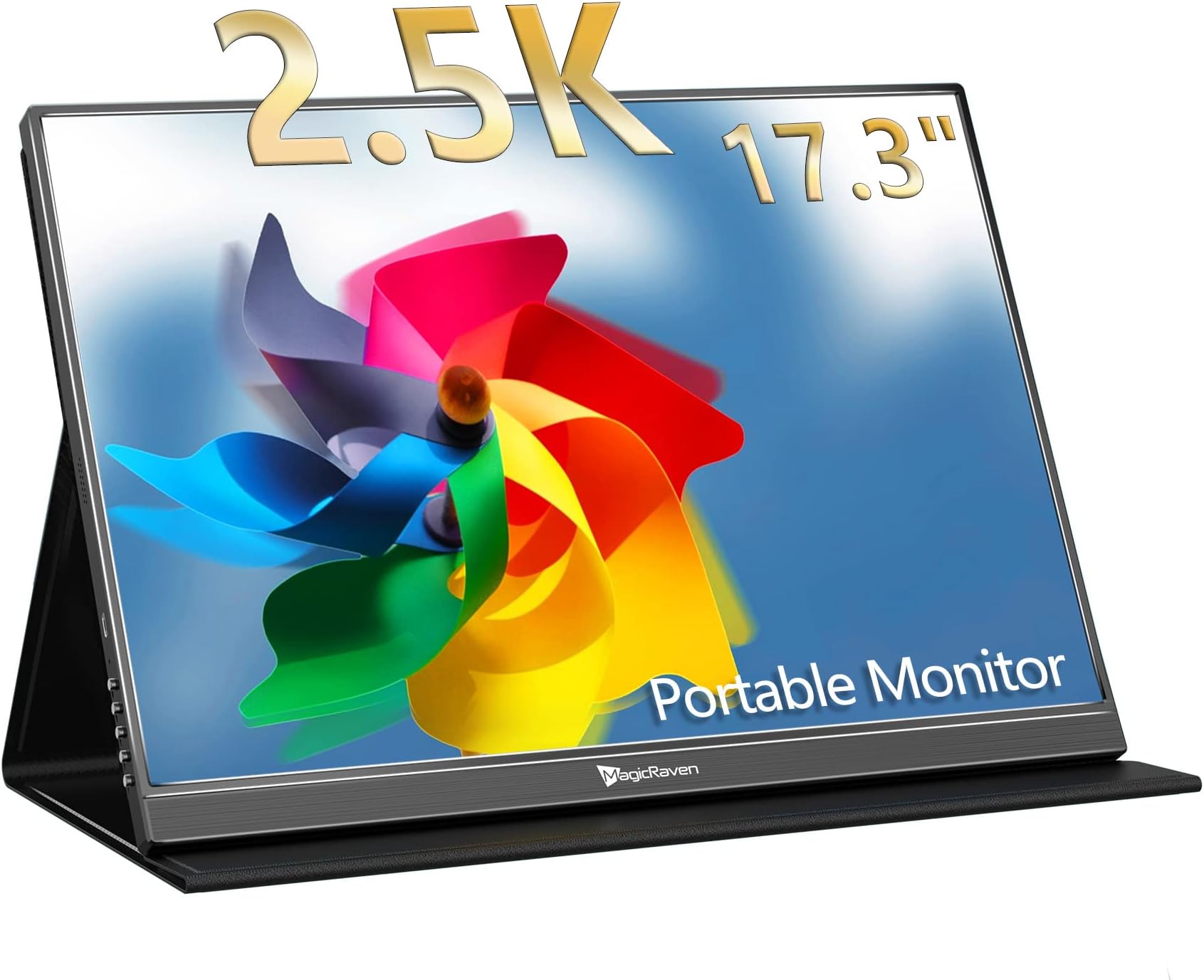
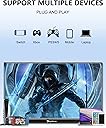
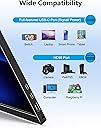
The MAGICRAVEN 17.3" Portable Gaming Monitor delivers a premium 2.5K QHD IPS display with HDR and FreeSync technology, perfect for professionals and gamers seeking vibrant visuals and smooth performance on the go. Featuring dual USB-C ports and HDMI connectivity, it supports plug-and-play use with laptops, consoles, and mobile devices. Lightweight and slim, itโs designed for travel and flexible mounting, making it an ideal second screen for productivity or immersive gaming anywhere.





| ASIN | B0BRND5LRL |
| Adaptive Sync | FreeSync |
| Additional Features | High Dynamic Range, Portable |
| Aspect Ratio | 16:9 |
| Aspect ratio | 16:9 |
| Best Sellers Rank | #15,201 in Computers ( See Top 100 in Computers ) #438 in Computer Monitors |
| Brand | MAGICRAVEN |
| Brightness | 200 Candela |
| Color | Black |
| Compatible Devices | Computer |
| Connectivity Technology | USB/HDMI |
| Contrast Ratio | 1000:1 |
| Customer Reviews | 4.4 out of 5 stars 112 Reviews |
| Display Resolution Maximum | 2560 x 1440 Pixels |
| Display Technology | LCD |
| Display Type | LCD |
| Hardware Connectivity | HDMI, USB 3.0 Type C |
| Has Color Screen | Yes |
| Image contrast ratio | 1000:1 |
| Is Electric | Yes |
| Item Dimensions D x W x H | 1.2D x 24.5W x 39.5H centimeters |
| Item Weight | 2.2 Pounds |
| Manufacturer | MAGICRAVEN |
| Model Name | M1701 |
| Model Number | M1701 |
| Mounting Type | Desk Mount |
| Native Resolution | 2560 x 1400 |
| Number of Component Outputs | 3 |
| Picture Quality Enhancement Technology | HDR |
| Pixel Pitch | 0.235 |
| Power Consumption | 18 Watts |
| Refresh Rate | 60.0 |
| Resolution | QHD Ultra Wide 1440p |
| Response Time | 1 Milliseconds |
| Screen Finish | Glossy |
| Screen Size | 17.3 Inches |
| Screen size | 17.3 Inches |
| Screen surface description | Glossy |
| Shape | rectangular prism |
| Specific Uses For Product | Business |
| Total Number of HDMI Ports | 1 |
| Total Usb Ports | 2 |
| Unit Count | 1 Count |
| Viewing Angle | 178 Degrees |
| Voltage | 9 Volts (DC) |
J**Y
Affordable 2.5k 17.3" Portable Monitor - Mac use & Gaming
Wow I am very impressed with this monitor for the price and the overall value. There were not very many options for a 17.3" 2.5k monitor. Sure there's some gripes I have with it, this certainly isn't a perfect monitor when it comes to functionality. So that's why I wanted to give a really honest review for those interested in purchasing one. The Good: 1. The screen size, the 17.3" vs the 16" is a huge difference and I was so glad that I opted for this size. There's another 16" 1080p that someone else uses and it is significantly smaller. There is slimmer profile options in this size but I like the thickness of this model moreso than the thinner versions. 2. Travel: I got this for travel and it fit perfectly fine into my large backpack that I pack my tech in. 3. Setup: The setup is very straightforward and the colors at first before turning on HDR are really not great. So make sure to either turn on HDR or custom set the settings to your desired color. 4. I/O or Ports: USB-C PD works perfectly on my M3 Pro MBP no need to use the power cable. HOWEVER when using Adobe programs I do opt to plug in the power supply. This has a full size HDMI port which was another big reason I chose this model, I just didn't want to have another adapter dongle for mini HDMI. I am using a 4k HDMI cable that's connected to my PS5. 5. Gaming: I was worried about two things here - this only being 60hz and the overall quality being 2.5k with my PS5 but after playing Jedi Survivor, Genshin, and Star Rail, it looks fantastic and glad that I didn't fork out double the price for the 4k versions. There's 0 noticeable latency with controller input and the environment colors and battling look great. The PS5 will make you calibrate the screen upon the initial plugin only and not anytime after. The Bad or The Meh: 1. The buttons on the side panel can be a bit frustrating to use sometimes but they all work and you don't really mess with them much. Switching inputs can be interesting BUT when I open my MBP it automatically turns on to correct input and same with the PS5. It is only when you want to change input after the fact that it can be a challenge pressing the correct buttons. 2. Magnet Strength - The magnet strength on the cover itself is just OK, I haven't had the screen fall using the cover but it does leave something to be desired. To fix this I just use my KABCON tablet stand and it holds it beautifully. 3. Smart Cover Protection - The protection is just OK, it will protect against scratches but not against crushing so be sure not to put it in a super stuffed backpack. I would suggest finding a zippered hard EVA case if they make one. 4. Mac screen compatibility - So this kind of caught me off guard but I know has some issues with the aspect ratio of this being 16:10. It scales natively to 1280x720 when I plug it in and the text is readable but everything is HUGE. When I change to 2560x1440 the text on the screen does some weird blurry crap. It's tolerable but it's not preferred so I switched back to 1280 x 720 and actually I don't mind it now since I don't have to sit so close to the screen. But I can see this being an issue for many people. Tips: 1. Get right angle HDMI and USB C adapters to use so the cords aren't sticking out awkwardly on the right side. This makes plugging in much easier and gives an overall cleaner look. You can see them in use in the photo. 2. Use a tablet stand - My recommendation is the KABCON tablet stand. Ive had it for years and it's very sturdy with many angle options. The build quality is really unmatched. It's not on a stand in the photos because my iPad is using it when I took the photos. 3. Cables - Use cables that are least 3ft. I have 6ft cables and this works out the best. Cord wraps will help organize things so it's not a big mess. Also I'm using a Thunderbolt 3 cable for MBP connection. Make sure you use the correct USB-C cables they are not all the same! For HDMI a 4k cable is probably overkill but better safe than sorry. In conclusion despite the minor gripes I am very satisfied with this monitor and have no remorse in purchasing it. The biggest factor will be how long it lasts. Ideally years would be nice but if I at least get two years out of it then it will have paid for itself. Can this be used as a main monitor for those looking to be budget conscious? YES this is very possible to use for that. Coming from a BenQ 32" 4k to this for travel I'd say this was a great and easy solution without much sacrifice. Also for console gaming this is an excellent choice you don't really need 120hz unless the actual game you're running supports it. So I highly recommend this product if it fits your wants and needs!!!
R**O
1 anho justo despues de empezar a usarlo ya no funciona
Ya no se enciende despues de 1 anho justo!!!! Me ha funcionoado bastante bien aunque a veces se apagaba y tenia que desconectarlo del cargador y volver a conetcarlo....Pero justo despues de 1 anho de uso...se murio...Ya no se enciende!
A**.
Excellent value great image great size
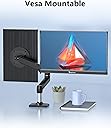
Great image, screen finish is matte, doesn't glare and very nice colors. Not perfect colors but very nice colors. Menu buttons same as the other monitors of this category a little complicated to figure out but ok once you "get it". It pulls between 1.5 and 2A of power, so I am running it from my laptop or my laptop's dock withiyt problems. the cover is good and it does have the vesa screws openings on the back. Feels solid. Lastly, its bigger than what it looks and thats a good thing but it is slim, the bezels are not think its just thiat it's big. Very recommended.
S**M
Good monitor but (may) need a separate cable to supply power
CORRECTION - This monitor DOES work but with an additional cable for power. So USB3+USB3 or USB3+HDMI both work, but NOT one USB3 cable by itself. I have changed my rating to reflect that! EARLIER REVIEW - Does not work with my Asus ROG Strix G18 (2025) G814 using USB4 / Thunderbolt4 ports. Works ONLY with HDMI and USB-C power. The ARZOPA 16" 2.5K Portable Monitor works just fine over USB without having to use the HDMI cable.
R**S
Excellent monitor
Iโm into retro gaming so I purchased a mini computer and the monitor goes absolutely great with it. Seems like the graphics look even better than from the original games. Highly recommend.
Trustpilot
3 weeks ago
4 days ago