Buy anything from 5,000+ international stores. One checkout price. No surprise fees. Join 2M+ shoppers on Desertcart.
Desertcart purchases this item on your behalf and handles shipping, customs, and support to Croatia.
๐ Elevate your WiFi gameโnever lose signal, never lose connection!
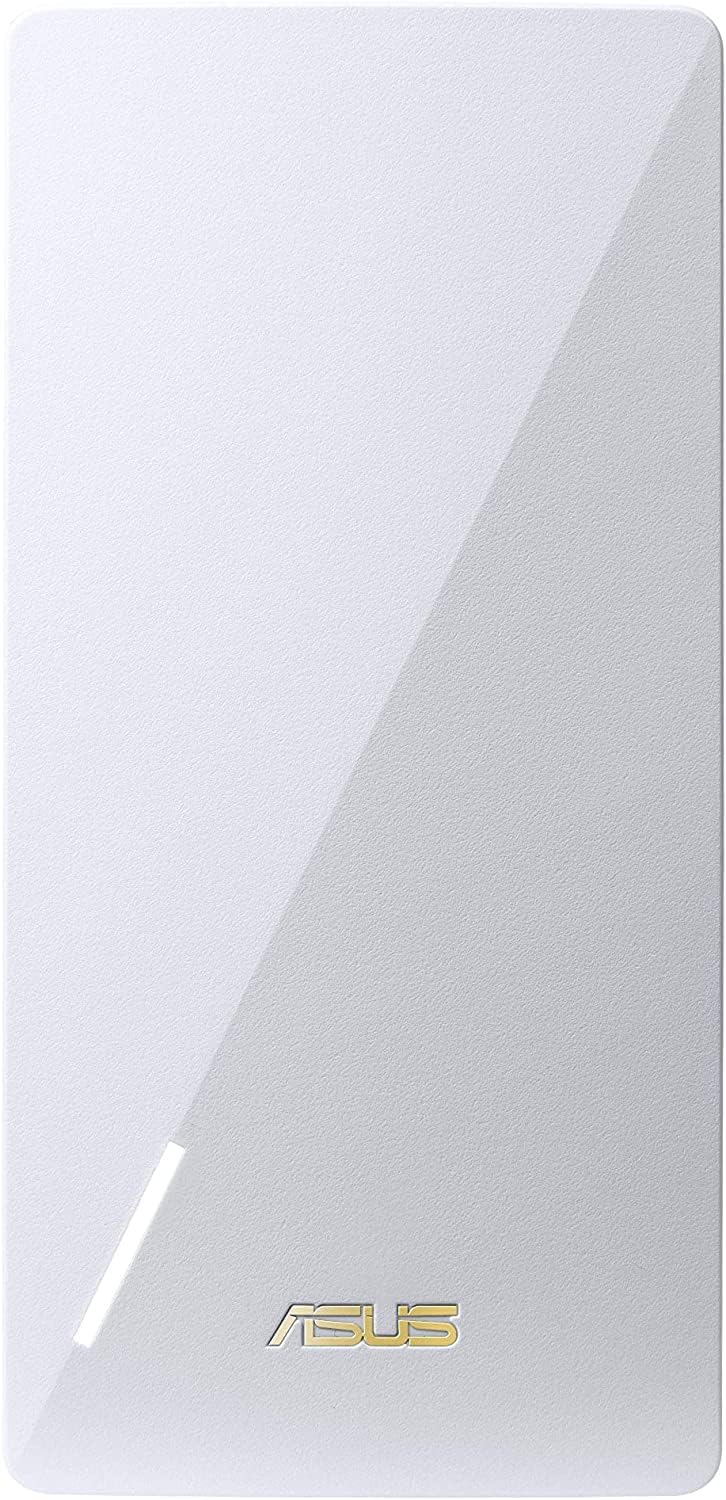
The ASUS RP-AX58 is a dual-band WiFi 6 range extender delivering up to 3000 Mbps speeds and seamless mesh networking via AiMesh compatibility. It features lifetime commercial-grade security with AiProtection Pro, smart parental controls, and a compact plug-in design for easy setup. Ideal for eliminating WiFi dead zones and extending coverage throughout your home with robust, secure, and high-capacity wireless performance.


| ASIN | B0BTTZ7CTL |
| Antenna Location | Gaming |
| Best Sellers Rank | #32 in Repeaters |
| Brand | ASUS |
| Built-In Media | Quick Start Guide, RP-AX58 Networking router, Warranty Card |
| Color | WHITE |
| Compatible Devices | Various WiFi routers and devices with Ethernet ports |
| Connectivity Protocol | WiFi 6, Ethernet |
| Connectivity Technology | Ethernet |
| Control Method | App |
| Coverage | Whole-home mesh network coverage |
| Customer Reviews | 4.2 4.2 out of 5 stars (806) |
| Data Transfer Rate | 3000 Megabits Per Second |
| Frequency | 5 |
| Frequency Band Class | Dual-Band |
| Is Modem Compatible | No |
| Item Dimensions L x W x H | 5.91"L x 2.83"W x 3.43"H |
| Item Type Name | Network router |
| Item Weight | 6.72 ounces |
| LAN Port Bandwidth | 1000 Mbps |
| Manufacturer | ASUS |
| Maximum Upstream Data Transfer Rate | 3000 Megabits Per Second |
| Mfr Part Number | RP-AX58 |
| Model Name | RP-AX58 |
| Model Number | RP-AX58 |
| Number of Ports | 1 |
| Operating System | ASUSWRT |
| Other Special Features of the Product | Flexible backhaul connection, WiFi dead zone eliminator |
| Security Protocol | WPA-Enterprise, WPS |
| UPC | 195553440387 |
| Warranty Description | 2 years warranty |
| Wi-Fi Generation | WiFi 6 |
| Wireless Compability | 802.11ax |
G**1
Solid performing access point for Asux Mesh networks with wired capability
Extremely impressed with the ease of using this with Asus AI-Mesh. Added this to my existing 2 units of Asus AX-6600 and a RP-AX56 (older AX58) in a ground floor workshop. The ability to use a wired backhaul is critical because my external walls, windows, and floors block signals. No degradation of WiFi throughput. Total of 2 - AX-6600, a RP-AX56 and now RP-AX58.
N**L
Great for Asus AI Mesh
I purchased in early 2026 to extend my network. I happen to have Ethernet jacks right next to power outlets so my ideal situation, using an Ethernet back haul, was super easy to do with a 2' Ethernet cable. I had a TP-Link AP instead, and while the setup was simple enough, I discovered the particular model I got had only 100 Mbps speed, which in 2025 seemed incredibly out-dated. This unit was MUCH easier to setup using the Asus router app, and has 1 Gbps Ethernet capability. The one disappointment I've discovered as others is that at least with my "affordable" Asus router this unit will not extend the guest network. Kind of a disappointment since I put all my home automation lights (Kasa) on the guest network and it would have been nice to give them a better signal. AI suggests that the pro model routers may be able to assign this AP to any network but I haven't tried it.
W**E
Installation can be tricky, but works GREAT if you do it right!
I bought this to use as a Mesh Hub for my ASUS RT-AX82U Router. My ASUS Router is centrally located in my home and serves very well to every corner of my home... with one exception... inside the Garage and especially just outside the Garage Door (outside driveway). I have a Chamberlain MyQ system with cameras inside the garage and the Video Keypad (which is just outside the garage where keypads go), and my signal in the garage was about 3-out-of-5, but the Video Keypad was like 1-out-of-5 and kept losing signal constantly (making the keypad camera basically useless). I figured the best Mesh to go with my ASUS Router would be another ASUS Mesh hub, and it looked like a simple straight-forward installation, so I bought this RP-AX58. What I thought would only take a few minutes turned into a few hours of head scratching... some of it may well be my fault, but the directions couldn't have been more muddled if everything doesn't work flawlessly from the start (which it almost certainly will not). There's 3 major ways to install this (maybe a 4th too), you can use your computer's browser to access your router directly, or you can use TWO different apps... which oddly enough isn't really well explained in the instructions that come with the RP-AX58. The first App that they will send you too (ie: Step-1), is probably the worst option and something you want to avoid... as it's an EXTENDER APP and will setup your Mesh Hub as an EXTENDER not as a MESH... DON'T DO THIS (ie: avoid recommended step-1... bad on you ASUS). Later on in the instructions it links you to a second app, which is the ASUS Router app... which really is just a mirror of using your browser to access the router directly... so if you want to setup as a MESH (not an extender) it doesn't matter if you use the Router App or directly access your Router through your browser... it's two ways to do the same thing. Here comes the fun... 1) Go to your AI Mesh tab and select + Add AI Mesh Node 2) it will now scan for your AX-58, find it, you select it, and it sets it up! 3) You're now ready to go... plug it in anywhere you want and see if it does the job for you (White light is strong signal, Yellow light is weak signal and Red light is no signal). Except... If everything isn't perfect (and it probably won't be) Step 2 will spin and sit and spin, then say "no device found". UGH! This is where the instructions start suggesting "update to the latest firmware"... and if you can't hook it up wirelessly, you'll need to hook it up directly to your router with an ethernet cable, find it under the clients, and try and do a firmware update from here... then reset the AX-58 pushing the tiny pinhole reset button and try again... which I did... and... "no device found" UGH! I spent a lot of time stuck at this point... couldn't figure out what was wrong. Eventually as it turned out... my RT-AX82U Router didn't have the latest firmware, even though it was set to automatically update it's firmware. I had to manually download the latest Router firmware and install it old-school to update my router. Once both my Router and the AX-58 had the latest firmware... ONLY THEN WAS IT FOUND WHEN ADDING A NEW MESH NODE and I was finally able to proceed... I can't vouch for if this happens with other brands, but if you're doing ASUS Router to ASUS Mesh Node, make sure BOTH THE ROUTER AND THE AX-58 have the latest firmware, or they won't link-up. Once the AX-58 is setup as a Mesh Node, you can unplug it and plug it in anywhere you want and wait for it to pickup a signal and see if it does what you want it to do. For me, I knew I had a moderate signal inside the garage but the garage door itself prevented a signal from reaching my video keypad just outside the door (at least from the Router's position inside the house). I plugged-in my AX-58 to a powerstrip I had attached to the side of my Garage Fridge, and got a strong signal there. My Garage Door opener went from 3-out-of-5 signal to 5-out-of-5 and my Video Keypad outside the Garage went from 1-out-of-5 to 3-out-of-5 and now stays connected! I am now VERY PLEASED with the AX-58 doing the job it needs to do, but the installation wasn't nearly as smooth as I had hoped it would be, due to the poor misdirection of the instructions guiding you to setup as an Extender instead of a Mesh, and not being clear on setting up the latest firmware both on the AX-58 itself AND the need for the Router to have the latest firmware... if one or the other isn't up to date, it probably won't connect as a Mesh during setup. Bottom line, if you want to use this as a MESH HUB and you know how to get to your router from your browser, you don't need to download any apps at all. Just make sure both your router and AX-58 have the latest firmware!
N**B
Does not work with other ASUS AiMesh routers.
I bought this device specifically for the AiMesh feature because I already use ASUS AiMesh routers in my home. Using both the app and the web interface, I was able to add this device to the AiMesh network. However, after it connected, it would disconnect almost right away and would not reconnect (light turned to red). After three days of trying to fix the issue, I contacted ASUS technical support. Their recommendation was to set it up in Extender mode instead of AiMesh mode. That might sound reasonable, but it defeats the main reason for buying this device. In Extender mode, it creates a separate SSID. Devices that connect to the extender tend to stay connected and do not move back to the main network until the signal is very weak or gone. This is not seamless roaming, which is the main reason I wanted an AiMesh device. If I wanted just an extender, there were many other options for a lot less expensive. I expected a product from the same company, marketed as AiMesh compatible, to work well with other ASUS AiMesh routers. In my case, AiMesh mode did not work, and Extender mode was not an acceptable solution. As a result, I am returning this unit and buying another ASUS AiMesh router to fix the dead spot. That solution costs about twice as much as this device and takes up more space. If you are considering this product because of its AiMesh capability, you may want to look at another AiMesh router instead.
B**S
Fabuloso producto la red funciona excelente y el alcance es muy bueno.
M**S
This is my second order and this appears to be a great company to deal with!
G**Y
Trop difficile ร installer
Trustpilot
2 days ago
1 month ago