Buy anything from 5,000+ international stores. One checkout price. No surprise fees. Join 2M+ shoppers on Desertcart.
Desertcart purchases this item on your behalf and handles shipping, customs, and support to Croatia.
๐ Elevate your DIY projects with a touchscreen that means business!
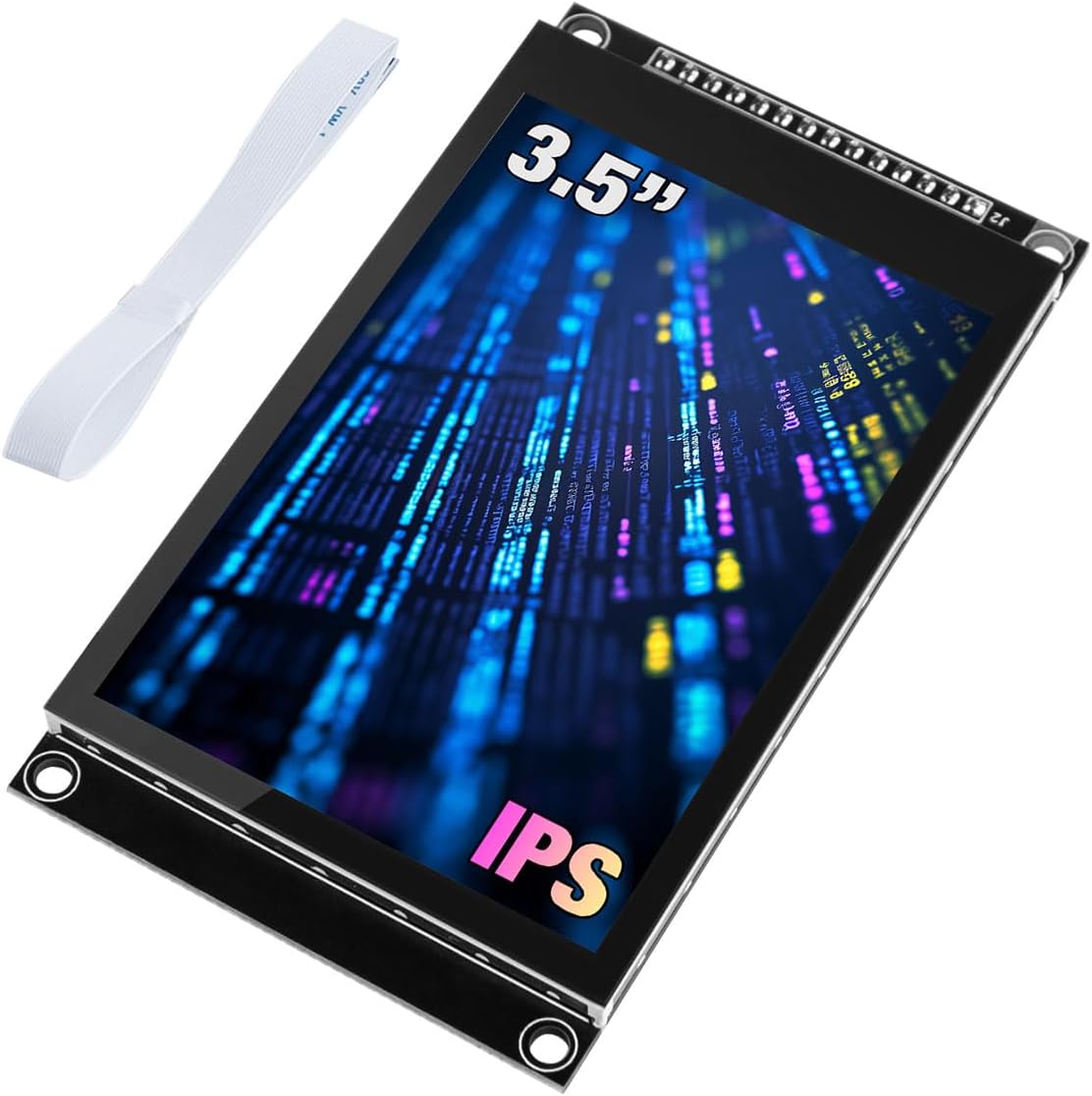
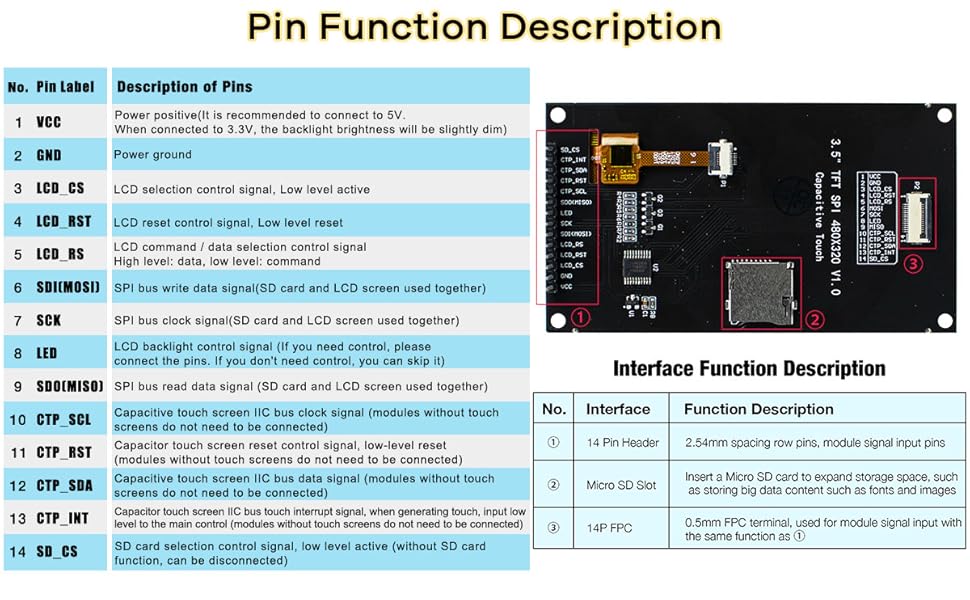
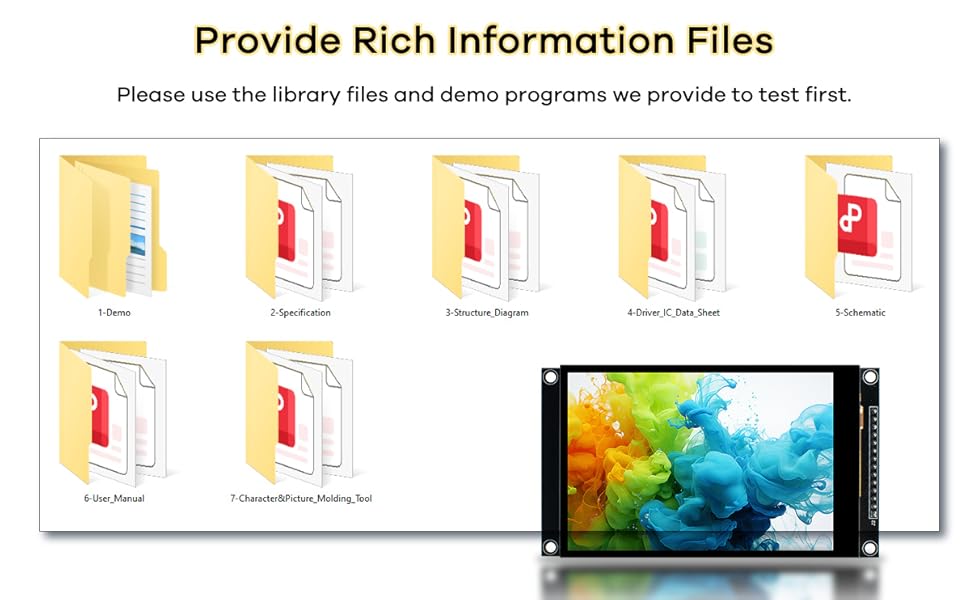
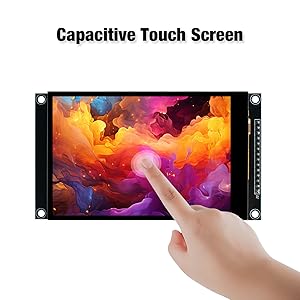
The Hosyond 3.5-inch IPS capacitive touchscreen LCD module features a sharp 320x480 resolution with 16.7 million colors and 300cd/mยฒ brightness. It uses a 4-wire SPI interface for efficient pin usage and supports both 3.3V and 5V microcontrollers, including Arduino R3/Mega2560 and ESP32. Equipped with a micro TF card slot and extensive sample code, itโs designed for professional-grade DIY and prototyping with enhanced touch sensitivity and broad compatibility.


| ASIN | B0CMD7Y55M |
| Best Sellers Rank | 43,112 in Business, Industry & Science ( See Top 100 in Business, Industry & Science ) 64 in LCD Touch Panels |
| Box Contents | 1 x 3.5 inch touch screen, FPC cables, Plastic protective box |
| Brand | Hosyond |
| Brand Name | Hosyond |
| CPU manufacturer | STMicroelectronics |
| Compatible Devices | Arduino R3/Mega2560, ESP32, STM32 |
| Connectivity technology | I2C |
| Customer Reviews | 3.8 out of 5 stars 48 Reviews |
| Included components | 1 x 3.5 inch touch screen, FPC cables, Plastic protective box |
| Item Dimensions L x W x H | 9.8L x 5.5W x 1.3H centimetres |
| Item Weight | 3.5 Ounces |
| Manufacturer | Hosyond |
| Manufacturer Part Number | H029-A |
| Model Name | Hosyond 320x480 IPS Capacitive Touch Screen |
| Model name | Hosyond 320x480 IPS Capacitive Touch Screen |
| Network Connectivity Technology | I2C |
| Operating System | ESP32 |
| Operating system | ESP32 |
| Processor Brand | STMicroelectronics |
| Processor Count | 4 |
| RAM Memory Technology | DDR3 |
| Total USB Ports | 1 |
| UPC | 741421390461 |
| Wireless Compability | 802.11bgn |
C**C
Great!
Using this on a teensy 4.1. Had a few problems at first: ST7796 driver didn't work, so used Arduino_ILI9341 - works fine! Runs up to 110mhz spi on my teensy with good clean soldering and short cables. FT6336U didn't work at first - bad driver code from github (aselectroworks/Arduino-FT6336U - don't use this doesn't work - has a 10ms delay in the readbyte code e.t.c. lol), so cobbled together my own from github "strange-v/FT6X36" driver. Had trouble with that as well - had to delay 300ms on power up before using the FT - else it would't init at all. Also had problems with the FT cutting out while SPI display was updating - All these problems were caused because my CPT reset pin wasn't being used - did not connect it and so it was floating and SPI triggered it - just tie it to VCC if not using it. You can also tie the LCD reset to GND and CS to VCC with a 4.7k resistor if your only using 1 display. Now everything is working great - it's a great display with a nice slick and easy CPT touch interface! With LVGL I get 30fps no problem without using the fast t4 code library.
B**Y
Not an ILI19341 this is an ILI19488, Listing needs correcting
Was going crazy trying to figure out why I couldnโt get this thing going. This thing has the newer ILI19488 chipset, eSPI_TFT has a profile for it. Follow the pin mapping in the profile preset, it works. To the seller: Seriously, update the listing, you wasted too much of my time. Screen looks great, documentation exists, the touchscreen seems to be hard to deal with, though i may have gotten a bad unit
J**H
Great little display module!
This is a very nice display. It is bright and crisp. Colors look really good. When it arrived I was pleasantly surprised to find that it already had the header soldered on! It worked right out of the box. I used an ESP32 MCU to drive the display. I used the Adafruit_GFX and Adafruit_ILI9341 libraries in the Arduino IDE and they worked perfectly. The only issue I had was, as a couple other reviews have mentioned, the colors were inverted. However this was easily remedied using the tft.invertDisplay(true) command that is found in the Adafruit_ILI9341 library. I tested it with several different programs. One simply displayed a full screen photo-realistic image, one was an ioT project that pulled weather data from online and displayed it on the TFT, one was another ioT project that read the time from a time server and displayed it as an analog clock. The last one was a test of the touch screen. It uses an FT6336 chip to drive the touch screen and I2C for the touch screen communication. I used a library I found called FT6336U to interface with the touch screen. The library expects the display to be in portrait mode ( 240 W X 320 H). I use mine in landscape mode (320 W and 240 H) so I had to do a few code tweaks to get it to work in landscape mode. Once they were done the touch screen functioned perfectly. It was accurate and responsive. I really like this display and would recommend it to anyone who needs a cool display to go along with their projects.
P**L
Good screen but bad SD slot
Unfortunately, the SD slot is instable and causing issue on this product. The screen is great though.
N**O
Great Display, just takes tweeking
These are very nice displays. I was able to use the Adafruit ST7789 library on the Mega but had to make a few strange tweeks. -------------------------------------------------------------------------- ISSUE 1) My colors were totally wrong Colors were off so had to: BGR() macro on all colors in my config (like this) // This display swaps R and B channels. Macro corrects all color values. // RGB565 format: RRRRR GGGGGG BBBBB #define BGR(c) ( ((c & 0xF800) >> 11) | (c & 0x07E0) | ((c & 0x001F) << 11) ) // โโ Papyrus palette (RGB565, BGR-corrected) โโโโโโโโโโโโโโโโโโโโโโโโโโโโโโโโโโโ #define COL_PAPYRUS BGR(0xF5E6) // warm tan background #define COL_INK BGR(0x2A05) // dark brown ink #define COL_GOLD BGR(0xFEA0) // amber/gold accents #define COL_DARKGOLD BGR(0xCA40) // deeper gold for borders #define COL_RED_INK BGR(0x9000) // terracotta red for errors #define COL_SUCCESS BGR(0x0600) // dark green for solved state #define COL_DIMINK BGR(0x8C6B) // faded ink for inactive elements #define COL_STONE BGR(0xC5A3) // mid-tone stone for borders -------------------------------------------------------------------------- ISSUE 2) all my text was inverted (like i was looking in a mirror) I was using tft.setRotation(2); in my startup, so.... in the actual Adafruit_ST7789.cpp file of the library I had to modify case 2 (2 in my case because that was my rotation) and add ST77XX_MADCTL_MX in that setRotation function Like this: case 2: madctl = ST77XX_MADCTL_MX | ST77XX_MADCTL_RGB; _xstart = _colstart2; _ystart = _rowstart2; _width = windowWidth; _height = windowHeight; break; -------------------------------------------------------------------------- I suggest using AI (like Claude) to help you configure. It ultimately helped me sort all this out. Hope this helps someone else. (terrable pic attached, but supper clear in real life)
F**R
Works part time
Functions on a part time basis. The LCD display and touch sense work occasionally. Not many drivers available for the FT6336U sensing chip. Frequently receive I2C errors and device freezes. Not recommended. Returning.
Trustpilot
1 month ago
2 weeks ago