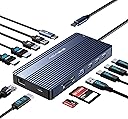
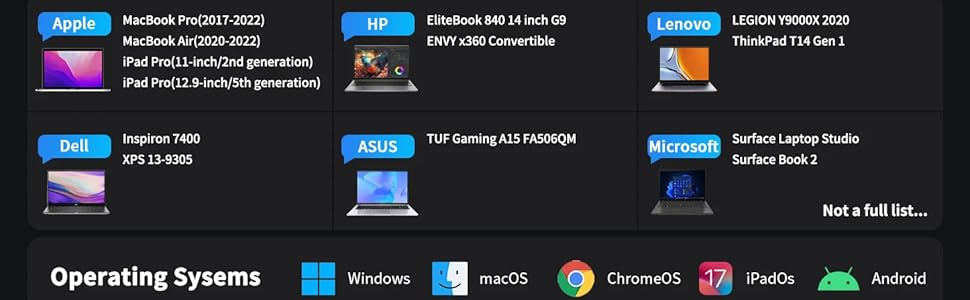
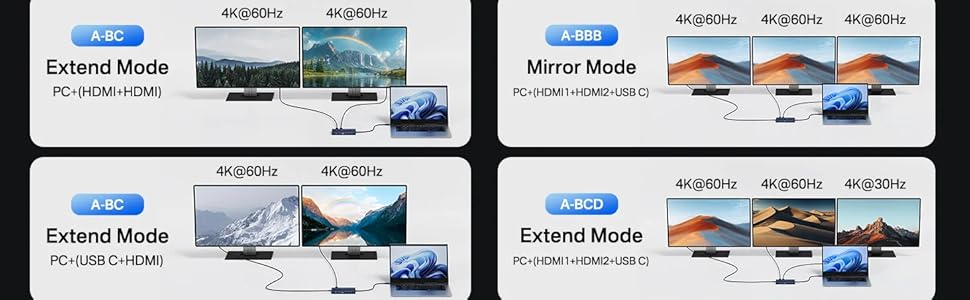
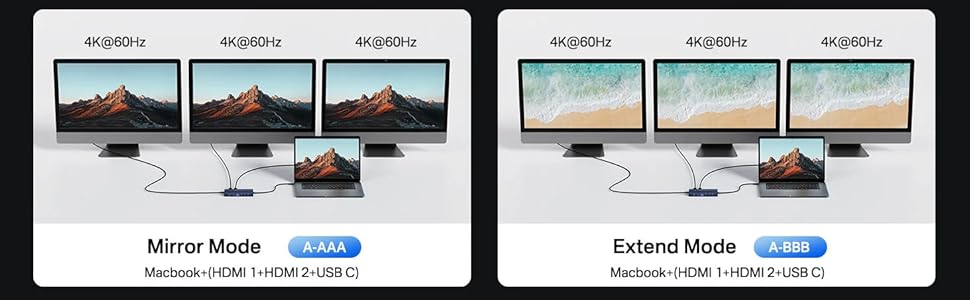
Bought 2, one for work and one for home, to make transporting by laptop back and forth a one-plug process. One worked great right out of the box. On the second one, the RJ45 Ethernet port started disconnecting and connecting regularly the 2nd time I used it. Returned that one and took a chance on a replacement. It's only been 48 hours, but it's working just like the first good working one. At home, I have two external monitors hooked up, and at work just one external monitor. When home, I leave my laptop on but although the external mouse connected to the device will wake up the laptop from deep sleep (not hibernate) in the morning, the monitor ports on the device do not not wake up. I have to unpug the UBSC cable from laptop to and plug it back in, to wake up the monitors. I went into Device Manager and told USB 3.0 Root Hub the device is connected to not allow the computer to sleep that Hub, and the monitors woke up this morning. Gonna try it again tonight, but if it doesn't work, I will edit my review. Edit 1/10/25: Another one's RJ45 Ethernet just gave up the ghost. While it might seem like it's a problem on my end, I've tried these hubs in multiple geographical locations, on different networks with different network switches using different cablemns, and the problem is the same. The RJ45 innards start not being able to connect after a few uses. I'm returning yet another one, and this time looking for another brand. Edit 1/16/25: Tried a different USB dock, and that one's speaker port didn't work with some apps. Took a chance and ordered a second replacement of this dock, and this time, I uninstalled and reinstalled network adapter driver. It's been 3 days without issue now. It's odd that when plugged into the first one of these that I bought for work there's been no issue with the rj45 port, but with the 2nd and 3rd there might have been ome sort of conflict with the network driver. Makes me wonder if I had un-installed and reinstalled the driver if that would have resolved the issue with those other units I sent back as defective. Perhaps seller should have a note in listing to uninstall and reinstall network adapter driver if necessary. I'm changing the title to this review to help others avoid a potential unnecessary headache. Edit 2/3/2025: 4th unit's ethernet has started acting up in the same way as the 2nd and 3rd units. I plugged in a completely different USBC to ethernet dongle and do not have any network interruptions. It's possible that these units might just inherently have bad ethernet ports. I have reached out to the company directly, and will see if they even respond. I will update yet AGAIN if anything changes. For now, I'm dropping it to two stars because everything else works. Edit 2/8/2025: Reached out to company with a adirect email from their website, and via the support link on Amazon. They did not respond at all. Returning the 4th one, and ordered the ANYOYO version of this dock instead. The ANYOYO branded dock appears to be EXACTLY the same as the Acasis one, so it might have the exact same issue down the road, but I'm praying they have better quality control and this one doesn't crap out, just like my first Acasis model has not, so far (knock wood). But, at this point, I would not even CONSIDER buying anything Acasis anymore. If they had at least responded to my multiple communications for support, I might not feel this way. But, lack of response on their part makes me think they know they are selling "seconds" (products that don't pass QA). Changing rating to one star.