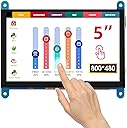
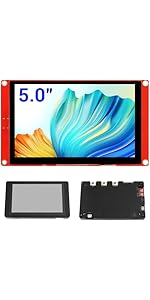
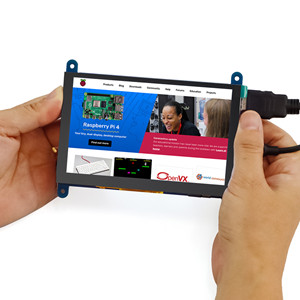
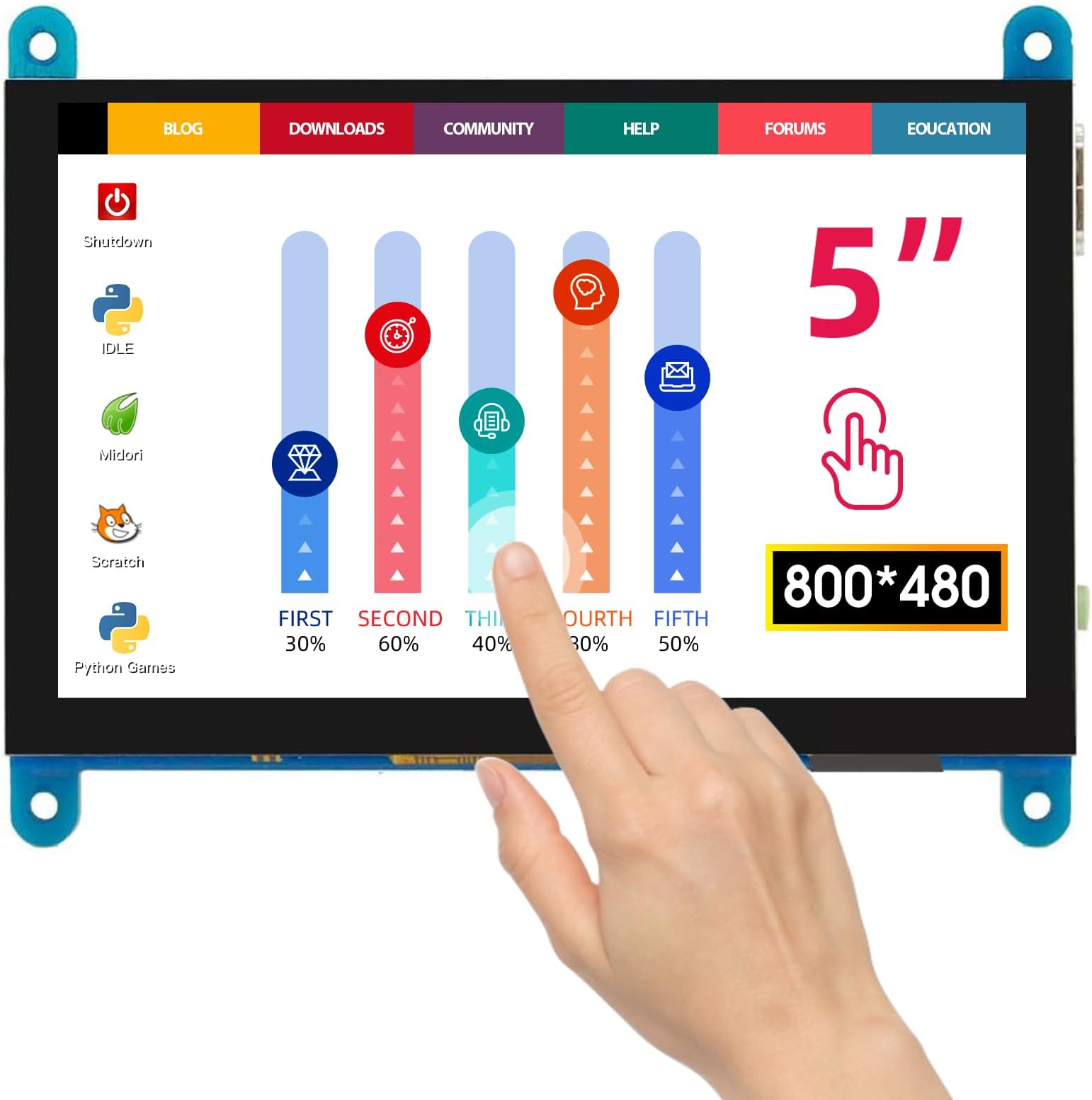
🚀 Elevate your projects with the ultimate mini touchscreen monitor—small size, big impact!
The ELECROW 5 Inch Touch Screen Monitor is a compact, driver-free, plug-and-play LCD display with 800×480 resolution and 60Hz refresh rate. Designed for Raspberry Pi 5/4/3B+, Banana Pi, Jetson Nano, and other mini PCs, it features HDMI and USB connectivity, a built-in power button, and an OSD menu for display customization. Its sleek design minimizes cable clutter, making it perfect for coding, gaming, and professional projects.


| ASIN | B07FDYXPT7 |
| Additional Features | Touchscreen |
| Aspect Ratio | 16:9 |
| Best Sellers Rank | #24,067 in Electronics ( See Top 100 in Electronics ) #597 in Computer Monitors |
| Brand | ELECROW |
| Built-In Media | 5 inch touchscreen monitor x 1, HDcablex 1, MicroUSBcablex 1, DVD x 1, copper screws pack (4pcs) x 1 |
| Color | Blue |
| Compatible Devices | Banana Pi, BB Black, Jetson Nano and other mainstream mini PC, Gaming Console, Raspberry Pi 5, 4, 3 B+, TV box, Windows, PC |
| Connectivity Technology | HDMI, USB |
| Contrast Ratio | 2000:1 |
| Customer Reviews | 4.6 out of 5 stars 566 Reviews |
| Display Resolution Maximum | 1024 x 600 Pixels |
| Display Technology | LCD |
| Display Type | LCD |
| Hardware Connectivity | HDMI, USB |
| Has Color Screen | Yes |
| Image Contrast Ratio | 2000:1 |
| Item Dimensions D x W x H | 1"D x 6"W x 3.4"H |
| Item Height | 1 millimeters |
| Manufacturer | ELECROW |
| Model Name | RC050 |
| Model Number | RC050 |
| Native Resolution | 800 x 480 |
| Number of Component Outputs | 1 |
| Refresh Rate | 60 Hz |
| Resolution | 800 x 480 |
| Response Time | 2 Milliseconds |
| Screen Finish | Glossy |
| Screen Size | 5 Inches |
| Screen Surface Description | Glossy |
| Specific Uses For Product | Business, Education, Gaming, Photo Editing, Programming, Video Editing |
| Total Number of HDMI Ports | 1 |
| Total USB 2.0 Ports | 2 |
| Total Usb Ports | 2 |
| UPC | 749029248764 |
| Warranty Description | 1 Year Manufacturer |
C**L
Great for pi 5
This thing works great.It fits well and the border quality is really good. Obviously, there's no built-in speakers for something like this, but regardless, we use this for a project in our engineering class. So that way, we didn't have to rely on a monitor when booting up our raspberry pi 5. It's very fair for the price and setting it up was relatively straightforward. What I loved about it is is it didn't interfere with the io pins
T**A
Screen works awesome!
I have been working on creating a display for my motorcycle using a Raspberry Pi, Arduino, and CAN bus data. I ordered this screen about a month ago (October, 2019). It came very nicely packaged and had no defects from what I could tell. I had plugged it in to my Raspberry Pi 4, and it was clear and bright. Perfect for what I needed it for. Unfortunately I had started to see signs of deterioration within the first couple days.. I had left it in a fairly cold room. When I had checked on it the next day, the polarization filter had started to peel from the LCD and the touchscreen had started to fail.. HOWEVER: Elecrow had contacted me after seeing that I had a somewhat negative experience and offered to send me another one to show that their screen is capable of meeting my demands. Before I wrote this review, I had to be sure that I would not see the same results again. So I placed it in the same room, with even colder temperatures than what had started to affect the other one.. I waited for two days, and when I checked, the screen was fine! There were no issues with the touch functionality and the filter showed no bubbling either. Worked plug and play with my Raspberry Pi 4 and will definitely add a nice touch to my motorcycle. I definitely would recommend this product. I'm fairly certain that my situation was a one time occurrence, as this one has absolutely no issues, and I applaud Elecrow for their awesome customer service in the long term. Happy holidays, and best of luck on all your DIY projects!
C**D
Works great so far
Initial thoughts - No extra software needed to have a 2nd screen for Windows. I'm just using it for a monitoring screen but I haven't decided where to mount it. A 3.5" may have been better for this but I like tinkering and I would probably be saying "5 might have been better" if I had gotten the 3.5. A shell for it would be nice. Also there's 2 micro usb power ports. You only need to use 1. I don't like the included HDMI cable because it's flat, wide, and stiff. But if you're using it with a Pi it's probably perfect. Overall, it works as intended and I'll be back with pictures when I get it mounted. If the seller reads this, feel free to email me if there are shells available to buy somewhere
G**M
Great little monitor
So I bought two of these monitors expecting them to be low quality, however after using them for about a week and having them on 24/7 so far they have worked great. I mainly use these to connect my windows 10 pcs and they work rather well and the touch screen works too right out of the box. The only down side to the size of the monitor is that you can't really use the touch screen if you have big fingers that well. Some of the cons that I have noticed right off the bat is the usb cable for the touch screen and power is just too short and will not reach if you have a desktop because the cable is about 1ft long, thus the range is very small. To solve this you would need to buy a usb extender cord. The next issue that I found (and had not bothered me since I don't hold the screen) is that the back of the monitor is bare. The board is showing and I would note feel comfortable touching it with wet hands or have any liquids near it. Other than that I have found this monitor rather useful.
C**E
The perfect now-playing msuic panel
The one thing I missed by streaming SiriusXM music on my PC instead of a receiver was the ability to tell what song it was and who was singing with just a glance. I had to navigate to the correct browser window (since I almost always have two open) and then click on the Sirius tab. Now, I use this as a third monitor via HDMI since my computer supports it. I open Chrome on it and set Sirius or Amazon Music to full screen. When a song comes on, it takes about a second to get the information I want. The panel is easily readable, even from a somewhat narrow angle. While I use it at work, so it's music-only, it would also be a great little display for streaming videos.
R**S
that in order for the touchscreen it need to be connected direct to the pi
works fine
P**L
Leaving a Review in the Hopes in Helps Someone
Rapsberry Pi 3 Model B running a fresh install of Raspberry Pi OS (Legacy, 32-bit). Released 2025-10-01 I had the monitor on and working within minutes of rebooting the Raspberry Pi. The instructions provided were accurate and easy to follow. I will outline the procedure here: 1. Download and open the Raspberry Pi Imager if you don't have it already (This is the software used to write the OS to the micro-SD card for the Raspberry Pi). 2. Select your correct device, the OS you want, and the micro-SD card. In my case (Raspberry Pi 3 Model B > Raspberry Pi OS (Legacy, 32-bit) > micro-sd-sandisk) 3. On the next screen, go ahead and modify the system setup with your name, password, wifi information, and time zone. Save and go to the next step. 4. Proceed to write the image to the sd-card. This will take 5-10 minutes. When it's done, it will automatically eject the sd card. Remove it and plug it back into your computer. You need to modify the config.txt file before inserting into your Raspberry Pi. 5. Double click on your micro sd and scroll until you find the config.txt file. Open it up, and at the bottom add the code shown on the included instruction manual. (NOTE: See the included not for Pi 4) 6. Once that's done, save the config.txt file, and properly eject your micro sd card. 7. Complete these steps in order: Put your micro sd into the Raspberry Pi > Connect the included HDMI and micro USB from the screen to the raspberry pi > Plug in your power source (THIS IS VERY IMPORTANT!!! You have to have the correct voltage AND amperage. Whatever your usb cable plugs into needs to support a minimum 5V and 2.5A to run the pi and screen, along with a keyboard and mouse if connected. See my picture below.) 8. Give the Pi time to run through the initial boot process, the screen should be flickering and possibly showing Raspberry Pi images during this. It will take several minutes and the pi will likely restart. LEAVE IT ALONE! Go get a coffee or use the bathroom. After the process is done, you should see the Raspberry Pi desktop on the tiny screen. Troubleshooting: - Check your connections - Check your power supply for the right Voltage and Amps - Triple check that everything in the config.txt file was copied properly. One thing out of place will cause an issue. - If this all fails, I recommend starting fresh and trying a different OS version
K**N
Absolutely perfect for PC monitor panel
I like to watch YouTube videos of people building computers and came across this guy who put a mini lcd panel inside his computer to monitor temps and speeds. He recommended this panel (5 inch blue). So picked one up. The cables that came with it are short so I recommend that you grab a 3ft USB to micro usb cable a and a slim monoprice hdmi cable. I routed both to the back of the pc. Once the lcd came on, I configured the panel as a 2nd monitor. Now, the resolution is 800x600 but I was having a hard time getting templates to add to it, so I changed it to 800x480 on windows and downloaded a bunch of aida64 templates in that resolution. Although the resolution is lower, it actually looks better to me. See the picture. Took me about 30 mins to set everything up. Also, you will need the retail version of aida64 extreme, so I recommend you do a Google search for websites that sell the license alot cheaper that the actual aida64 site. As a bonus, people online don't like that because these panels are powered by USB, once the computer is off, some panels remain on with the message "no signal detected" but this one fixes that because it shuts off automatically once it does not detect a video signal. I am extremely pleased on how this came out. I would give it 10 stars if I could
Trustpilot
3 weeks ago
2 days ago