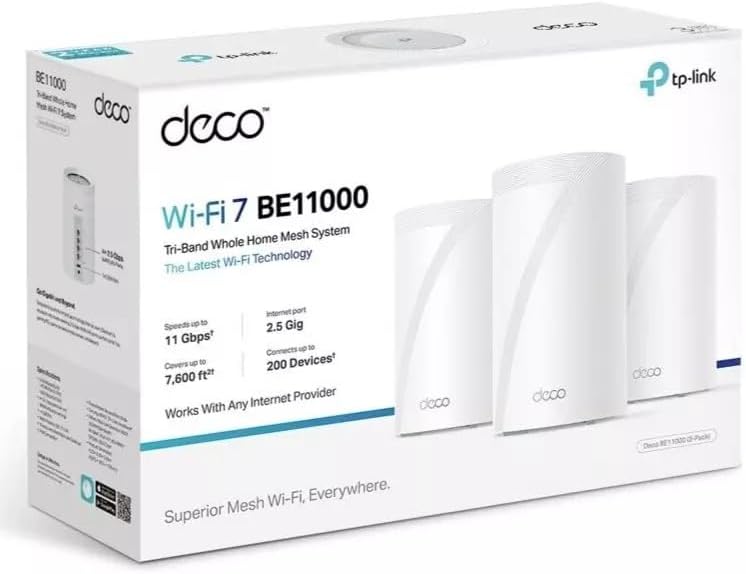
The BE11000 mesh router system is up and running after only about an hour of set up. I put my main unit into my attic and had very few problems with the router itself. The app would sometimes see the router during set up, but still not connect. I had to shutdown and restart the app several times to get the main router operational. After initial set up of the main router, the second router would not connect and the main had gone "red LED" on me. Luckily, this required only a restart of the main and second router. The third router worked without a hitch. Over all, I had to restart the app probably 4 times, and once I had to reset and completely restart the main router. All in all, it was an easy set up, but the app having to be hard shutdown and restarted was a bit annoying. Once the routers are commissioned, the Deco app appears to have almost anything you need to set up your network how you might like. Setting up the guest network in the app is a software switch and a password (or no pw if you want an open guest network). Almost every function is done this way. I don't yet have any 6Mhz devices, but I plan on upgrading my phone soon, which is why I purchased this router. The 6MHz network is not powered on by default, so you'll need to find its switch if you need it. MLO (Multi-Link Operation) is also turned off by default; however, since I'm not yet using these functions, I left them off. This paragraph is how I understand why the router "phones home." I may not have everything right. The 6MHz (Wifi7) requires a call back to verify Automated Frequency Coordination (AFC), if you want full power 6MHz. This is a US government reg, and also similar in Canada. This means your router will be calling out every day to refresh itself on the database. This is TP-Link complying with US/Can (and maybe others) requirements. If you don't like the call back, you can disable it and your 6MHz will operate at the "acceptable" lower power mode. If you are in the same room with the router and have no walls between you and the router, then lower power might suffice. If you're going through almost any barrier, then you will probably need higher power. This is because higher frequencies are "Line of Sight," and don't penetrate obstructions very well. Going through some 3/4 inch plywood decking and the drywall ceiling, my connection speed is down to about 25% of the speed between the router and the modem, using the 5MHz band. Walking around doesn't affect my connectivity much; I noticed no dropping or serious lags without disconnecting/reconnecting to Wifi, which I had to do regularly with the router I replaced. Going through a single piece of hardie plank siding, with the router wirelessly connected through roof decking and shingles, I got about 35% speed. After everything was set up, I performed a "live" firmware update. In less than 2 minutes, I was back online. I needed to do nothing except initiate the update and wait. Once I was set up, I had many strange devices on my network. I was able to identify some of them, but others were more difficult. I resolved this by block the IP of my devices and then seeing which ones stopped working. Some of them, I could look up the IP address, which made identifying them a little easier. Once they were identified, I changed their name in the Deco app, so now I can see at a glance what is and is not connected. As an iPhone family, the "Andriod" connection was the most alarming. It ended up being a programmable picture frame. All in all, I'm quite content with this mesh router set up. My old router left several blind spots, and now I haven't found any areas in my home that are not covered. The annoyance of the app during set up did not warrant a star loss in my rating, but it was definitely annoying.