🚀 Scan Smart, Live Efficiently!
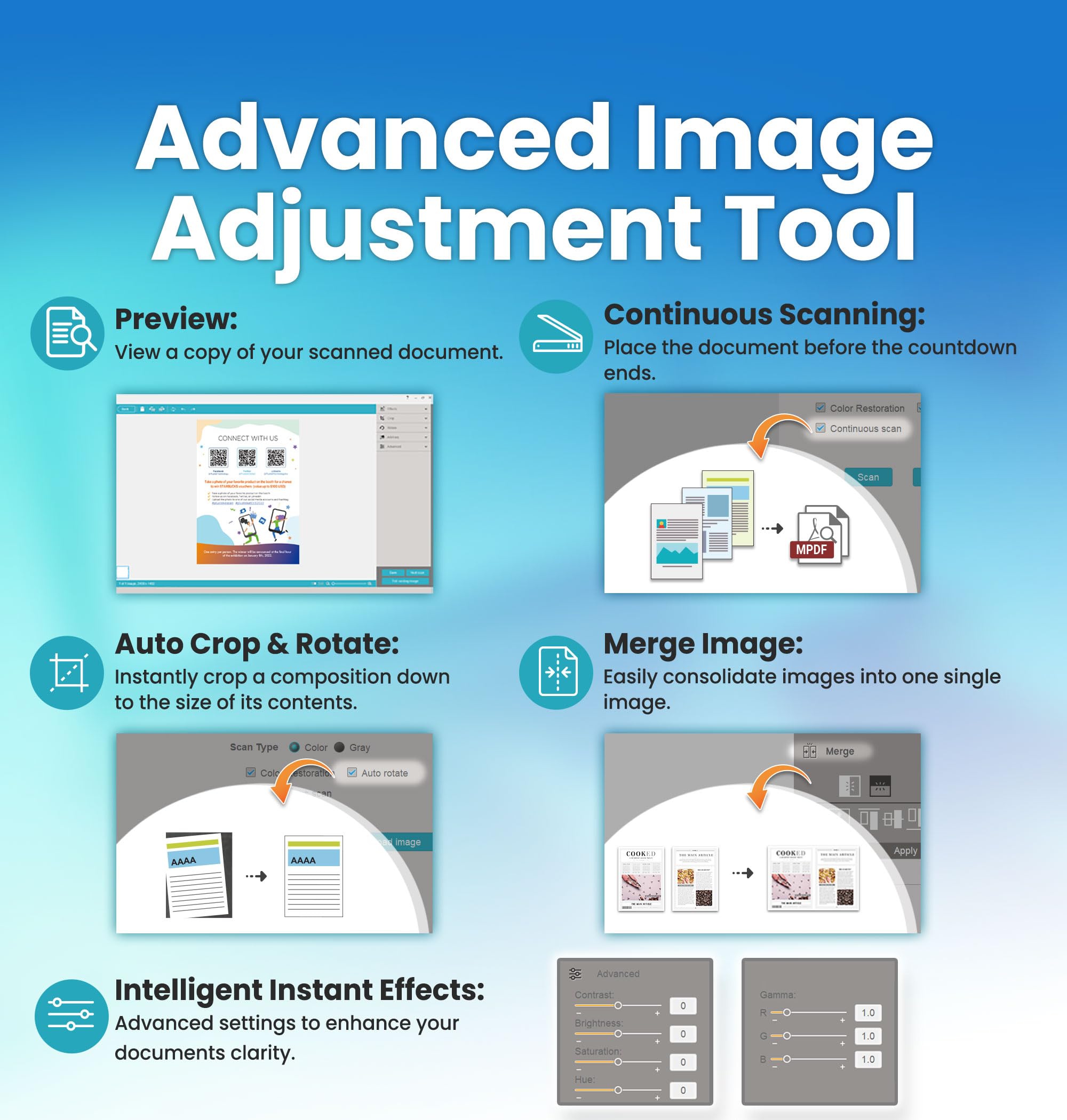
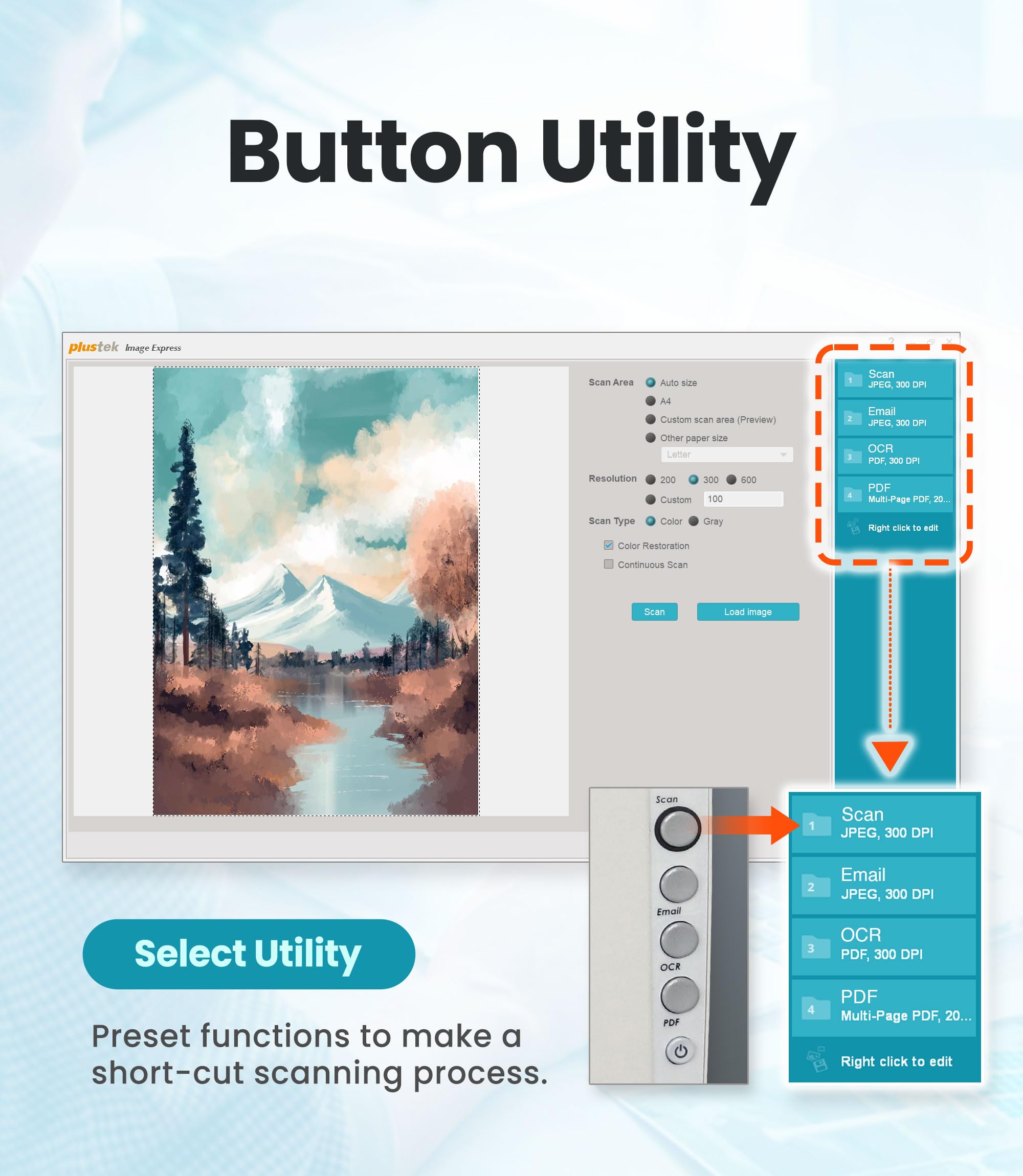
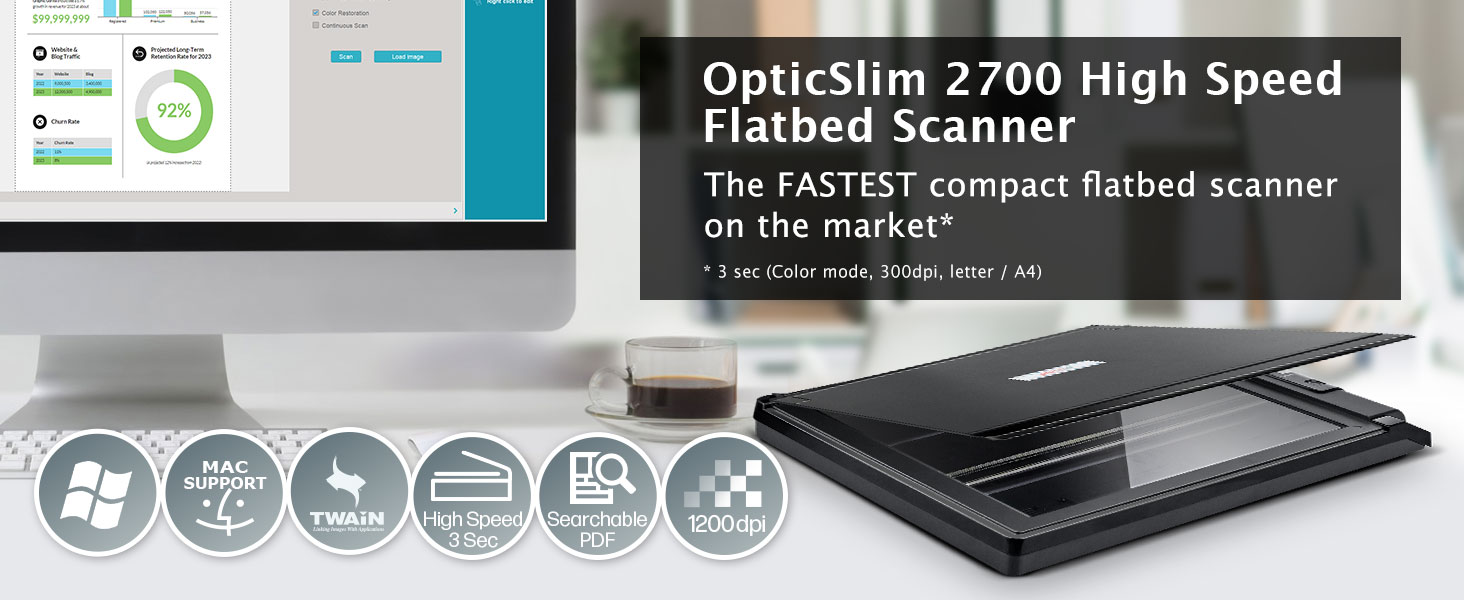
The Plustek OpticSlim 2700 is a high-speed flatbed scanner designed for home and office use, offering rapid 3-second scan speeds at 300dpi in color. With features like built-in PDF creation, advanced image processing, and one-key operation, it enhances productivity while supporting both Windows and Mac systems.
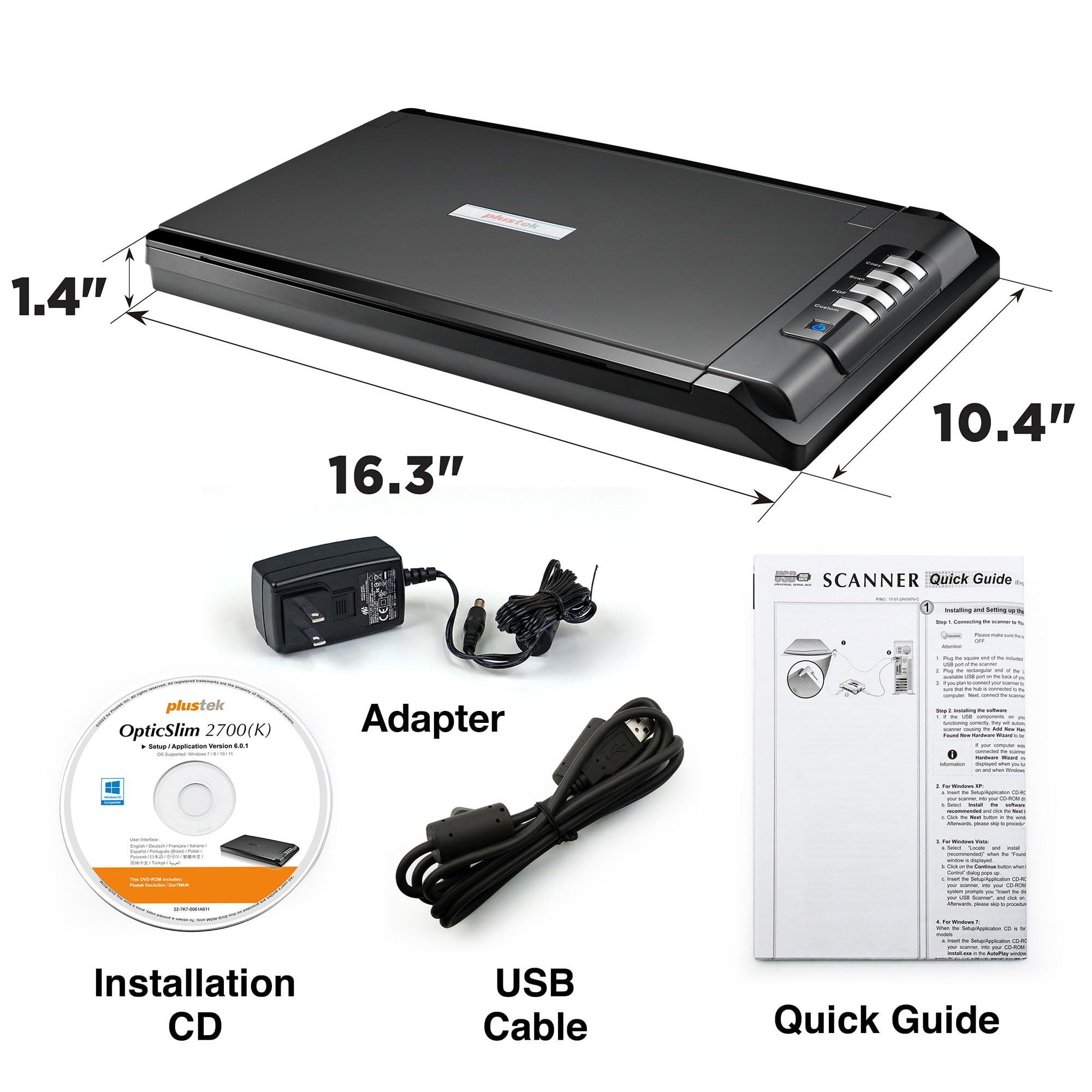
| Item Weight | 1.8 Kilograms |
| Item Dimensions D x W x H | 1.46"D x 16.34"W x 1.46"H |
| Minimum System Requirements | Windows 7 |
| Color Depth | 24 bpp |
| Paper Size | A4 |
| Optical Sensor Technology | CIS |
| Light Source Type | LED |
| Connection Type | USB |
| Resolution | 1200 dpi |
| Wattage | 18 watts |
| Supported Media Type | USB |
| Scanner Type | Flatbed |
C**T
Fantastic - Easy install & works!
Fantastic scanner. Easy installation of software drivers and app. I used the discs that came with the product. Installed quickly and easily. I started the app, scanned a document, chose where to save it. Worked great on first use! I appreciate products that actually are easy to set up and use. I highly recommend this. Scanner was very fast.
D**D
FINALLY! A scanner that works on Windows 10 right out the gate!
For those of you who, like myself, have gone through endless frustration attempting to find (and install) a Windows 10 compatible flatbed scanner, your search is over. This is the PlusTech 2680H scanner. It will meet just about all of your home scanning needs. It certainly isn't high tech, no wireless interface and it only works with the Windows 7,8 &10 OS. But it was a breeze to install the software. Their website contains all the info you need to get the scanner up & running STAT. For all you Windows OS folks out there, this scanner is definitely worth a second look.
R**C
It scans very well and it's fast!
I was using a super slow scanner and it drove me nuts. I teach Chinese and need to create PDFs for my students. The scans need to be high quality in order to clearly see the writing and phonetics. This scanner does a great job scanning books, compared to others I've used. Sometimes, I need to press the crease of the book to get a better scan of the writing near the crease, but that is the same for all scanners. It scans very fast! I also installed a separate scanner software, callsed PaperScan. It makes editing the scans manageable.
S**R
Did not work out of the box
The 2700 scanner showed up in 2 days well packed and unopened. I installed the scanner on my iMac and then downloaded the drivers and installed them and uninstalled them 6 times. The system recognized the scanner but no matter if I used the software or onboard buttons, it would not scan. Everything would just lock up.I spent 45 minutes with tech support who finally decided that there must be a hardware malfunction. He suggested I return it to Amazon, which I am in the process of doing. I'm glad to be rid of this thing and did not request an exchange but a refund. I spent all evening playing around with this thing.
A**O
IT WORKS-SOMETIMES
Ok, to be fair, this is one of the few flatbed scanners are are available these days at a reasonable cost. The scanner works well, but when it goes to sleep I usually need to power it off and back on to get it to work as it will not wake up on its own.The used interface (on the computer) is cluttered and clumbsy. If you can tolerate the little annoyance of working with it you can be happy with the results of both copying and scanning. If, like my wife, you are easily fristrated and not tech savvy...Then this is NOT the scanner for you.
A**N
fast and detailed
This scanner replaced a Canon LIDE 700 which had served me well for many years. I had another Canon before that for many years. Being familiar with the CanoScan I/F and TWAIN I/F I bought a Canon LIDE 400. I use scanners mostly for copying to a B/W laser, and PDF generation from paper documents. I just couldn't get the LIDE 400 to Copy from its button I/F or ScanGear I/F so I sent it back.This scanner is fast and produces a sharp copy at the printer. I may do a photo every few years so no comment on color quality, etc. I don't like the scanner I/F or TWAIN I/F as well as the Canon but that could be familiarity. The TWAIN preview/scan I/F image is smaller than I remember with the Canon..This scanner uses a power cord rather than USB power and has an on/off/standby switch. Installation is old school in that you connect the USB, power it on, and then install the software. I'm running the latest W10, used the included CD, and did despite not getting the add hardware/new hardware detected notice, it worked when install completed.The multiple PDF function does not have a next/finished option. Instead you set a timer for auto scanning the next page. The default is 10 seconds. I found I could set it to a higher value and then hit the PDF button once my next page was in place. The finish button displays while the timer is counting down.I made a few test scans of color documents, which printed much much sharper than from my replaced Canon. I made a PDF of a multipage letter written in 1945 on very thin paper with blue ink and it produced an acceptable image. The scanned item must be flat to the glass with this scanner and I needed to weigh down the lid to flatten the creases in the letter.I like it . Fast and detailed. Good documentation.
G**E
great product!
easy to use with windows 11
R**O
Great product!
Arrived quickly, hooked it up, installed the software and it worked well right out of the box. I wanted to do a few extra things (merge, multi-page doc's) so scanned the QR code to get to the website to find additional instructions. A chat box opened up - I figured it was a chat"bot" but "no" .. it was an actual human, who in a few minutes showed me how to do everything (and didn't require I create an account for customer support! ) This all came a lower price point than similar scanners with the features I wanted (my last printer/scanner had died and I bought one from HP, whom I've used for years, but did not realize now HP scanners require you create an account and scan all documents to their cloud server .. i.e. you can't scan directly via usb to a computer anymore - which is unacceptable for me...) This scanner lets you do this (uploading to a server. you want is not a problem - its just required you scan to theirs to work - and added bonus is scanner to computer will work without wifi - mostly use in my home office, but when on the road it will also work) . I do not know how well it will hold up over time as I"ve only been using it a week, but I'm a fan!
Trustpilot
2 months ago
2 weeks ago