Some deliveries may take a little longer than usual due to regional shipping conditions.

DOWNLOAD THE APP


Customer Services
Copyright © 2025 Desertcart Holdings Limited
DOWNLOAD THE APP


🕸️ Mesh your home with speed and safety — because your family deserves the best!
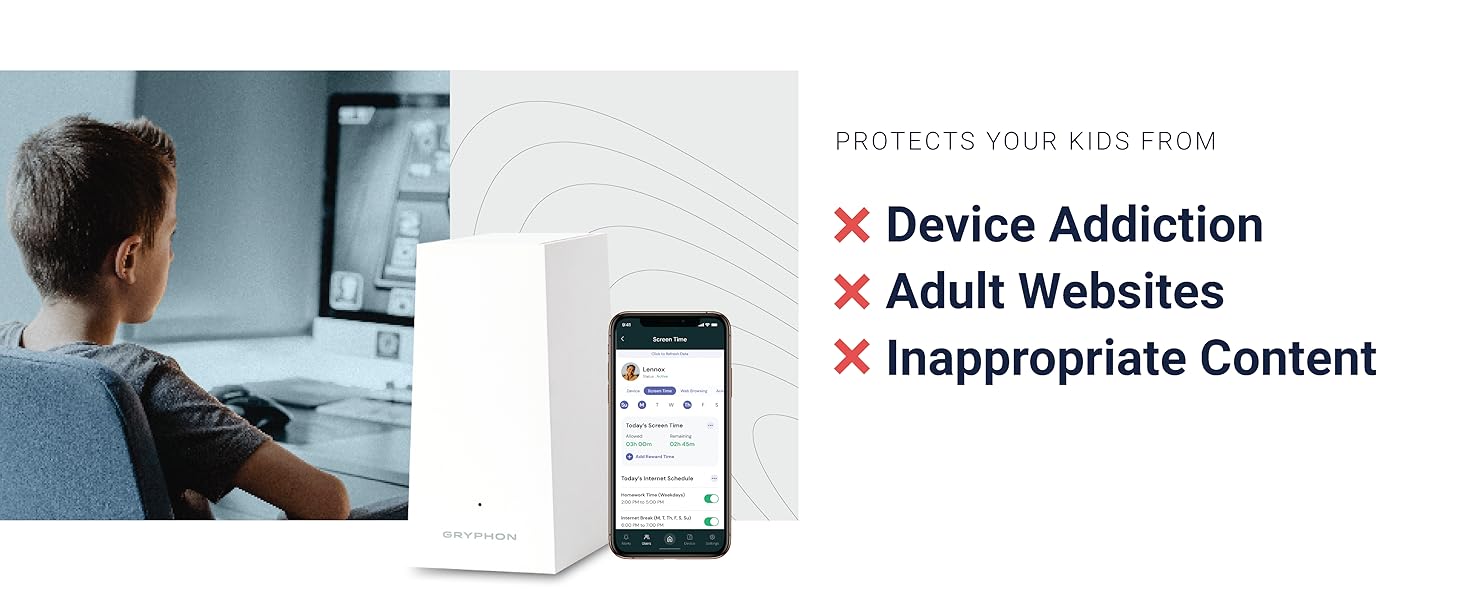
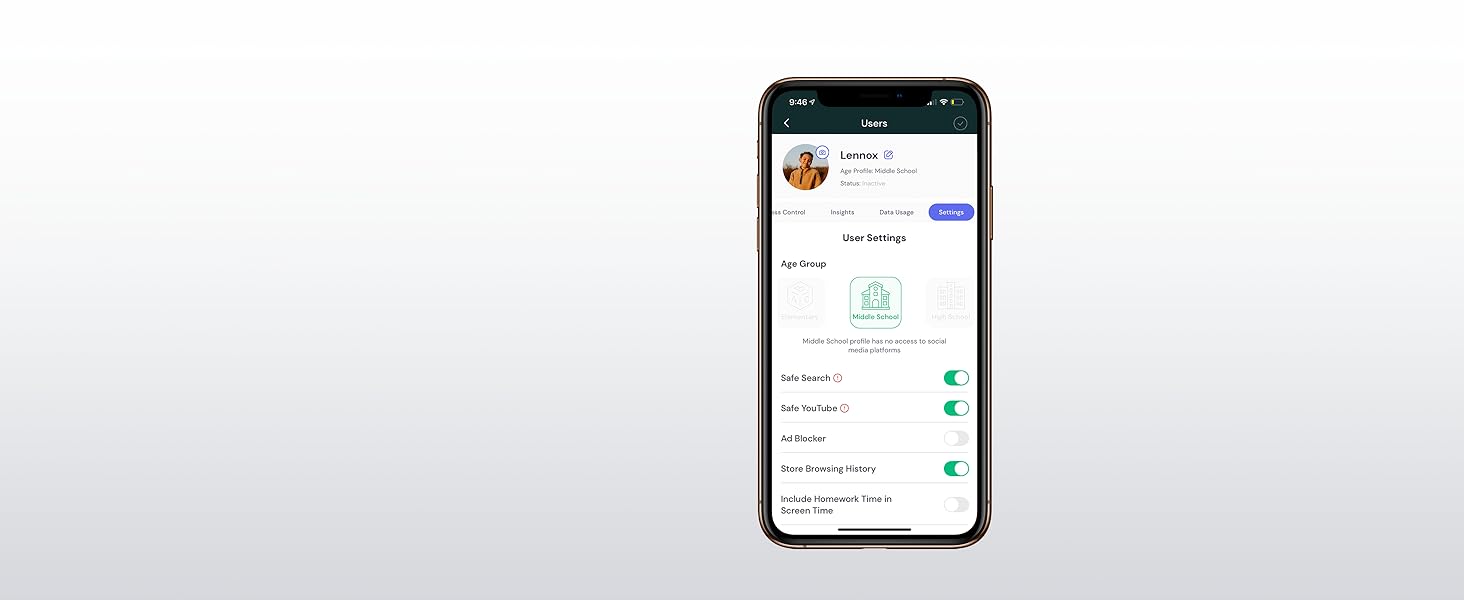
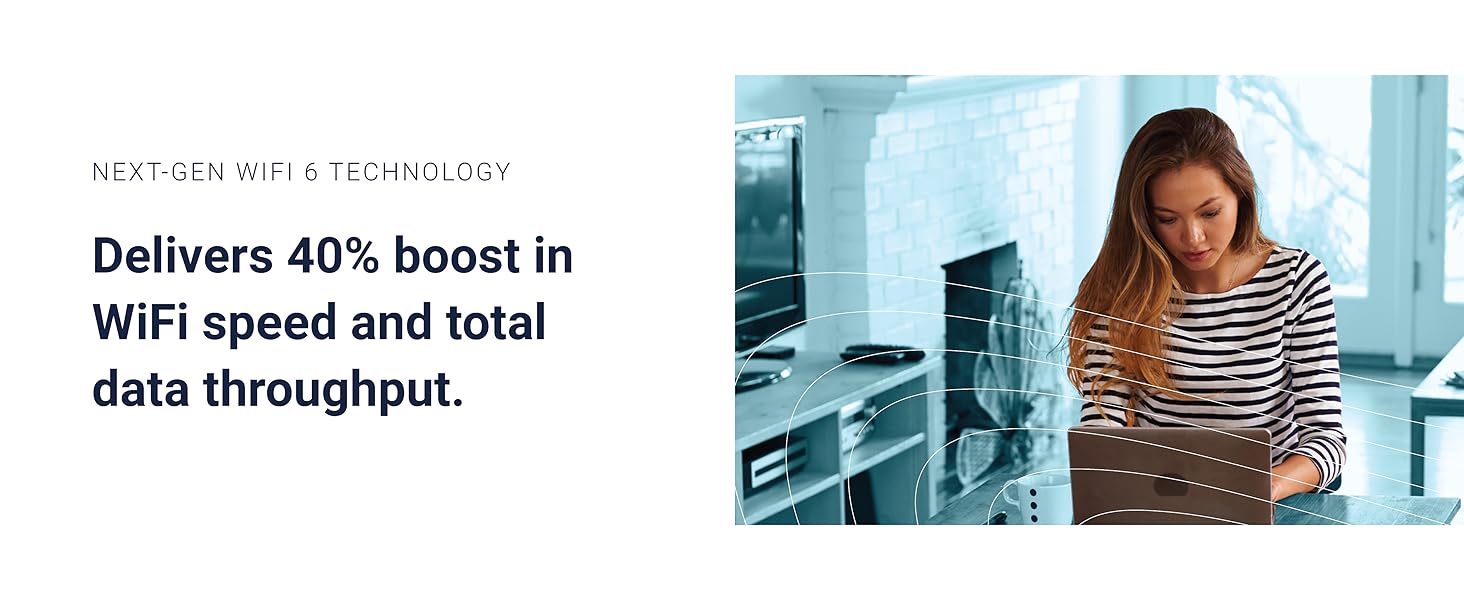
The Gryphon AX is a dual-pack Mesh WiFi 6 router system delivering ultra-fast 4.3 Gbps speeds and up to 3,000 sq. ft. coverage per unit. Designed for multi-device households, it features advanced parental controls with customizable content filters and time limits, alongside a next-generation firewall offering real-time malware and intrusion protection. Managed effortlessly through the Gryphon Connect app, it ensures secure, reliable internet with no compromise on speed or control.



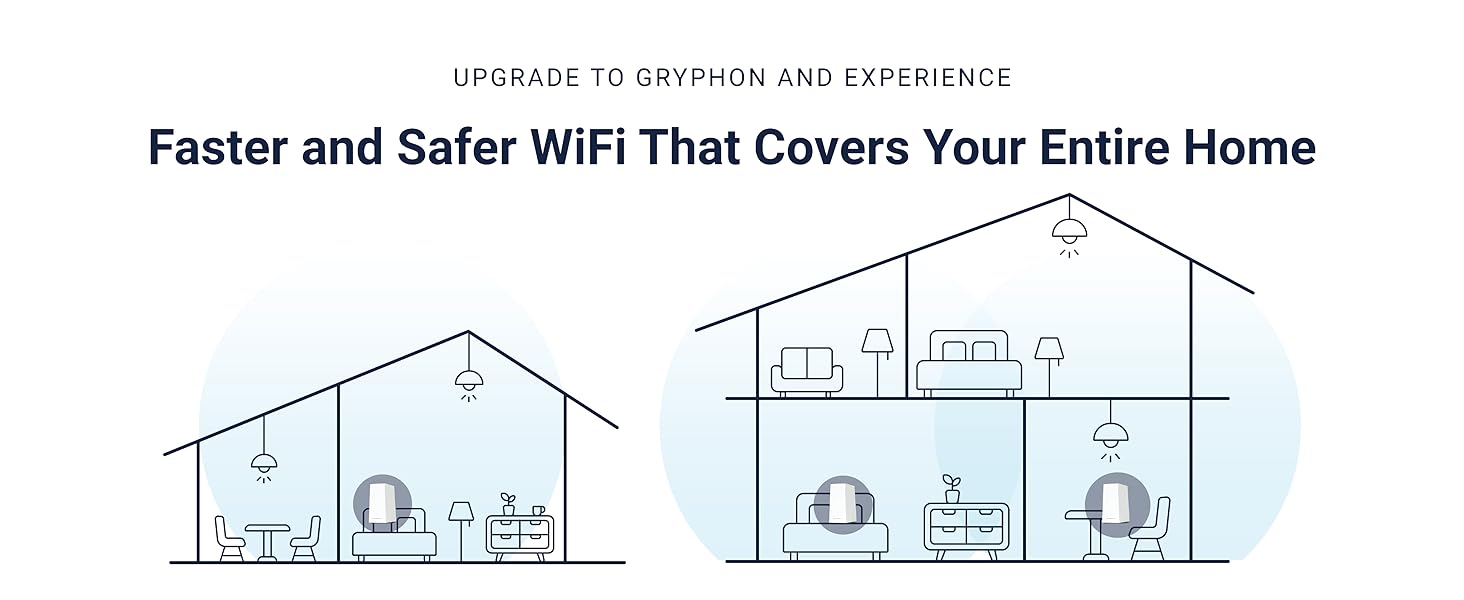





| ASIN | B098R67T3C |
| Best Sellers Rank | #16,008 in Electronics ( See Top 100 in Electronics ) #75 in Whole Home & Mesh Wi-Fi Systems #103 in Computer Routers |
| Customer Reviews | 3.8 3.8 out of 5 stars (551) |
| Date First Available | July 6, 2021 |
| Item Weight | 4.35 pounds |
| Item model number | AX4300 |
| Manufacturer | Gryphon Online Safety |
| Product Dimensions | 0.3 x 3.2 x 6.5 inches |
M**S
Very good parental controls router!
This functional and reliable Gryphon router has been a breath of fresh air over the last year, especially after we suffered with another brand of parental controls router for several years and all its many problems. I really like the customizable parental controls & blocking by user, device, time, etc. in the App. It also provides an additional layer of Malware blocking before it gets to your devices, and even allows blocking of all traffic from several bad-actor countries! The control app is very helpful, and not a buggy nightmare to use. Tech support has been very responsive and helpful. We have a large house, and my phone gets better signal throughout because this router has antenna vectoring and can be set up to prioritize the signal level for up to 3 devices. The cost of this router was initially more than we wanted to pay, but I can say now that it’s worth the money to help protect our family and devices against irreparable harm.
S**A
Superb wifi to keep your family and kids safe
I have looked around for quite some time for a wifi-6 with Mesh capability and a comprehensive parental control. I have previously tried Circle by Disney in the past which I liked, but it automatically blocked VPN and I couldn’t access my work’s VPN connection while working remotely during the pandemic. I came across Gryphon after several weeks of research and I’m glad I tried it. The app interphase gives you lots of control including age appropriate group settings for each user and the ability to individually modify each user’s permissions including the ability to allow/block VPN. I have a profile for myself which allows VPN. There are other powerful features similar to circle by Disney including homework time, time limits on different days, blocking the internet, etc. Inappropriate adult content is blocked as well. Their customer service is also very responsive as I initially noticed that inappropriate contact was not blocked when opening a private/incognito browser. I sent them an email and they immediately sent a firmware update automatically that fixed the issue. The other minor disadvantages with the AX model is it only comes with one LAN port, but I can easily get a splitter. Would be nice to get a USB with next generations to Allow connecting an external hard drive instead of NAS drives. In summary, I highly recommend this great product.
D**B
Have to manage it from a mobile app
I'm sure that this is probably a nice router once you get it set up. The problem is that you have to set it up using a mobile app -- I was not aware of this. There are a number of things that I like to do using a mobile app, but managing all the functions on my router is not one of them. Their reasoning is that it is inherently unsafe to have a web interface to access the router, which may be true, but there are other down sides. One issue is that you need a reasonably strong mobile signal in the space where you set up the device; unfortunately, that is not a given in my basement -- thanks a lot AT&T. I eventually got it to sync up and was able to connect, but everything else that I need to do, I have to do on the smallest screen that I own using my fat fingers on the tiny buttons. The app was not great either. I had to inexplicably restart the router a couple of times beause it showed on my phone that it was offline even when I had an Internet connection on my phone. The app only has a 3.1 star rating on the play store, I didn't read the other issues people had, but apparently there were some. One last thing that seems small, but I'm going to put it out there. This thing comes with a grippy, rubbery finish on the outside of it. My experience is that within a year or two, this coating will degrade and will come off on your hands or whatever else touches it. I don't have to touch my router a lot, so maybe this isn't a huge deal, but it's unneccessary, and it has to cost more to coat the ABS outer shell of the device with that stuff. The spot where I tried to set this up was dusty, so now it is white with black finger prints all over it that don't come off that rubbery coating.
A**R
Get this instead of Gryphon tower and / or guardians
We bought a Gryphon Tower in 2020, and our wifi coverage has been awful in the house. To try to "improve" this, we bought 3 Gryphon mesh guardian units in 2022 and 2023. I don't think they did much to help, but maybe the placebo effect made me feel a bit better. I don't know why Gryphon still sells either of those products, as they are old technology with poor signal and very low speeds. The Tower and Guardians in our house would periodically drop wifi speeds from the 200 Mb+ we get from cable down to 5 Mbps, sometimes less. Websites wouldn't load, lots of frustration in the family. We just purchased and setup a Gryphon AX Wifi6 and removed the Tower and Guardians. The AX covers the entire house at speeds near our Internet Service Provider's wired speed. It's a huge improvement. It ACTUALLY WORKS now. Installation was a pain, because we were upgrading from older gryphon units. I had to remove the tower and guardians from my gryphon account, then setup the AX in the app on my phone. Pro Tip - Gryphon prints the QR code so small that we couldn't scan it with my phone (which has an excellent camera). Instead, we took a picture of the QR code on another phone, zoomed in to increase it's size, and then used my phone to scan the QR code off the other phone's screen. Really, they ought to just print the label larger, but oh well. Once it was setup in the app, everything was relatively simple to configure if you know how to find MAC addresses on all the devices that connect to the internet in your house... It would be much nicer if Gryphon could tell if a device is a computer, ipad, phone, etc, but it can't, so you have to look up MAC addresses and match them to all the "unknown devices" in the Gryphon app. Tech support was nonexistent. Tried chat and phone call, no response, no call back.
M**Y
Great product. Has a lot of flexibility in changing settings and the parental controls work well.
W**Y
The router has an easy setup with good tech support. The profile setup for children were easy to setup bedtimes, content restrictions, and maximum daily screen times. I did have to use their tech support a couple times to sort out odd quirks I had with the Android app and screen time scheduling. We are currently working with their support to sort out a recent firmware update which maybe causing reduced performance. Not definitive as this could also be my Internet provider too.
W**E
Router is so slow that's it unusable, I expected much better for the price. It does seem to do a good job blocking adult websites but is painfully slow.
P**Y
Review Update: Shortly after my initial review a representative of Gryphon reached out to me and setup a phone call to discuss the issues I experienced. Not once during this call, nor subsequent calls, did they even hint at changing my review - which I was expecting them to do. Because they didn't push a review update, I took my time re-reviewing the product and here is my update. The unit I received did not want to register with my account, I couldn't explain why however the team at Gryphon manually added the device to my account and it started working correctly shortly after (it did take them some time to figure it out). Once working, I will admit their software is quite enjoyable. I am using it as a secondary network and adding devices now and then to test it's functionality and comparisons between networks. As far as features vs other routers is concerned, this one is definitely more robust for safety and security. You don't need to understand much about networking, yet you can still keep your family safer. With the built in school level configuration for kids, takes the guess work out of what you need to block for their age ranges. The malware detection, I tested by going to some shady sites and confirmed it does work - and it works fast! User profiles are easy to configure, adding devices specifically to each profile allows you to not worry about who's doing what. The app notifications when someone wants on the network is a great feature that I haven't seen in many other products. The speed difference is actually noticeable in some situations where large amounts of loadings are happening on a page or service. Doing a speed test between other networks, with comparable ratings, shows it to be roughly the same speed (slightly higher but negligible). The signal strength is strong though, strong enough to get service several houses down the street when outside. Currently the only issue I have is that from time to time it seems to drop packets, or lose connectivity - I can't confirm if it's 100% the device or the external provider. I'm leaning towards the device, but I cannot confirm. I was really hoping to give this a deep, in-depth review. Unfortunately, a couple months of trying - I could not get this device to work. While it's a great concept, even a good looking product with big promises - there was no delivery. There is no way to connect to the device and trouble shoot or configure it. The mobile app is the only means of setup - unfortunately once it throws an error there is no way to get useful support, no explanation for why it won't work, no faq and no troubleshooting steps. Simply, it won't work. Could this be due to my network setup? Sure.. however, connecting it directly to my router, bypassing everything else in the network - it still doesn't function. Hopefully they learn from all of the reviews on here and introduce a web based configuration tool so that we can connect from a desktop and figure out what's wrong/setup the device.
M**R
One of the challenges with parental controls is getting something that os easy to manage. Gryphons interface handles this very well. It seems to get the perfect balance between flexibility and ease of management. I was a little hesitant with only being able to select from a few scheduling options but the way it is implemented is extremely intuitive and is well beyond my expectations. I would highly recommend this router for anyone looking for something that focuses on parental controls.
Trustpilot
2 months ago
2 months ago