Some deliveries may take a little longer than usual due to regional shipping conditions.

DOWNLOAD THE APP


Customer Services
Copyright © 2025 Desertcart Holdings Limited
DOWNLOAD THE APP
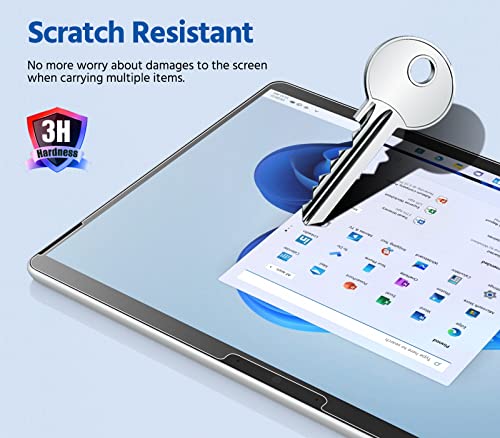
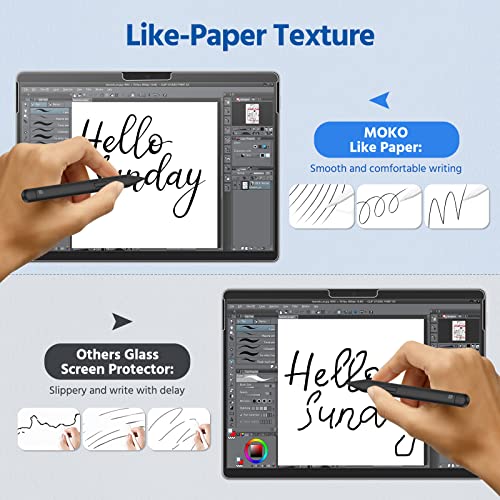

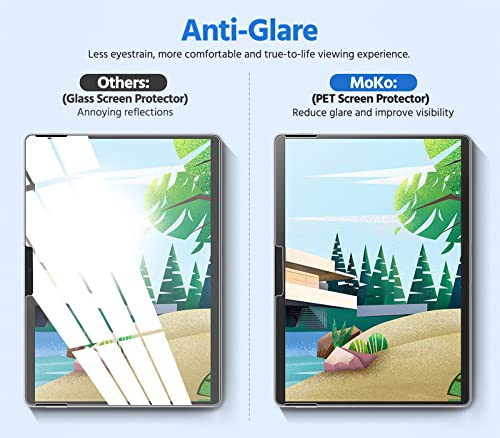
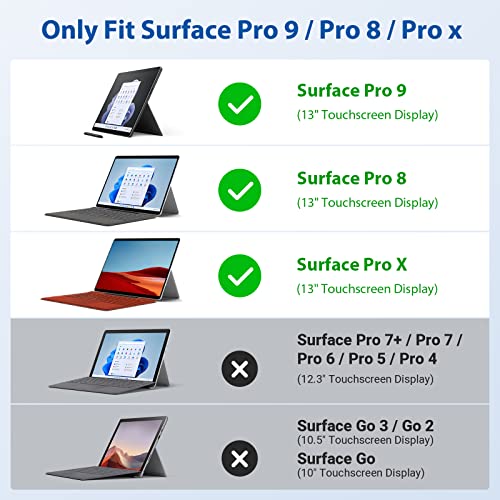
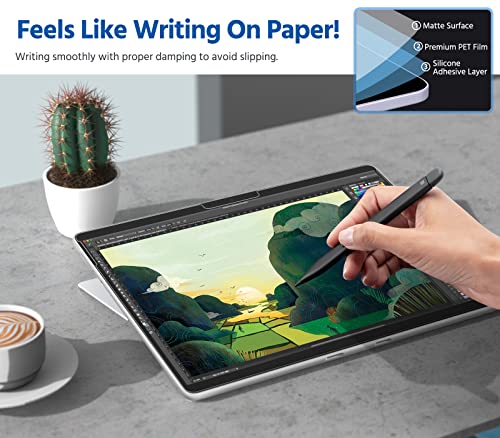




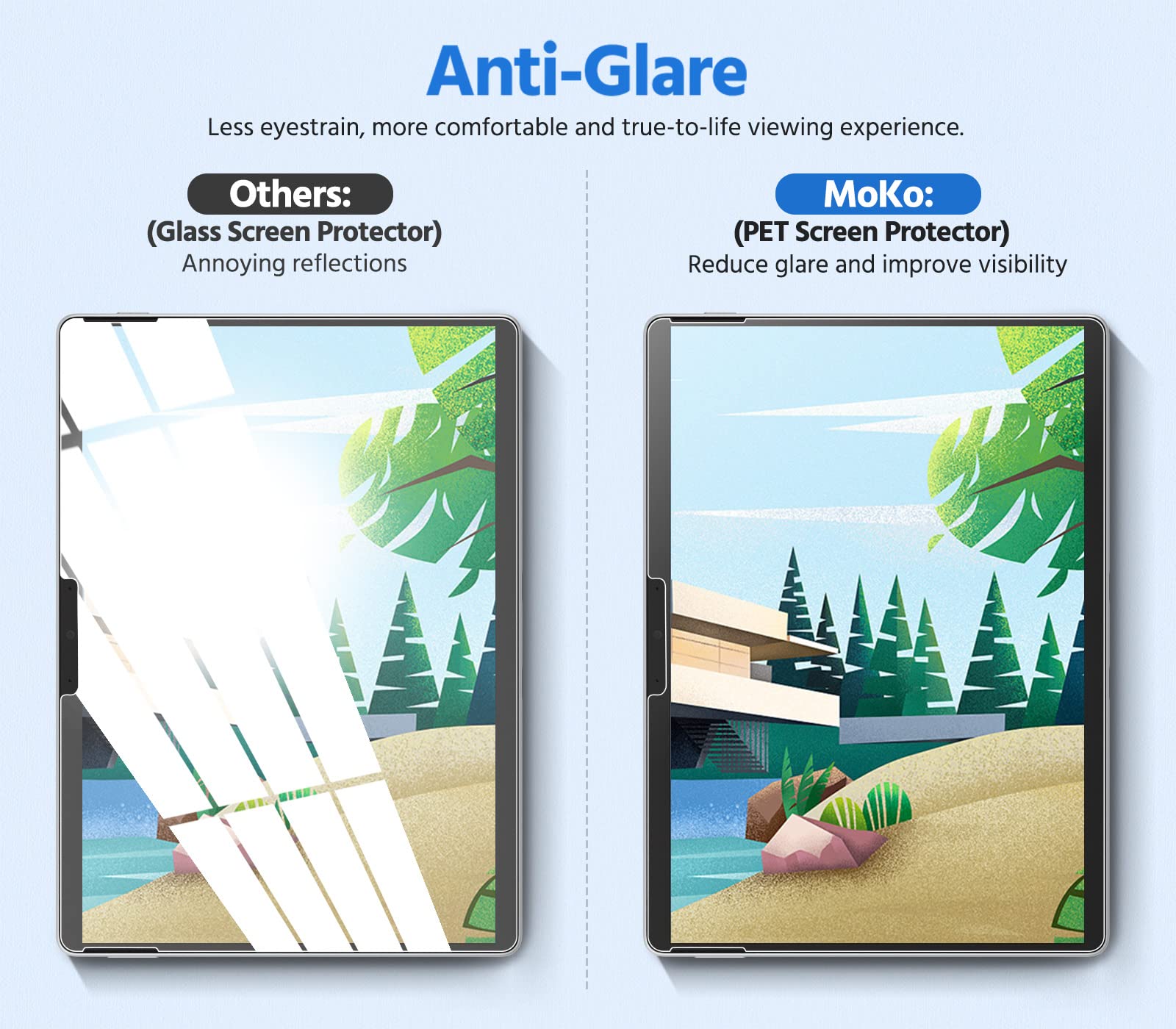
🖋️ Elevate your Surface Pro experience—write, draw, and work glare-free like never before!
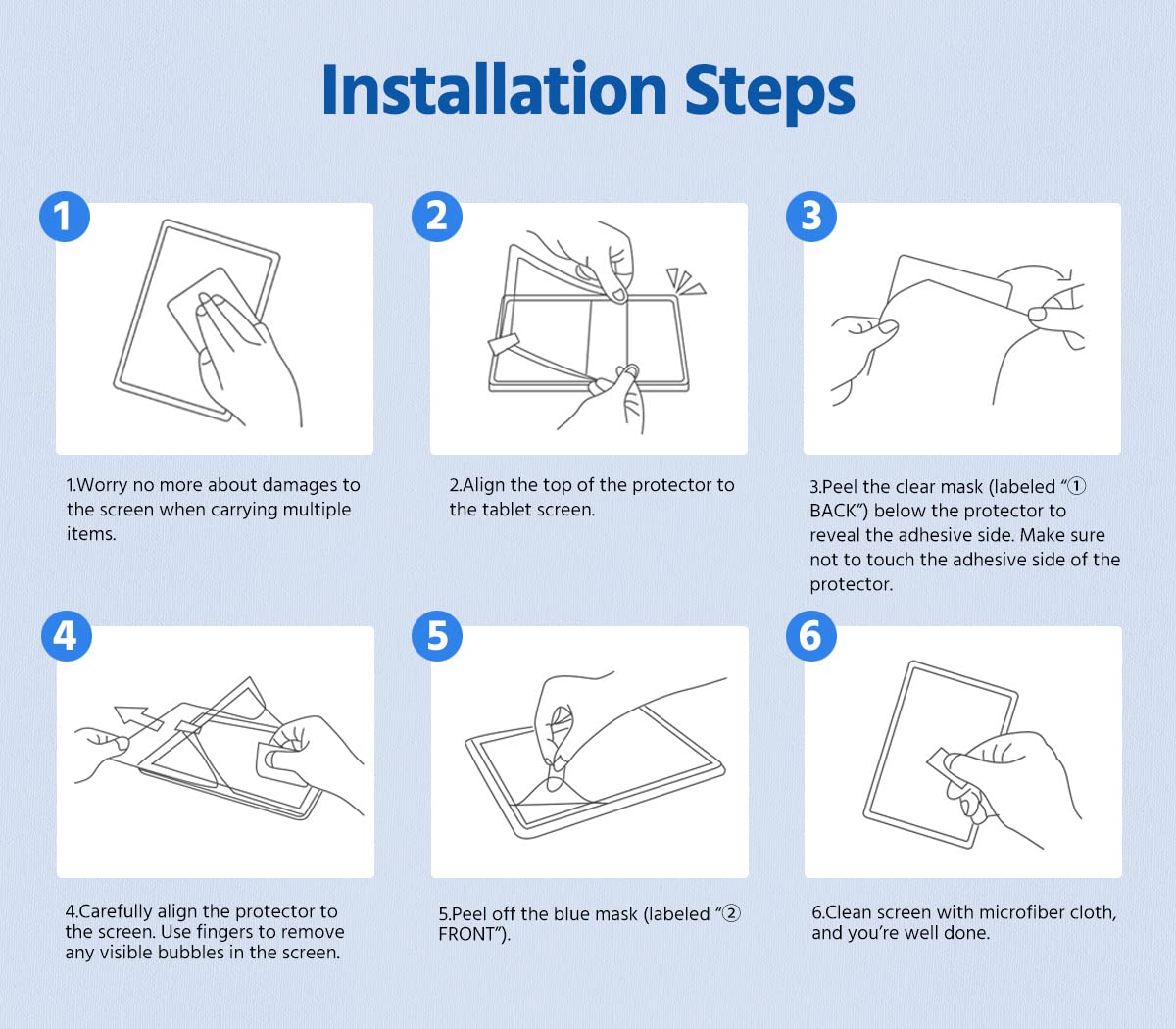
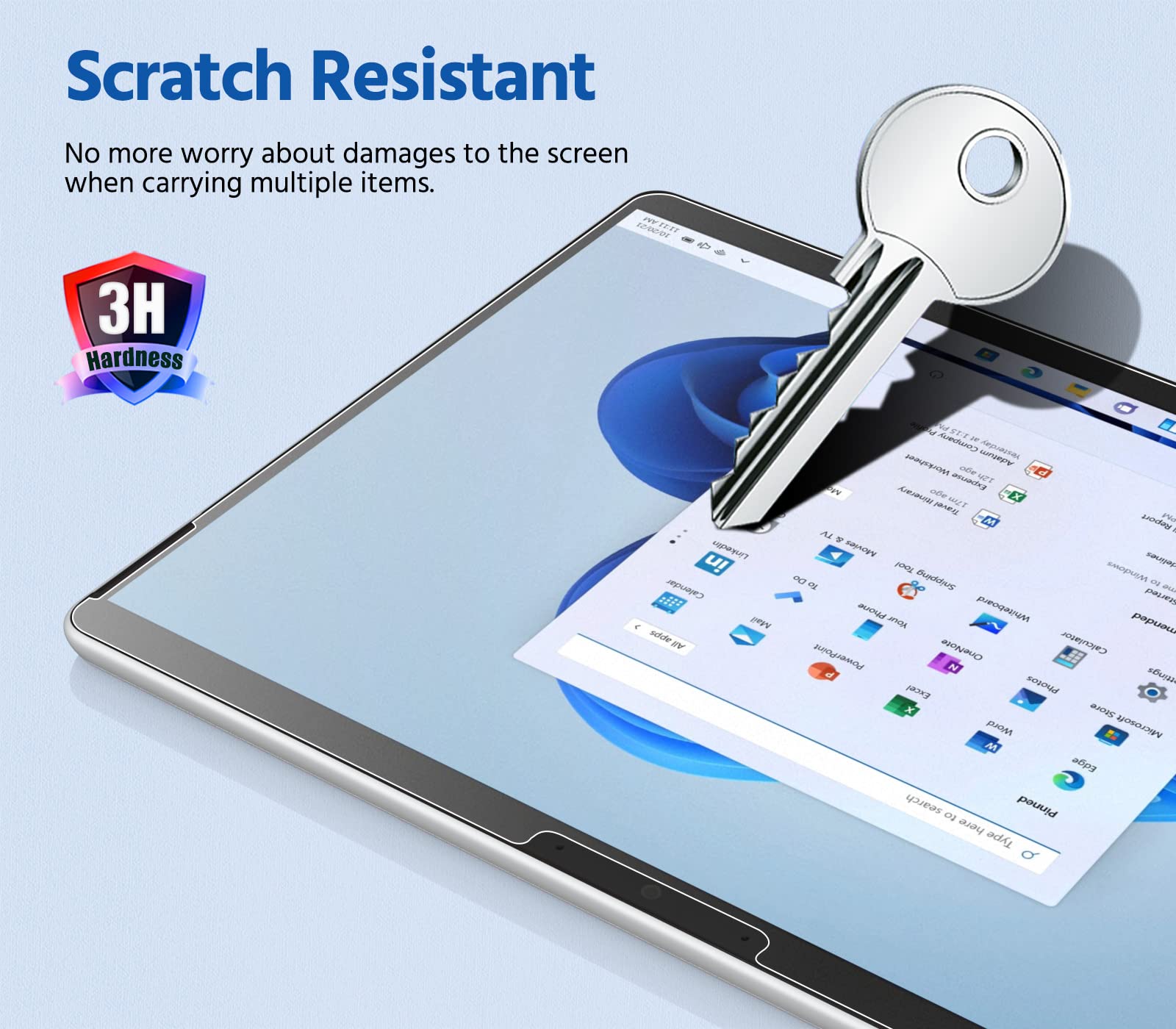
The MoKo PET Matte Screen Protector is a precision-engineered anti-glare film designed for Microsoft Surface Pro 10, 9, 8, and Pro X models. It features a unique paper-like texture that enhances S-Pen control for writing and drawing, reduces sunlight reflection to minimize eye strain, and protects your screen from scratches and fingerprints. Easy to install with a bubble-free adhesive, this matte screen protector transforms your Surface Pro into a glare-free, artist-friendly workspace.


| ASIN | B09YD8HFB8 |
| Best Sellers Rank | #430 in Tablet Screen Protectors |
| Color | Matte |
| Customer Reviews | 3.9 3.9 out of 5 stars (320) |
| Date First Available | April 20, 2022 |
| Item Weight | 0.9 ounces |
| Item model number | P840034693904 |
| Manufacturer | MoKo |
| Other display features | Wireless |
| Product Dimensions | 11.01 x 7.96 x 0.5 inches |
| Special features | Anti Glare |
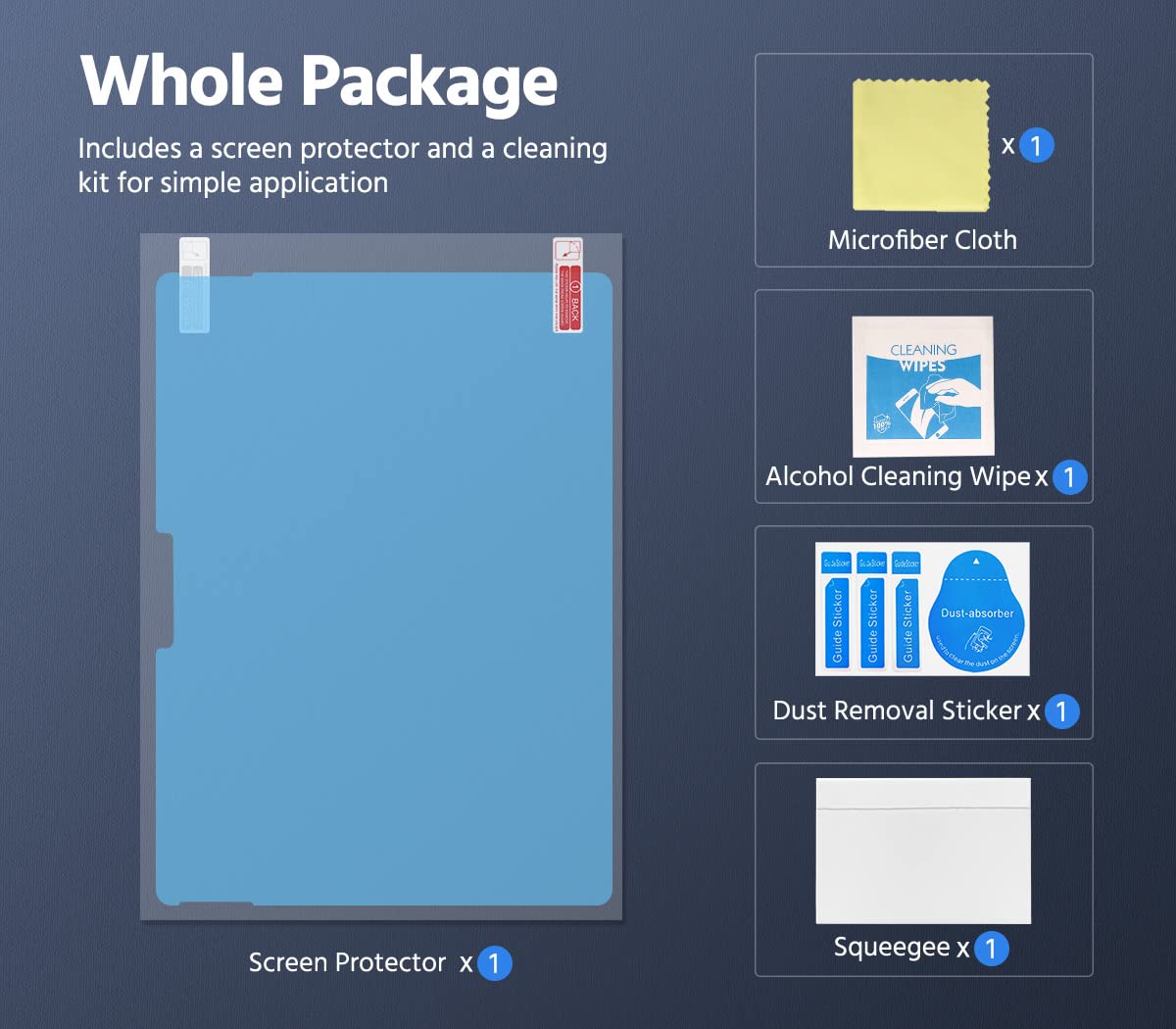
| Whats in the box | 1*Paper-feeling screen protector |
D**K
A must-have for pen users; great feel and value
If you use the Surface Pen for writing or drawing, this MoKo screen protector is an absolute game-changer. The stock glass screen on the Surface Pro is slick, which can make handwriting feel unnatural and imprecise. This screen protector adds a subtle, paper-like texture that provides the perfect amount of resistance for the pen tip. It genuinely feels like you're writing on a sheet of paper, offering much better control and making note-taking a far more pleasant experience. Beyond the writing feel, the matte finish is fantastic for reducing glare. Working near a window or under bright overhead lights is no longer an issue, as the screen protector diffuses reflections effectively, which also helps reduce eye strain. Installation was straightforward, and the fit on my Surface Pro is perfect. The best part? You get two in the pack! Considering the high price of other "paper-feel" screen protectors, this MoKo 2-pack is an incredible value. It offers all the benefits of the premium brands—excellent writing texture, anti-glare, and scratch protection—at a fraction of the cost. I highly recommend it to any Surface Pro owner whether using their pen or just wanting to reduce the glare. FYI: I purchased this using my own funds and was not compensated by Moko or anyone else to write this review.
J**Y
Works
Pain-free application, a few bubbles but doesn't really affect much. Been using it for a few months, it helps reduce glare and the texture is nice for writing.
P**N
Great once installed
Once installed, this screen protector is everything as advertised. It provides a great writing experience on the surface pro and the matte finish is also nice for glare reduction. The only negative is that it is difficult to install. Thankfully the package comes with two screen protectors. I messed up on the first but got it right on the second. I strongly suggest using a lint roller as the final step in cleaning the screen before installing the protector. The alcohol wipes and microfiber cloth seem to leave behind some fibers. Because I used the lint roller last, I was able to install the protector with absolutely no dust or dirt underneath.
N**K
Does the job, but not uniformly
Installation was tedious and it took a while to get as much lint and dust off of my screen. After installation, I was left with no dust underneath the screen protector, and a few microbubbles on the edges of the screen. Bubbles are going to happen, but they are easy to get out with the included foam-lined card. My biggest concern was how it would feel to draw and take notes on. The screen protector is relatively paper-like and gives me the friction I was looking for. However, my biggest problem is that the friction is not uniform throughout the screen protector. There are certain spots on it where it has so much friction that it becomes hard to write on, and other spots have so little friction that I begin to have slips in my writing. This could just be a defect in the one that I ordered, but it is too apparent to be unnoticed. For the price, I guess it's fine since it gets the job done.
T**R
Avoid: Poor pen performance - Poor touch performance
I have been a heavy user of pen enabled tablets since 2004 - on Windows, Android, and iPad. I have also used many different screen protectors to enhance the pen experience all along the way. So I've learned how to quickly install and use protectors from many makers. This MoKo PET Matte Screen Protector is definitely among the worst I've tried. I have 3 main complaints about this one: 1. Poor installation related quality: This one is designed to install like most matte protectors: there is a protective layer on each side of the actual screen-protector film: a) one on the "adhesive" (screen) side, and b) one on the user facing side (to allow bubble removal without damaging the protector). There are tabs that allow the removal of each of these layers. But in my case the tabs removed without separating the related film - they just pulled off. Also, the user facing layer was stuck too strongly to the actual screen protector, so that the process of peeling it off (after bubble removal) simply pulled the actual screen protector away from the screen introducing a huge new population of bubbles. I've never had a protector perform so poorly in these two installation related ways. 2. Poor touch performance: once installed. the protector significantly degrades the touch performance on the Surface Pro 9. Significantly. 3. Poor pen performance: last (and perhaps the worst) the advertised "paper like" pen "feel" improvement was almost imperceptible. You can readily feel the distinct roughness of the matte surface, but, surprisingly, it doesn’t deliver the “paper like” feel with the MS Slim Pen on the SP9. Like zilch real improvement. Conclusion: The advertised improved pen feel doesn't really work, the protector degrades the use of touch interaction, and the quality related to installation is very low. Avoid this one.
A**N
Great Screen Protector for Handwriting
This screen protector is phenomenal. This screen protector does actually make the display feel like paper both to your fingers and when writing with a Surface Slim Pen. Installation was easy and straight forward, but the instructions were pretty lackluster. Not a big deal if you've ever applied a screen protector before, but might be a turn off for those with less steady hands. (Pro Tip: Before you apply the screen protector, go into a bathroom and run a very hot shower to steam up the room. This will pull the dust out of the air and prevent dust particles from getting stuck under the screen protector when you apply it.) The screen protector also does a great job of reducing the reflections from the Surface's display, but doesn't completely eliminate them. It does reduce image clarity slightly, but not by much and you can still clearly see individual pixels and read text clearly. Overall, I highly recommend this screen protector
I**C
I had to return mine because it shipped with a dent in the packaging and screen protectors which may have happened during transportation. The texture makes it a lot easier to write on the surface pro. I didn't really notice the screen qualitiy diminish after applying the screen protector. It's a little hard to apply but once you've got it on, it doesn't come off easily. There is significanly more friction when writing and I noticed the nib of the slim pen feels slightly ruffer than a new one after writing on the screen protector for a day. But the bright side is, it is a lot more comfortable to write on. There is also 0 interference with touch sensitivity and pen input. Great screen protector for your surface pro if you don't mind having to get new nibs more frequently.
P**O
Muy facil de poner. El tacto rugoso es muy agradable, pero bastante ruidoso con los dedos (como acariciar un papel de lija). Lo compre principalmente por el anti-glare/anti-reflejo, y la verdad es que hace muy poco al respecto. Sigue reflejando bastante, solo que algo mas borroso.
A**R
Lo intenté poner, pero el dobles que traía no permite que se adhiera bien.
S**A
Comprata per protezione dello schermo del Surface, ha completamente migliorato la scrittura su schermo. E' leggermente ruvida al tatto, ma non da fastidio. Antiriflesso, non lascia impronte. Facile da installare, seguendo le istruzioni. Nella confezione ci sono due salvaschermo, con relative salviette per pulire. Vedremo la durabilità nel tempo, ma, per ora, è perfetta.
F**O
J'étais septique... Certes la mise en place n’est pas très aisée, mais une fois la protection fixée, et l’embout du stylet remplacé par un embout en métal, la glisse devient fabuleuse. J’avais toujours la sensation d’écrire très mal sur l’écran de mon Surface. C’est maintenant terminé. J’ai beaucoup gagné en lisibilité et en reconnaissance de caractères. Attention cependant : la texture rends l'écran un peu "vibrant" : les blancs prennent de la texture
Trustpilot
4 days ago
2 weeks ago