

📸 Capture Every Moment with Ease!
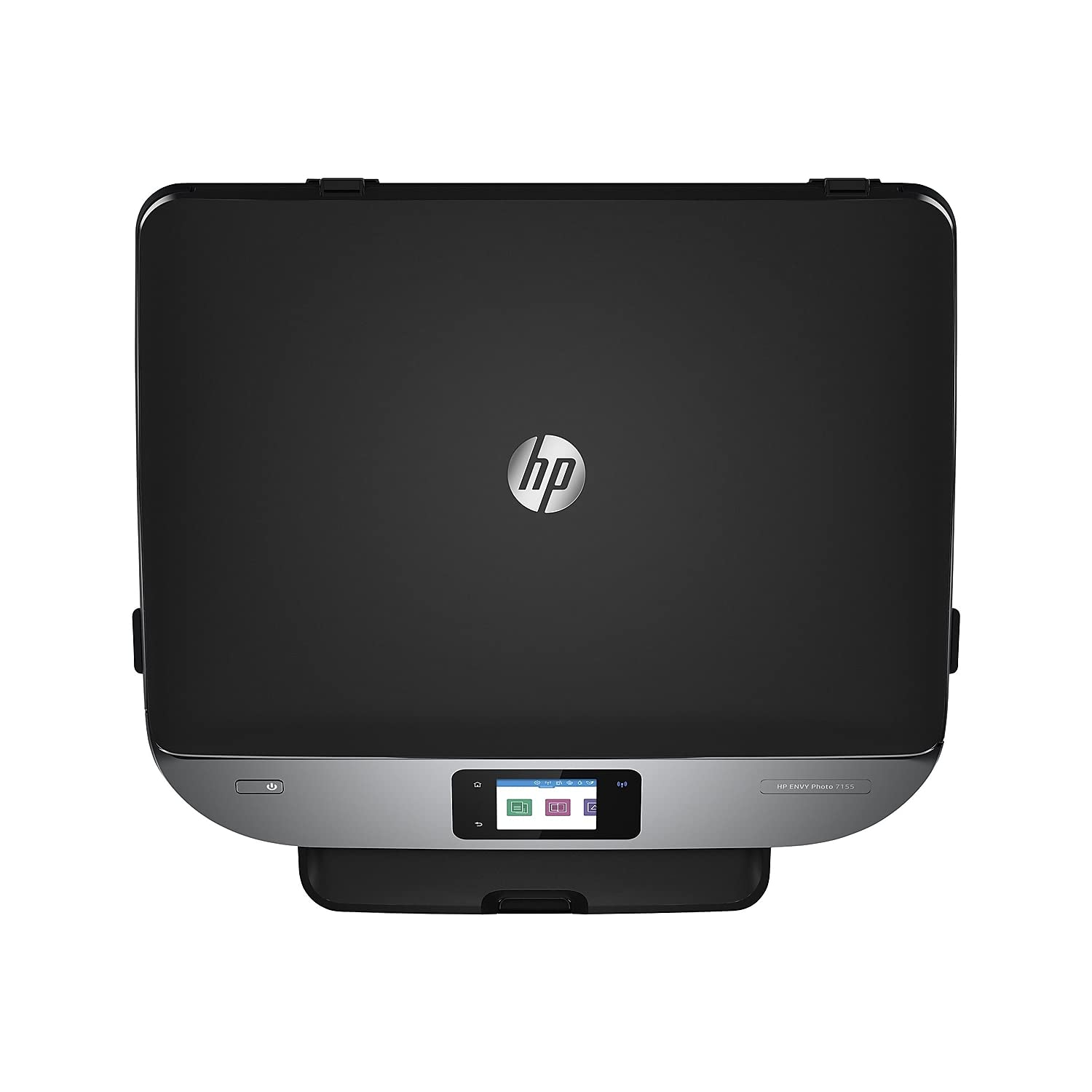
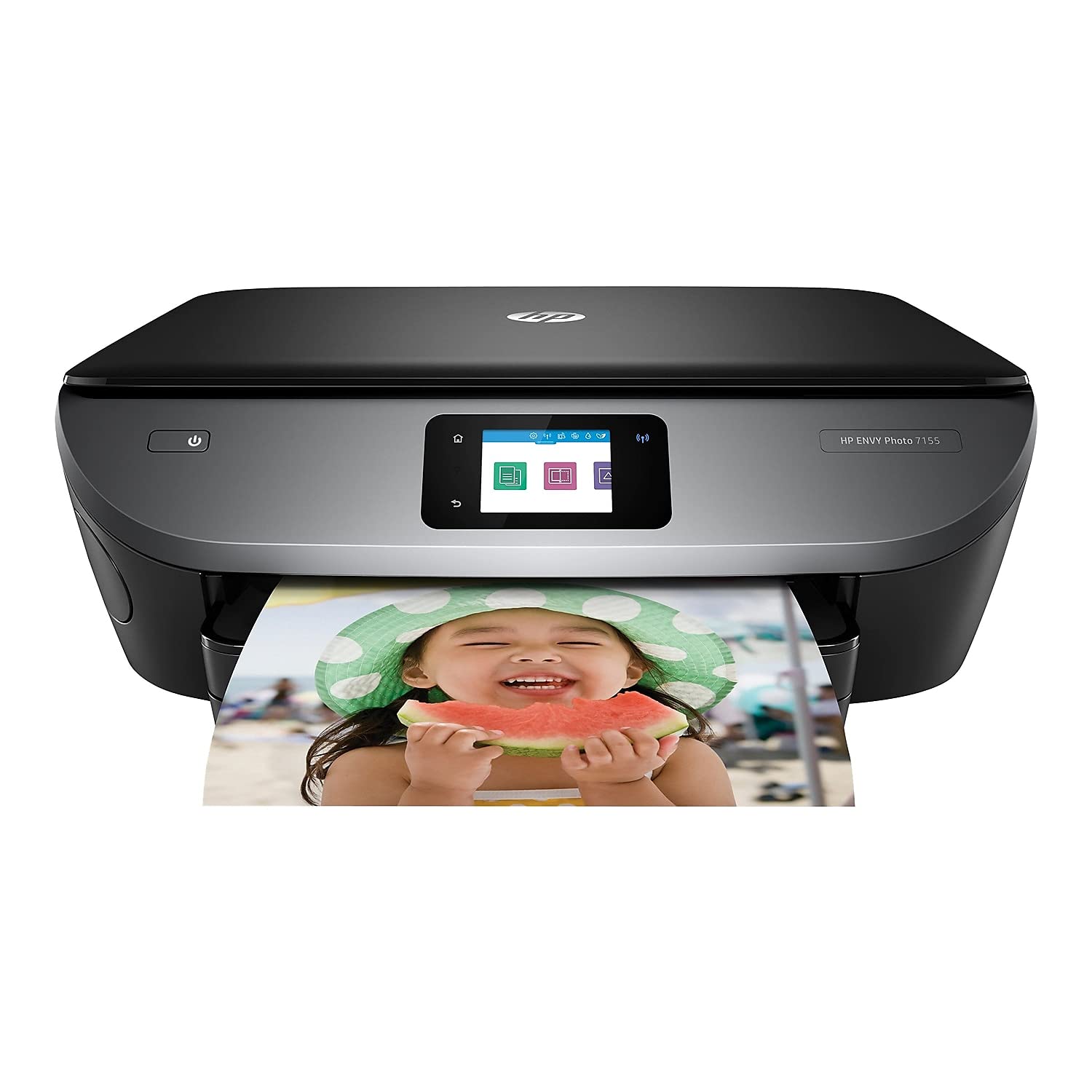
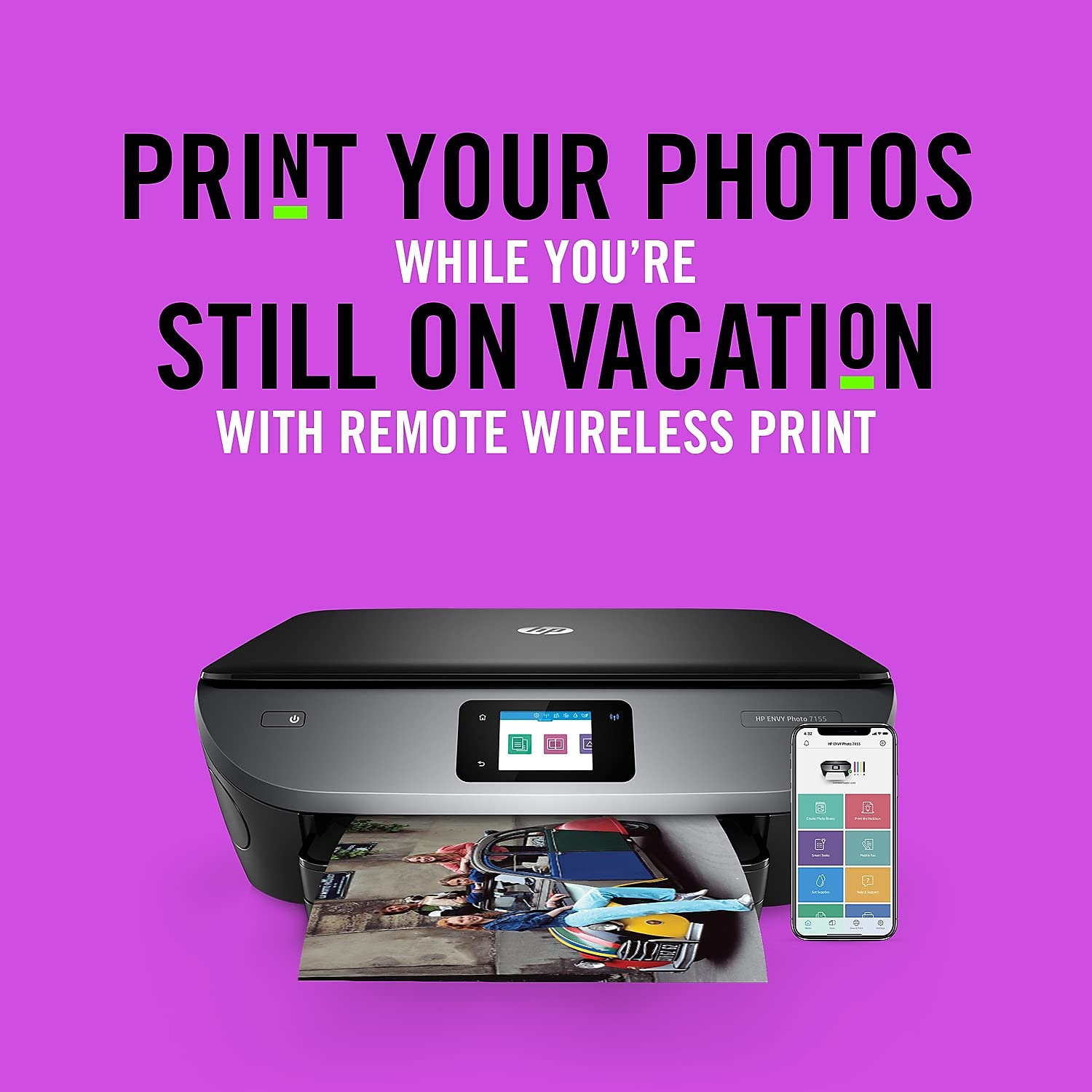
The HP ENVY Photo 7155 is a versatile all-in-one color photo printer that combines high-quality printing, scanning, and copying capabilities. With wireless connectivity options and voice control through Alexa, this refurbished printer is designed for modern professionals who value convenience and efficiency. It supports a variety of media sizes and features automatic duplex printing, making it an ideal choice for both home and office use.
| ASIN | B074P4ZS68 |
| Additional Printer Functions | All In One |
| B&W Pages per Minute | 14 ppm |
| Brand | HP |
| Built-In Media | HP ENVY Photo 7155 All-in-One Printer |
| Color | Black |
| Color Depth | 24 bpp |
| Color Pages per Minute | 9 ppm |
| Compatible Cartridge | HP 64 Black Ink Cartridge, HP 64 Tri-color Ink Cartridge, HP 64XL Black Ink Cartridge, HP 64XL Tri-color Ink Cartridge |
| Compatible Devices | Laptops, PC, Smartphones |
| Connectivity Technology | Bluetooth, USB, Wi-Fi |
| Control Method | Voice |
| Controller Type | Amazon Alexa |
| Customer Reviews | 4.3 out of 5 stars 4,786 Reviews |
| Display Type | LCD |
| Dual-sided printing | Yes |
| Duplex | Automatic |
| Global Trade Identification Number | 00190781030751 |
| Hardware Interface | USB 2.0 |
| Initial Page Print Time | 16-18 seconds |
| Ink Color | color |
| Item Dimensions D x W x H | 6.34"D x 17.87"W x 16.14"H |
| Item Height | 16.14 inches |
| Item Type Name | HP ENVY Photo 7155 All in One Photo Printer with Wireless Printing, HP Instant Ink & Amazon Dash Replenishment ready (K7G93A) |
| Item Weight | 14 Pounds |
| Manufacturer | HP |
| Maximum Copies Per Run | 50 |
| Maximum Copy Resolution Black and White | 600 dpi |
| Maximum Copy Resolution Color | 600 x 600 dpi |
| Maximum Copy Speed Black and White | 14 ppm |
| Maximum Print Resolution Black and White | 1200 x 1200 dpi |
| Maximum Sheet Capacity | 10 |
| Maximum print Resolution Color | 4800 x 1200 dpi |
| Media Size Maximum | 8.5 x 11 inch |
| Model Name | HP ENVY Photo 7155 |
| Model Number | K7G93A#B1H |
| Model Series | 71 |
| Number of Drivers | 1 |
| Number of Trays | 2 |
| Other Special Features of the Product | Auto-Duplex, Cloud Print Enabled, HP Instant Ink Eligible, Network-Ready, Optional High-Yield Cartridges, Scan To E-Mail, Separate Photo Tray, Touch Screen |
| Paper Size | 4 x 5 to 8.5 x 12, Letter, Envelope |
| Power Consumption | 13.95 Watts |
| Print media | Envelopes, Glossy photo paper, Paper (plain) |
| Printer Connectivity Type | Bluetooth, USB, Wi-Fi |
| Printer Output Type | Color |
| Printer Type | Inkjet |
| Printing Technology | Inkjet |
| Processor Count | 1 |
| Resolution | 4800 x 1200 |
| Scanner Type | Photo |
| Special Feature | Auto-Duplex, Cloud Print Enabled, HP Instant Ink Eligible, Network-Ready, Optional High-Yield Cartridges, Scan To E-Mail, Separate Photo Tray, Touch Screen Special Feature Auto-Duplex, Cloud Print Enabled, HP Instant Ink Eligible, Network-Ready, Optional High-Yield Cartridges, Scan To E-Mail, Separate Photo Tray, Touch Screen See more |
| Specific Uses For Product | Home, Photo Printing |
| Total USB 2.0 Ports | 1 |
| Total Usb Ports | 1 |
| UPC | 763236970577 190781030751 |
| Warranty Description | One-year limited hardware warranty, 24-hour, 7 days a week Web support. |
| Warranty Type | limited warranty |
| Wattage | 14 watts |
C**U
Really nice printer/scanner for the price
So far, I'm really happy with this printer. The print quality is good. I was easily able to print to it from my Macbook, a Dell laptop, an HP laptop, and from both my wife and my iPhones. I printed a photo directly from an iPhone - it was really easy to do and the print quality on the 4x6 photo paper (that it has a separate tray for) was outstanding. I scanned a photo as a *.jpg file and a legal pleading as a *.pdf file, and both digital files looked great. The touchscreen works fine and is easy to read, but aside from using the "Copy" button to copy/print something on the scanner, I doubt I'll use it much. Most of my print jobs will come from a computer (or even my phone). There wasn't a user manual, or even a remotely helpful "quick start" guide - but it was so easy, I didn't even bother to go online and download the user manual until well after I started using the printer, and I frankly haven't even looked at it yet. There's a piece of paper included with directions to go to a website to download drivers - I had no problems following the directions once on the website to download the drivers for my Macbook and the HP laptop . . . I tried to print something from my Dell laptop before installing the driver - the Dell found the printer on its own, and I was able to print from it without installing a driver. You also should download the HP Smart App and install it on your devices. This app gives you access to various functions of the printer (e.g., scan, print, fax, print photo, etc.) and there's a nice image depicting your the ink level in the Black and Tri-color cartridges. I'm not sure if it is going to take a lot of ink - I've only had it up and running for about a week, and I haven't used it extensively. I'm still using the small cartridges that come with the printer and there's about 3/4ths ink left in both cartridges. I suspect it will guzzle ink, but the cartridges are standard and appear to be readily available on Amazon (I bought a couple along with the printer) and it won't get high-volume use at my house. They encourage you to sign up for some "Instant Ink" deal where they automatically send you cartridges on a schedule you establish, but I declined that option. So far, the ONLY thing about it that I'm not happy with is it doesn't have a auto-document feeder. If you need to make a copy of a 10 page report, you have to copy each individual page. I was aware it didn't have this feature when I bought it (they don't hide that if you read the product description) but I still wish it had it! The printer looks great, it's compact, it's light . . . because it doesn't physically connect to your computer (the connection is via Wi-Fi and Bluetooth) you can easily move it to a different room if you want. It seems to me this is a really fantastic printer for the price. It's perfect for home and home-office use.
M**A
So far so good..
Set up was really simple, you just have to follow the directions on the screen and continue the setup on your cellphone or computer. The printer came with the 2 cartridges of ink already. For some reason my black one was damaged or something because it would not print even though it said it was full. I tried everything on the support website and it still wouldn’t work. It was very inconvenient....but during set up you get the option to sign up for instant ink. You get 4 months free if you sign up right then. So that’s what I did...I’ll probably cancel after that though because it looks expensive, especially if you don’t keep track of how much you print. Anyway, I got some new ink in the mail a week later which was pretty cool because I didn’t even request it or do anything. The printer has been working very well since I changed the cartridges. It also comes with a small sample of glossy 4x6 photo paper. I’ve printed a few pictures already and it works great. The print quality of regular documents is very good, also. I like that it has a little tray to put in the paper. It holds a good amount so you don’t have to keep refilling it often. The printer is wireless but you do have the option of a wired connection, you just need to buy the cable because it’s not included. It has a lot of features my favorite being that you can scan to your email as well as print wirelessly from your phone wherever you are in the house. Overall, I’m happy with my purchase.
A**.
Nice printer, install problematic.
I will preface this review with my background... I have worked in IT for 20 years, and have done more printer installs than I can count. While this definitely was not the biggest install headache that I have encountered, it also was not the easiest... Total time to get the printer operational on my home network was 1 hour, 10 minutes. The printer ships with no software, and no true quick start guide... Which I am fine with: provided that the downloaded install software from HP's website is easy to access and installs everything, problem-free (did not turn out to be the case). I needed to install the printer on 1 Windows 7 PC, 2 Windows 10 PC's, and 1 android smartphone. The Windows 7 install went SMOOTH AS GLASS. Everything connected, downloaded, and installed 100%, just as advertised, with no problems, and took no more than 10 minutes . The Windows 10 installs were a different story... One of the PC's kept hanging while in the HP "Easy" Connect software. This usually would occur while trying to identify the printer on the network; however my network connection was fine, and I could access everything including the internet with no problems. Finally, after battling with it for a while, the software does give you the option to skip the identification process, and just download the drivers. Despite multiple warnings that the printer may not work properly, etc... This route eventually did get me connected, with everything working fine. On the other Windows 10 PC, the network identification (after a couple tries) did properly work; however the driver download inexplicably bombed out with just 7% to go... Apparently, the HP easy app download gives you no way the resume the broken download, so I was forced to start over. After another strange issue during download, I resorted to copying/pasting the Win 10 driver from the 1st Windows 10 PC, and installing it manually onto the 2nd PC... This got everything working on that machine. The smartphone install required an app download, and a settings change for the printer app (went pretty smooth). Then, while I was in the process of creating an HP account login, the app hung right when I clicked the "Create account" button... This left me unsure of whether the account was actually created, or if the install had completed on the phone... The answers turned out to be yes and yes, but I only figured that out later during one of the PC installs, when I re-entered the account info. HP has some work to do on its Easy connect software, particularly on the Win 10 side of things. After the installs were complete, the printer was up and running with no problems. I thought that it printed both text and photos relatively quickly with good quality. On the scanning side of things, the software is flexible, allowing you multiple format options. Nice features and apps on the printer itself, including Google Drive printing which will come in handy. I'd recommend this printer provided that you have some base technical knowledge, and the patience to work through issues during installation.
Y**I
Great all around printer
After 7 years of owning this printer I'm looking to update my setup and can't find a better all around solution than this model. The newer model (7255e) seems to be a little larger and not any better, though since its amazingly being sold for $50 less than this one, I guess I'll give it a try...
D**N
DO NOT BUY
I'm putting this under five stars to warn future customers! If I could give this printer zero stars I would. With the full original setup ink cartridges, it has never successfully printed a document. Since I used it mostly for photos, I persisted because in the beginning it successfully printed both black and white and color photos and text on photo paper. Until now. It no longer prints anything on any type of paper, neither in black nor in color. I still have half my black ink left and one third of my color ink left. It will not print diagnostic pages, cleaning pages, alignment pages...all pages come out blank. I have probably used this printer 10-15 times at most and I bought it when it was more expensive at $180. HP persists in suggesting I get new ink cartridges. I responded with why should I purchase new ink for a printer that doesn't print when it has ink. They've agreed to send me a replacement cartridge. But research shows several customers have complained about this issue of full cartridges printing blank pages. HP themselves have acknowledged this issue, and yet here we are. It seems they are trying to get rid of a poor product and still make some money off of it by enrolling you in their ink program. That ink then dries up faster than a puddle on July 4th. Don't be fooled by how nice this printer looks. It is not worth the fast failure you will experience within a year of purchase. DO NOT BUY!
M**E
Set up is really tough.You will be 100 before you can print a label, and then...
Set up is really tough. The HP Smart software is really stupid. Installed the cartridges that came with the printer and signed up for the HP cartridge renewal program. I don't know if it is a mistake, but cartridges are on the way and I have only had the printer for a couple of weeks. Printing is good for photos. Documents look pretty good, nice and black. HP Smart had an offer to download HP 7100 full software. Tried it. Wouldn't load. I guess for $98 the printer is okay, and I don't do that much printing. A photo of my dog came out great, but with a blue shadow. I will add more once I find out how the HP cartridge renewal program works. Think hard about ordering this if documents are your main effort. Not very intuitive. Works, but makes life hard. So did my old Canon. That is why I tried the HP. This thing is a piece of junk. I have been trying for two hours to print a label. The software is a joke and the manual doesn't exist. Do NOT buy this printer. Six months after purchase it started paper jamming. I looked on the web, HP support (ha), cleaned the rollers, turned it upside down, turned it on its side, looked with a magnifying glass (no torn paper), jams on the top receiver. Took it off and replaced it six times or more. No luck. Into the garbage. Now what am I going to do with those new cartridges I got from HP?
S**G
Easy Set Up
Before I even opened the box I said to my husband how much I hated setting up printers. I am tech savvy and find that printer set up is never easy. I find them quirky and there is always something that just doesn't go right. I was fully prepared for this to be a big pain in the neck but I had to get it done. I waited until half time because I knew it was going to take me half the day and I had it set up and printing in ten minutes, to say I was presently surprised is an understatement. It is printing from my computers, it is printing from my phones, it is working from the ipads. I can say that the print doesn't seem quite as dark as it was with my canon pixma (pain in the neck printer) but I will take slightly less quality for the ease of set up and for what I do it doesn't matter so much. I will say that this is not a laser printer and it doesn't have the speed of a laser printer but the photo quality was nice, and the print quality was fine for me. It came with a manual and I could easily access all menus. The scanner menu showed up on my computer without a problem and it did take a few secibds but scanners do have to warm up so I expected that. I do not find this printer to be regressive at all, and for the price it will do everything that the average user wants. I print documents, charts, powerpoints, some images (usually not photos) and templates. I do a great deal of resizing of images and scanning and I have tested all of these features and have had no issues. Personally I don't care about the color of the actual printer and I certainly don't want to pay more for a pretty color.
R**C
This printer is SOOOOO much better than my last printer
This printer is SOOOOO much better than my last printer, which was an older HP All in One. This prints really fast, setup was a breeze, and it's quiet. My old HP used to make noises for all kinds of different notifications, and after a while it became annoying. I did have a scary moment during setup where I got an error message on my Chromebook screen stating that the printer software did not support my operating system. Apparently that was WRONG, since 5 minutes later it was printing perfectly from both my laptop and my phone. Prints nice photos--the best printer for photos that I have ever had. And documents print very well--the ink is nice and dark. My only wish would be for a document feeder for big copying or scanning jobs.....but in my case, I can still use my old HP for that, and it actually does a great job copying documents. I signed up for the $3 a month ink shipments from HP, and already received my first one. Highly recommended.
Trustpilot
3 weeks ago
3 weeks ago