

Desert Online General Trading LLC
Dubai, United Arab Emirates
Desert Online General Trading LLC
Dubai, United Arab Emirates



⚡ Power up your outdoors with smart control and weatherproof confidence!
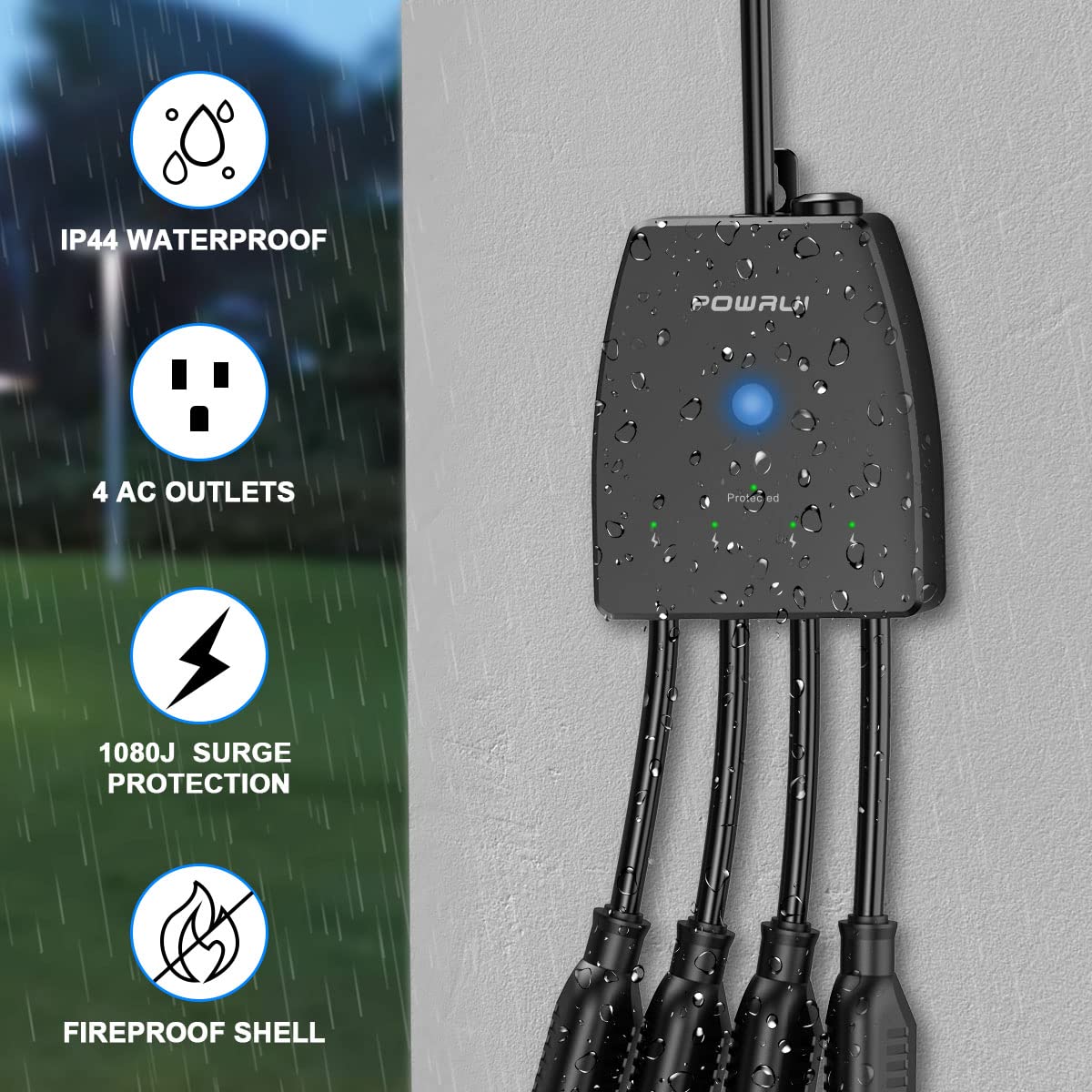
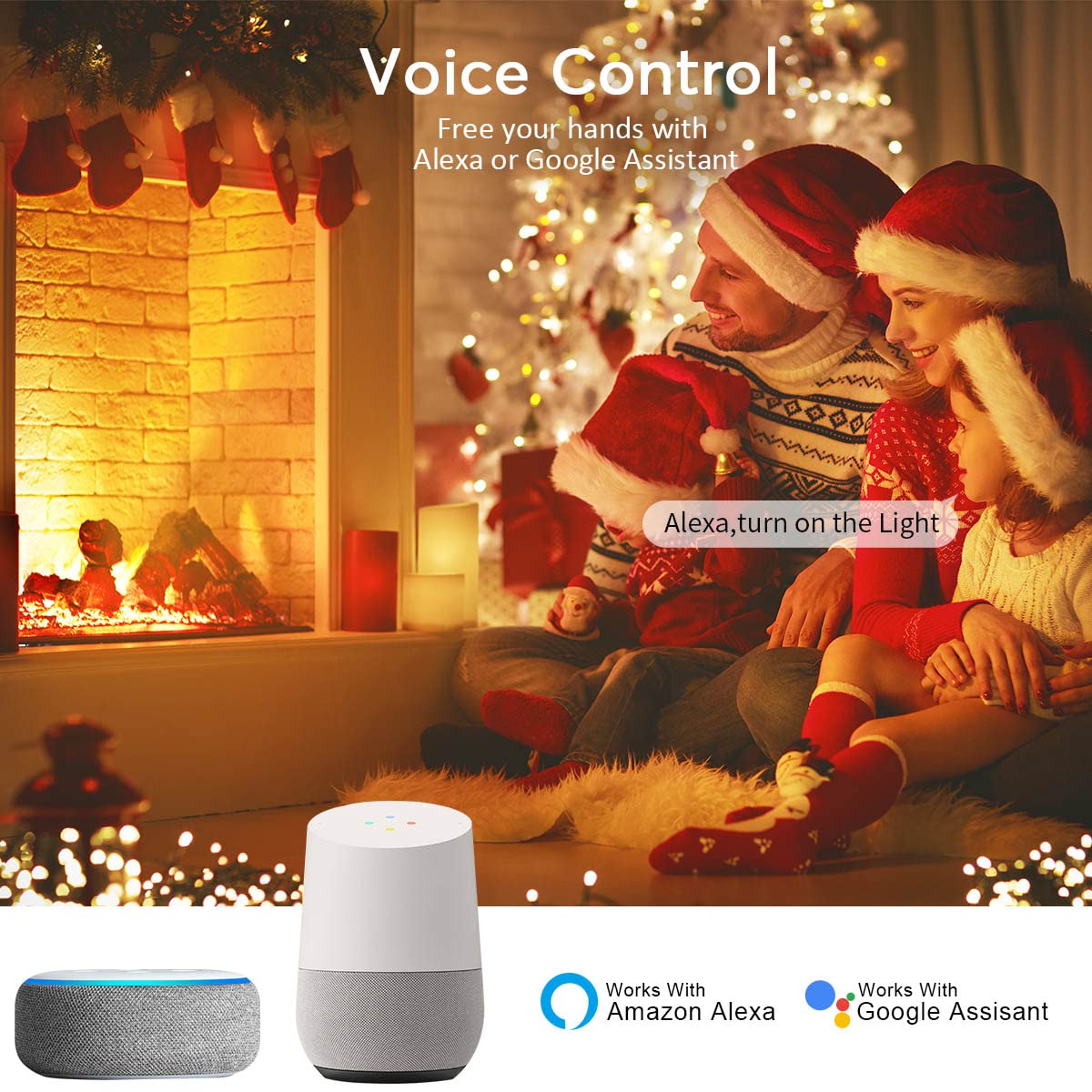
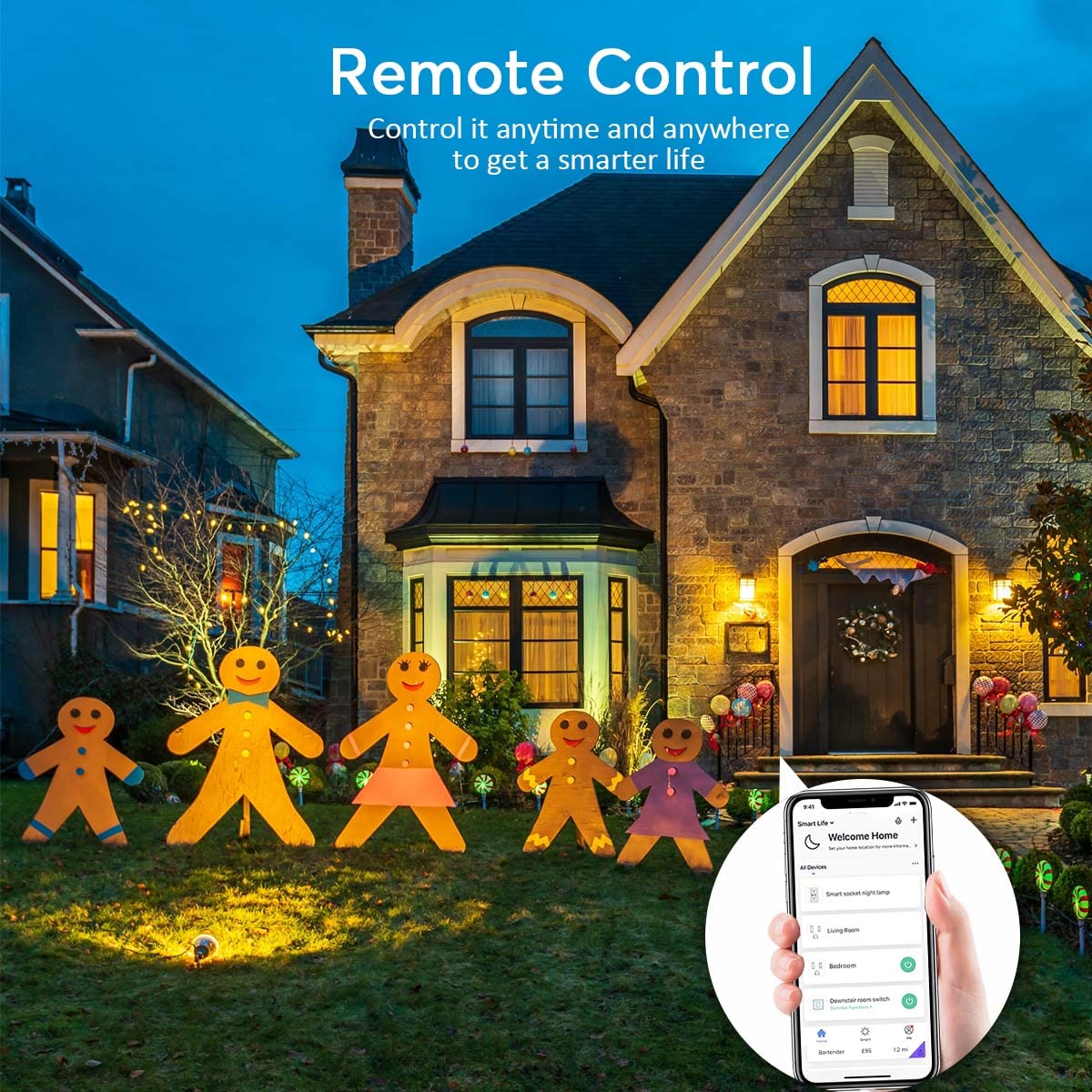
The POWRUI Outdoor Smart Plug is a versatile 4-outlet power strip designed for both indoor and outdoor use. Featuring individual app and voice control compatibility with Alexa and Google Assistant, it supports high loads up to 15A/1875W per outlet. Its IP44 weatherproof and fireproof PC housing ensures reliable performance in damp or wet conditions. With a 2100 Joules surge protector and easy plug-and-play setup on 2.4GHz WiFi, it offers smart scheduling and energy-saving automation for modern connected lifestyles.
| Item Dimensions L x W | 5.79"L x 5.51"W |
| Item Shape | Rectangle |
| Recommended Uses For Product | Office, Apartment |
| Surge Protection Rating | 2100 Joules |
| Amperage | 15 Amps |
| Compatible Devices | Air Conditioner |
| Plug Type | Type B |
| Special Features | Wireless |
| Maximum Current | 15 Amps |
| Number of Outlets | 4 |
| Voltage | 125 Volts |
| Material | Polycarbonate |
L**E
Individually controlled outlets
Due to a power surge, the previous mult-outlet plug for the front of our home failed. I ordered this one because it had 4 outlets instead of 3, and each outlet could be individually controlled. Set up was extremely easy, it connected effortlessly to my wi-fi network, and programming each outlet was very simple using my previously installed Smart Life app. Each outlet can also be renamed instead of calling them Outlet 1, Outlet 2, etc. Our outdoor lighting turned on at the appointed time, and shut off with no issues. This will be very useful when we have all the Christmas lights put out. Definitely worth the few extra dollars more to have four individually controlled outlets. Extremely happy with this purchase so far.
J**N
This thing is Awesome! - Once you figure out pairing
So first off this thing is great, it seems well made and functions much much better than I anticipated. The fact that you can independently control each outlet is awesome. I use it with Google Home with no issues. I wanted to give it 4 stars because of the set up and instructions but its too cool to give it 4. I have a few smartlife devices already and set them up no problem so was a bit annoyed when I couldn't figure this out at first.1. You need your phone or device to be connected to your 2.4GHZ wifi not the 5G if you have a dual band router2. When you first plug the device in it automatically turns on (all the lights light up green including the main power button). You need to hit the power button once to turn the device off (This is what really threw me off). I was holding the green power button for 5 seconds while it was "on" and I would just get a quick flash and a weird buzz and then nothing happened. After about 10 tries I accidentally just hit the power button once and it went to "off" mode (the power button light turns blue), didn't even realize I could do that at first. Once in off mode then you hold down the power button for 5 seconds and the blue light starts flashing. After that it was no problem.3. The instructions say to choose the "socket" option in the smartlife app but I thought better and chose the "power strip wifi" option and from there it was a breeze. "Socket" may work fine to, I don't know thoughAfter the initial hick up, it works like a charm and has extremely quick response time to google home instructions. Very pleased and works great with my outdoor lighting set up.
J**H
Setup is simple. No problems getting a signal. Works perfectly with Alexa and Google.
I've used a 3-outlet smart plug to control house and yard lights during Christmas and other holidays.The one I had for years finally quit working (completely my fault because I didn't check up on the kids when they hooked stuff up for me and water got inside the box).This one is even better so far.The four independent plugs gives me even more versatility than before. I can set house lights, yard lights, inflatable decorations, and projectors to all work on their own cycles.Setup was very simple. I plugged it in inside the house, connected my phone to my WiFi router's 2.4 GHz channel, and ran the app. I added the plug, named the individual plugs, tested it with the app and Alexa and Google Home to make sure it was accepting commands and programs the way it should...then I took it outside and plugged it in. It reconnected to the WiFi immediately and I haven't had a minute's problems with it.I am 100% satisfied so far.
D**M
Unreliable and obstinate!
In theory (and according to other reviewers), this is an awesome product, and I would agree - - - IF it would do what it was supposed to! I have had this now for 5 months and am extremely disappointed in it.Setting it up for wifi was a challenge. I first had to contact the company regarding figuring out which option to select under "device" since they have multiple choices in several different categories that are all labeled "plug" with the same line drawing picture options... very frustrating, and time-consuming, unless you have all day to sit there and try selecting each one until you happen to hit the correct one! Then, figuring out how to schedule the timers was even more frustrating, but I eventually figured it out. Are you getting the idea that their instructions are not very clear or easy to understand/follow?From the get-go, it kept giving me a "Poor Network Condition" error message. I moved it repeatedly trying to improve the connection, to the point that I brought it into the house and set it less than 5 feet from the main gateway, and a foot away from my phone. And still got the same message that it had a poor network connection. I have since had to reset it repeatedly because it will keep losing the network connection, with the same results.It would eventually connect, but has proved to be extremely unreliable - it will "hold" the network connection for a short period of time (hours, days, maybe a week), then go dead. Running diagnostics on it would only get me the same result - "poor network connection". It's like that is the only response it knows! It doesn't tell you anything else, like what to do to correct the issue. I've tried moving it without success. In my mind, that message means it's either at the edge of or outside the network, which it isn't - I have extremely good wifi showing on my phone, standing right next to where I need this plug to go, and much further beyond.The schedule would not "hold", so lights would not come on when scheduled, or would come on and stay on, not shutting off. Trying to use the Echo to control them (even just turning them on or off) would get me an error message from Alexa saying that the device was not connected. Grrrrr! And just to add to the confusion, I can manually turn the lights on and off from the app by touching the plug icon - I just have to remember to do so every day... what a waste of technology if it doesn't do it when you set it to so you don't HAVE to remember to do it!At this point, it's too late to return it. Now the search is back on as I still need a RELIABLE and EASY TO SET UP multiple outdoor plug that I can set to a schedule, and run on wifi. Honestly, I don't care that I can control it with my Echo dot - I don't want to have to remember to tell something to turn lights on and off, or have to try setting up a schedule within the dot, that's what a schedule/timer on the lights is for! I am willing to drop-kick this thing as far as possible if someone can suggest one that will actually do what it is supposed to!
Trustpilot
2 months ago
4 days ago
1 day ago
2 weeks ago