We remain fully operational. Our teams are working around the clock to ensure your deliveries continue safely.

DOWNLOAD THE APP


Customer Services
Copyright © 2025 Desertcart Holdings Limited
DOWNLOAD THE APP

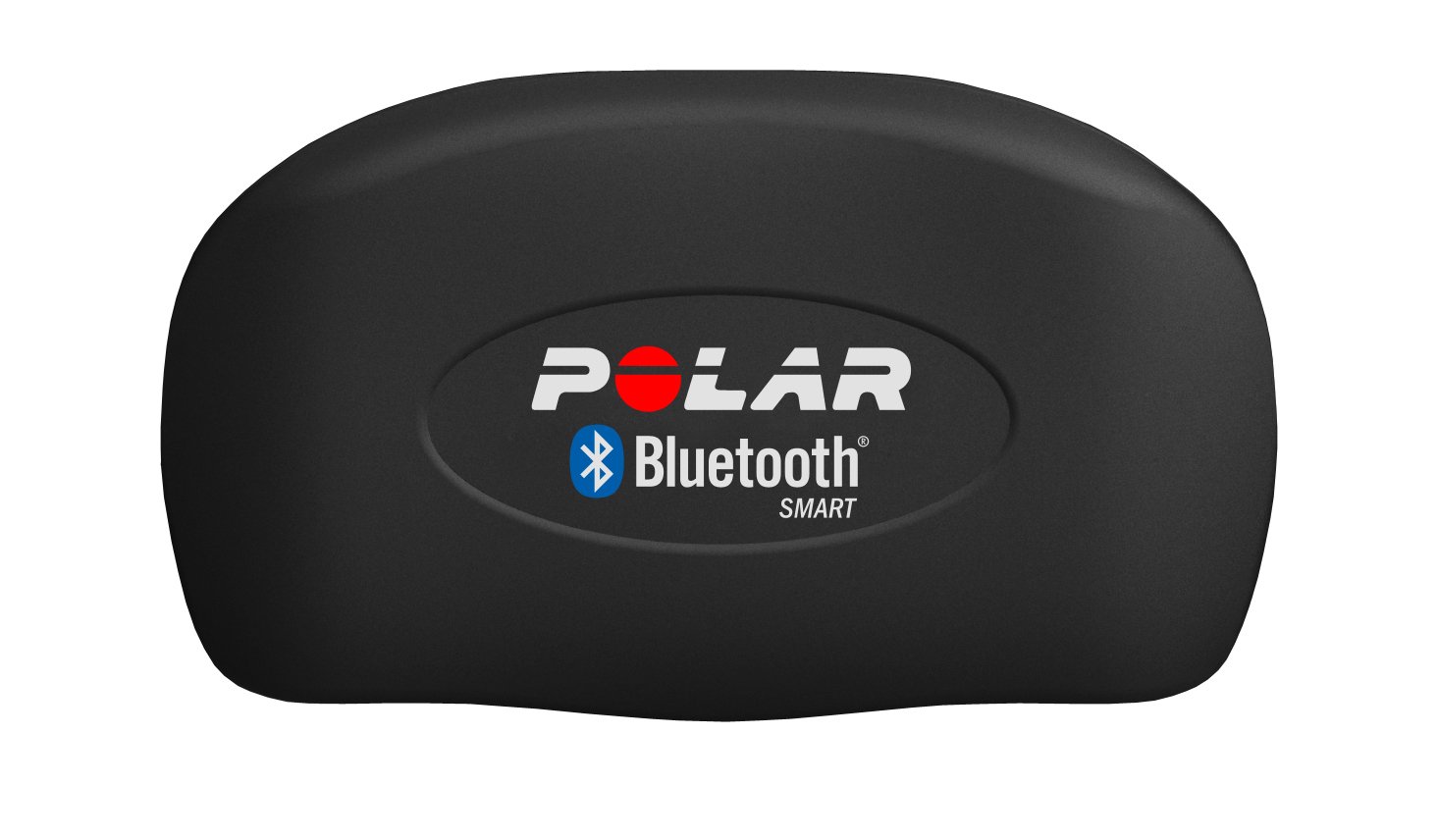
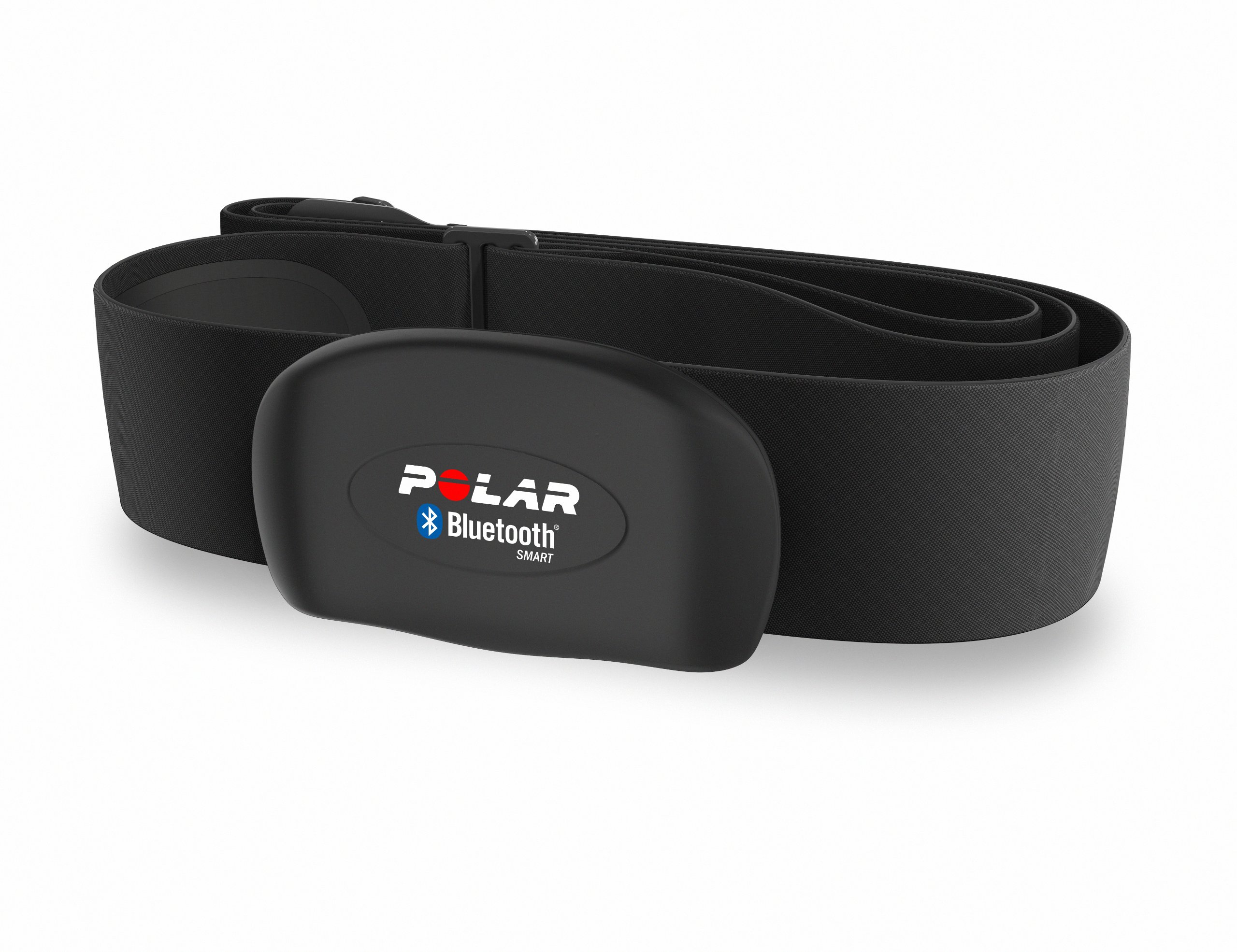
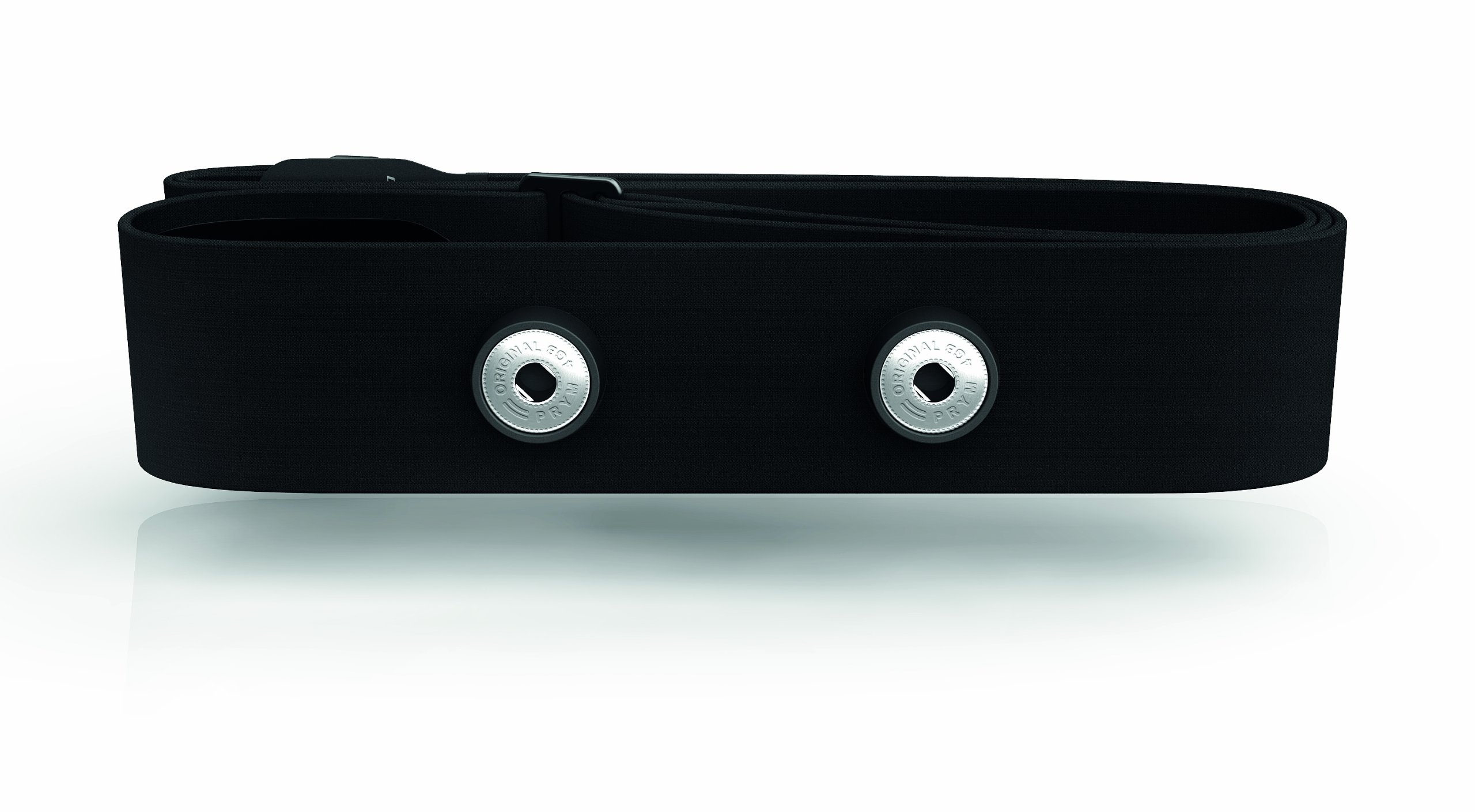


Make the most out of every training session with the Polar H7 Bluetooth Smart Heart Rate Sensor. It provides real-time heart rate to compatible mobile training apps, including Polar Beat and Polar Flow, via low energy Bluetooth Smart technology. Also connects with the majority of Polar heart rate monitors on the market and compatible gym equipment. Includes a soft fabric chest strap that seamlessly adapts to your body shape. User replaceable battery. Includes limited two-year manufacturer's warranty. FREQUENTLY ASKED QUESTIONS: How should I wear the H7 sensor? Moisten the electrode areas of the strap with water, attach the connector to the strap and wrap the strap around your chest. The heart rate sensor should be worn flat against the skin with the Polar logo in the upright position. How should I clean the H7 sensor? Detach the connector from the strap after every use and rinse the strap under running water. Hang the strap to dry. When needed, hand wash the strap gently with a mild soap and water solution. Avoid moisturizing soaps. Do not soak, iron, dry clean or bleach the strap. Also, don’t stretch the strap or bend the electrode areas sharply. How should I store my H7 sensor? Store the heart rate sensor strap and the connector separately to maximize the battery lifetime. Keep the heart rate sensor in a cool, dry place. To prevent snap oxidation, do not store the heart rate sensor wet in non-breathable material. Also, don’t expose the heart rate sensor to direct sunlight for extended periods.
R**H
Seems pretty accurate when compared to my other HRM's
So I actually have 4 heart rate monitors, I have the Polar H7 HRM, the Samsung Icon X (w/HRM), Atlas fitness watch (w/HRM) and a fitbit Charge 2 (w/HRM). I know, it's over kill, but what better way to determine if your devices are accurate or not then to compare them with other HRM's at the same time? Well I took all 4 to the gym today and I hit the cardio machine and exercised for 60 minutes and set each device to log my HRM in their respective apps. Throughout my workout, the Polar, Samsung and the Atlas fitness watches were all within +- 2 heart beats from each other (150-165 beats) while the fitbit hung in there for about the first 15 minutes of the workout then after that the display was showing my heart rate at least 30 beats behind the others then after about 30 minutes my heart rate on the fitbit was a good 80 heart beats behind then shortly after that it stopped measuring my heart rate completely, Off and on and it would show a heart rate through out the remaining workout, but it was showing it only in the 50-70 range while the other 3 devices were showing my heart rate in the 155-160 range.Chest HRM's are supposed to be one of the more accurate ways to measure your heart rate when exercising and seeing that 3 of the 4 HRM's I had were all within a couple heart beats from each other makes me believe the Polar (and the Samsung and Atlas) are fairly accurate in their readings. The fitbit, well, if it wasn't for the auto sleep profiling, that one would be going back to the store since it doesn't seem to be very accurate for it's intended purpose, being a fitness watch.All in all, i'm very pleased with the Polar H7 HRM and I'll continue to use that for my cardio exercises and I'll rely on the atlas and Samsung when i'm doing weight exercises since wearing a strap is a bit annoying to me when i'm lifting weights. The fitbit... well... if I don't return it, it'll just be relegated to being a sleep monitor and that's it as I don't trust it for measuring anything else.
D**W
It’s Great, When it Works… Otherwise, Time to Reset Once It’s Erratic
I’ve used the Polar H7 sensor for about 15 months in conjunction with the Polar Beat app on my iPhone 6. More recently, I added a Polar A300 wrist monitor to my configuration several months ago. It was the addition of the A300 that exacerbated an H7 quirk that has plagued me since the very beginning.Simply stated, the H7 works great for about 15-20 hours, then the readings become erratic. I soon discovered that replacing the battery would resolve the issue, even though the battery voltage was often greater than 3.2 Vdc (NOTE: the 3V CR2025 voltage typically measures 3.25 to 3.3 Vdc when brand new). Solution: buys lots and lots of CR2025 batteries in bulk. Since I exercise 12-15 hours per week, the heart rate readings would usually start fluctuating wildly after only after a week’s use and I was going through batteries quite rapidly.Fast forward one year and I decided to see whether the A300 wrist monitor perhaps fared better than the iPhone since it was unclear whether it was a sensor issue or a poor Bluetooth connection that was at fault. At first, it was great and both the iPhone and the A300 were capturing a steady heart rate… but then the A300 would become highly intermittent throughout the course of a two-hour workout. Although the Polar Beat data was clean, the A300 was virtually worthless.Eventually, I contacted Polar’s customer support and was told to try several things:a) Verify the side battery contact isn’t bent (it was fine),b) Clean the chest strap (I do this regularly anyway), andc) Remove the battery from the sensor for 30 minutes to reset the H7.Lo and behold, removing the battery for approximately 30-60 minutes does indeed reset the H7 and afterwards the sensor provides rock-steady heart rate readings and a rock-solid Bluetooth connection to both the iPhone and A300 monitor… for about 10-12 hours of use. Sigh… I can now drain a battery down to 2.7 Vdc until I need to replace it, however I am constantly opening up the H7 battery compartment to force a reset.What I would like to know from Polar is a) whether or not my particular unit is defective, or if the H7 instability is a design flaw, and b) at what battery voltage should I expect the H7 to function properly (given that the battery specification is 2.50 to 3.00 Vdc).
A**S
Love this thing!!
I seriously love this thing!! The chest strap is comfortable and has a good connection easily (after it's wet of course)Download the free app "Polar Beat" to perfectly sync with this on your phone. Just know that you have to turn on your phone's Bluetooth but sync the Bluetooth in the app. The app keeps a detailed history for you that isn't limited (so far I have 3 months of daily workouts stored)I use this for basically every workout of mine, and I workout everyday. The combo of the app syncing with the HRM is beyond perfect. If your phone is just in the room and you've tapped to start your workout on the app, it will track your info. Doesn't have to be right next to you nor does your screen have to be on.It can connect to GPS as well and track your distances/routes as well as how what your pace is.First pic is a screenshot during the workout the following 2 are after the workout is complete, the summary it gives you. The last pic is just showing you how the GPS tracker works with a walk a took my dog on.Oh you don't have to have cell service on to use the app, it doesn't use your data.
Trustpilot
3 weeks ago
4 days ago