Desert Online General Trading LLC
Dubai, United Arab Emirates
Desert Online General Trading LLC
Dubai, United Arab Emirates

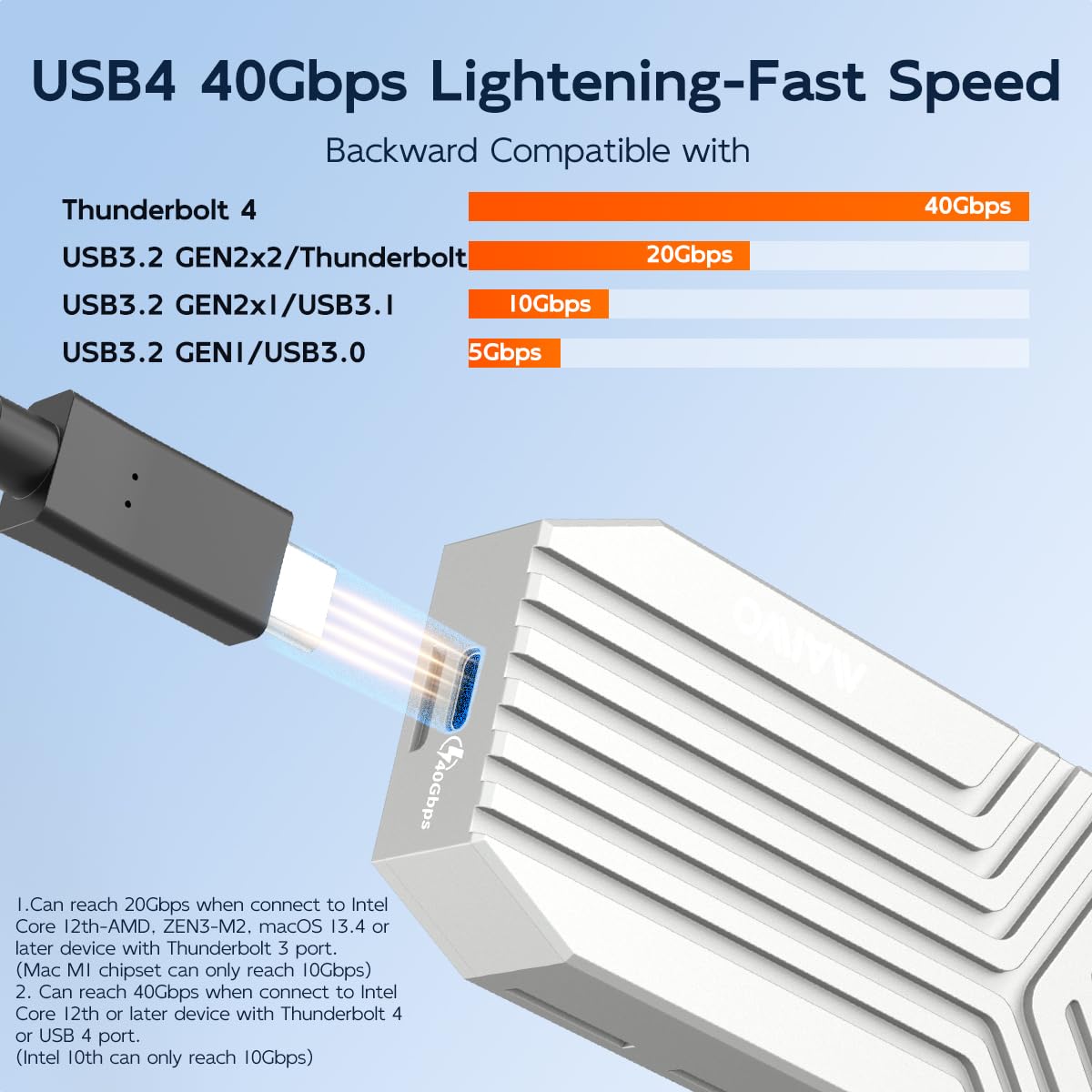
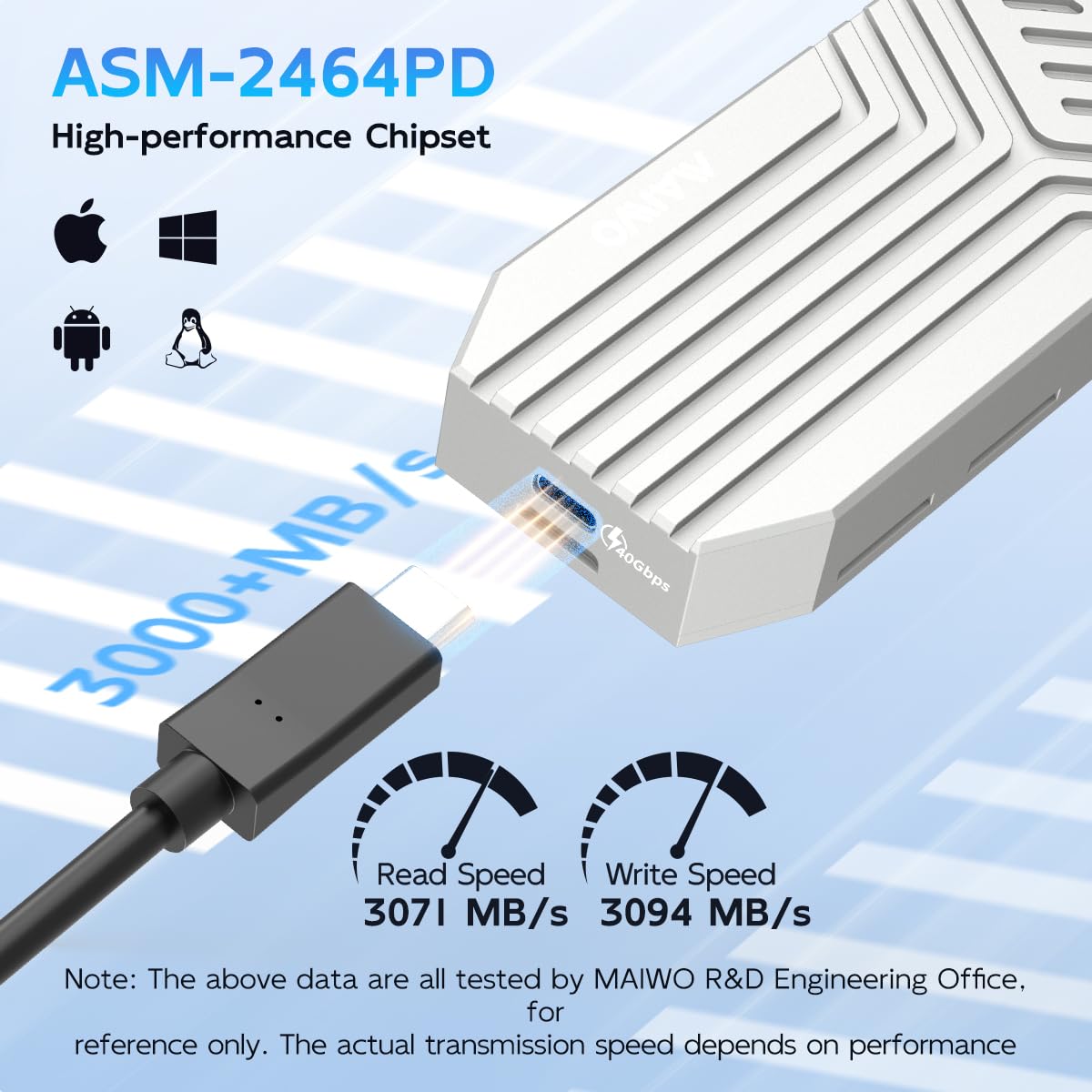
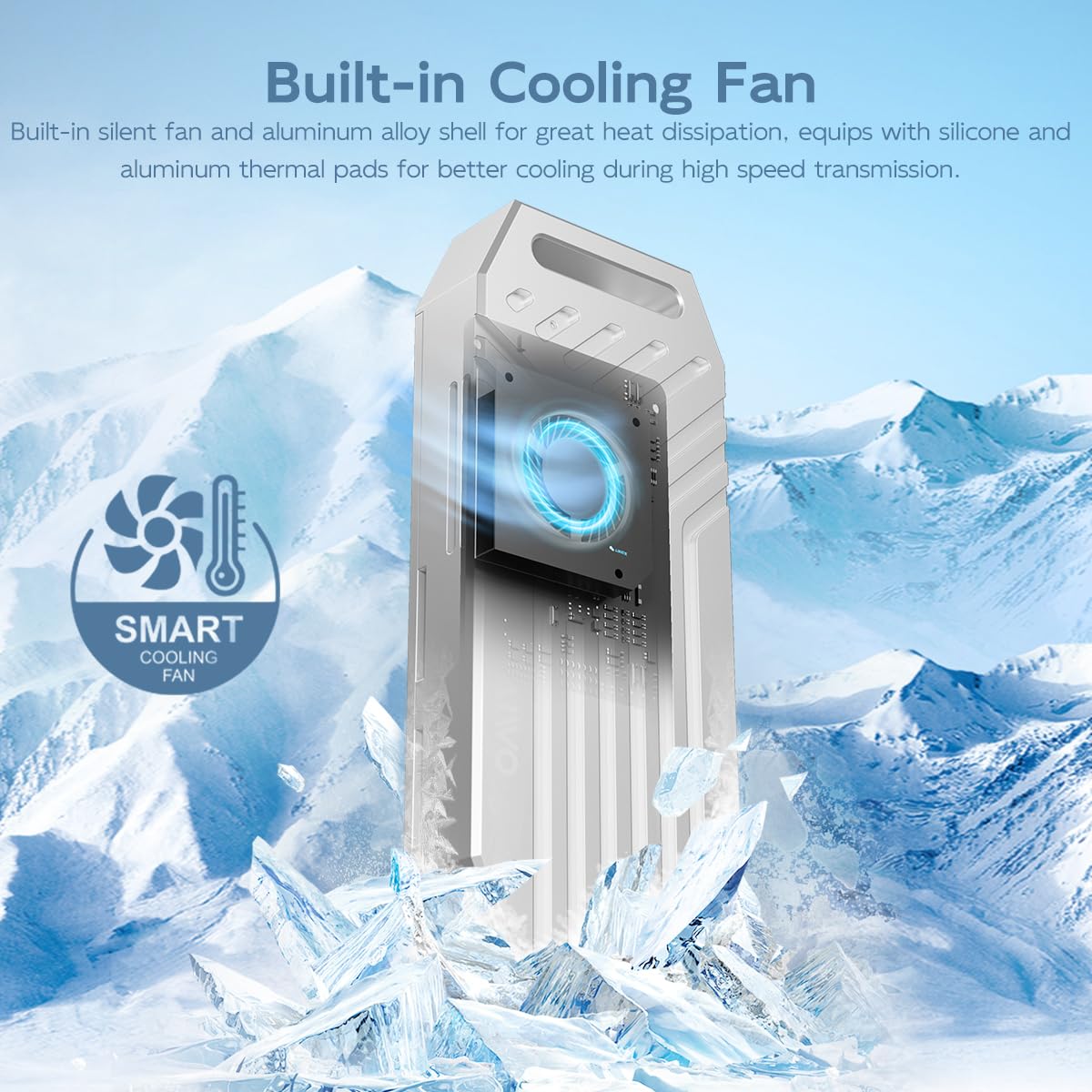
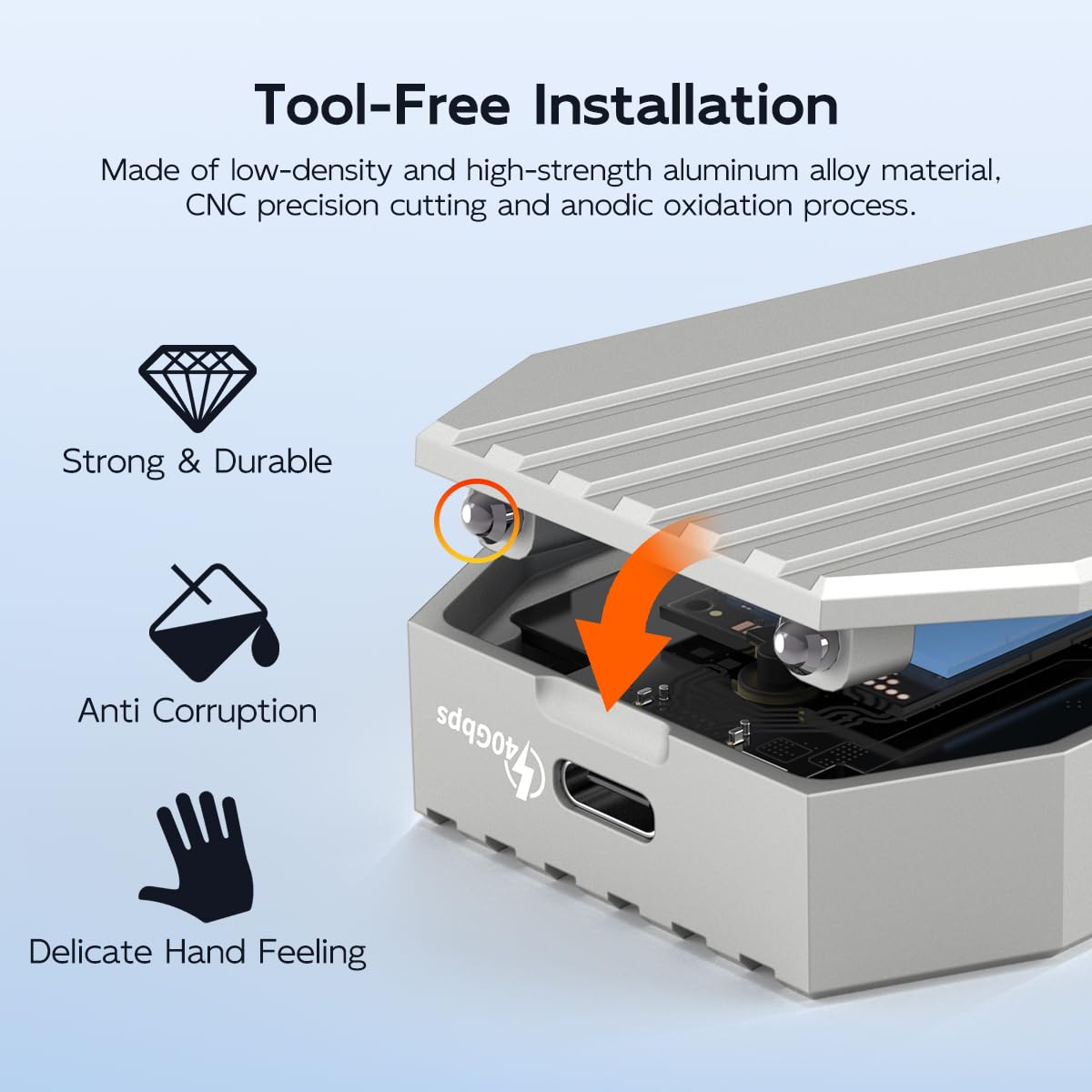

🚀 Unlock lightning-fast storage with MAIWO’s coolest NVMe enclosure yet!
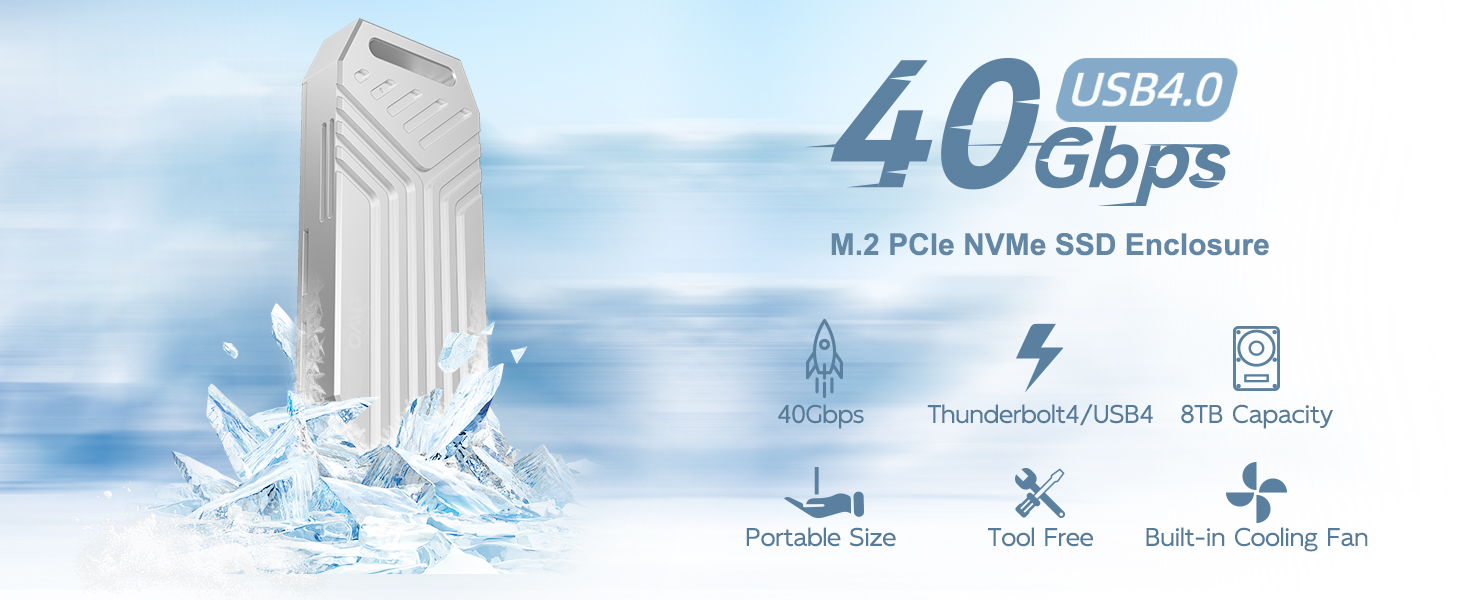
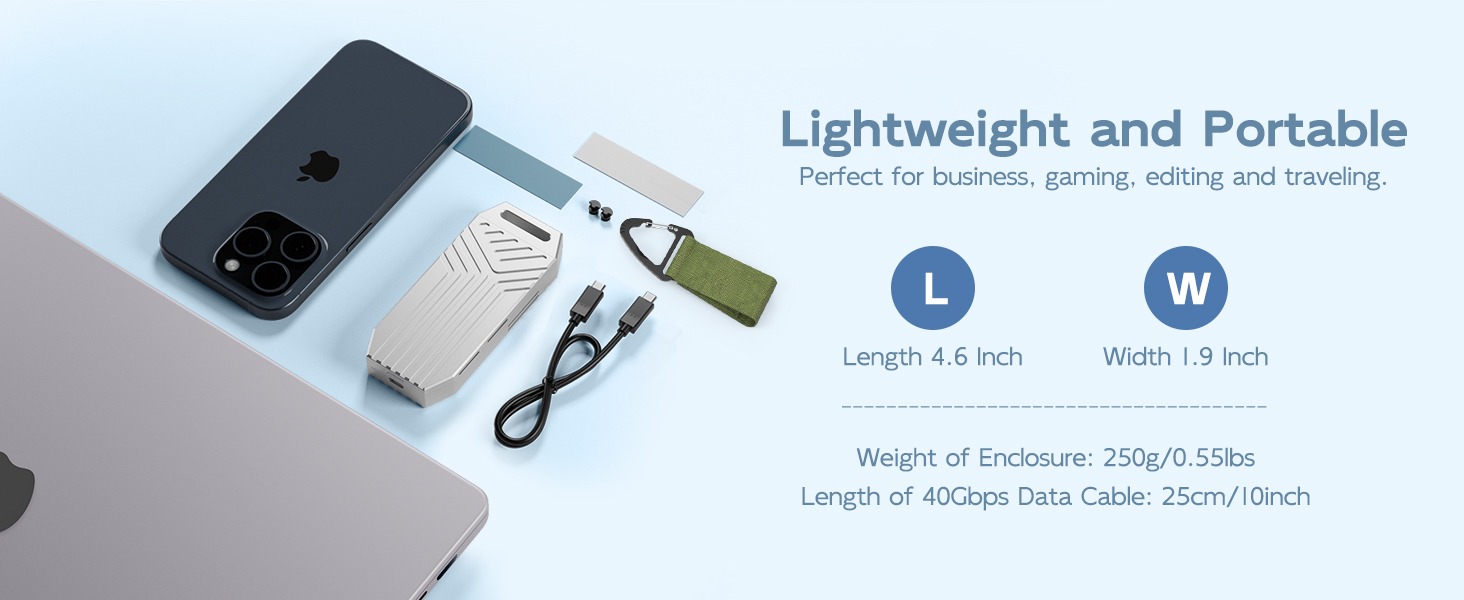
The MAIWO 40Gbps M.2 NVMe SSD Enclosure is a premium USB4 to NVMe adapter designed for professionals demanding ultra-fast 3200+ MB/s transfer speeds, robust cooling via an aluminum shell and turbo fan, and massive 8TB storage support. Compatible across multiple platforms including Apple M1/M2, Thunderbolt 3/4, Windows, Mac, Linux, and Android OTG, it offers tool-free installation and portable features like a carabiner and braided strap, making it the ultimate high-performance external SSD solution.


| Item Weight | 0.27 Kilograms |
| Memory Storage Capacity | 8 TB |
| Compatible Devices | Desktop, Gaming Console, Laptop, Smartphone, Tablet |
| Max Number of Supported Devices | 1 |
| Data Transfer Rate | 40 Gigabits Per Second |
| Connectivity Technology | Thunderbolt, USB |
| Manufacturer | MAIWO |
| Hard Drive | Solid State Drive |
| Item model number | 40Gbps NVMe Enclosure |
| Item Weight | 9.6 ounces |
| Product Dimensions | 4.72 x 1.97 x 0.59 inches |
| Item Dimensions LxWxH | 4.72 x 1.97 x 0.59 inches |
| Flash Memory Size | 8 TB |
| ASIN | B0CZ767YH6 |
| Date First Available | May 31, 2024 |
J**H
Fast NVME Enclosure.
Very happy with this NVME Enclosure. Depending on what NVME drive is being used I have seen Read and Write speeds past 7000mbs. Internal fan is quiet I can not hear it. Drive does end making some heat after a long file transfer but performance does not decrease. I do wish the cable it came with was longer and the only issue I had was the aluminum shim it came with was useless when trying to cool the NVME and needs some thermal paste between the lid and metal shim otherwise heat transfer is poor. plus adding thermal paste not only helps drastically with cooling the drive it also keeps the shim stuck to cover.I just ended up using a zip tie to hold a small 40mm fan on the front to cool drive. Soldered up a USB cable to power the fan with 5 volts off PC
L**S
Works well
Works well with M.2 Nvme
T**N
Nice unit.
Nice case, heavy heat sink and works well.
J**2
Happy with purchase
Satisfied with the device and speed. I purchased this to run VM's (mainly Windows 11) on my Mac Mini M4. The speeds are more than acceptable. I ran the first screenshot within my Windows 11 VM and maybe VMware is caching as seems a bit high but ran Amorphous (similar to CrystalDiskMark) on the Mac and got more reasonable results with my Samsung 980 1TB drive. The fan is a little noisy as others have stated, with an otherwise silent system, I can hear the fan but with any sort of music/noise going, can't hear it. I will most likely get a longer cable and move under my desk so can't hear it anymore. For the cost, would highly recommend.
A**G
If it does not work then try reseating the SSD card. Comes with only one cable - USB-C to USB-C
After storage upgrades I had a few cards left over, and it took a while to find a reasonably priced adapter with acceptable reviews. This MAIWO M.2 NVMe SATA SSD Enclosure works well so far after transferring over 450gb of data.Besides the enclosure and card holder, it comes with instructions and a 1-year warranty in two languages, including English, one 10" USB-C to USB-C cable, a strip of aluminum, double-sided foam tape, and three 'silica gel plugs' - only 1 is needed so there are 2 extras to secure the end of the card.It was fairly easy to set up but I did have to reseat the card; using a jiggling motion the second time while pushing in - YMMV. The retaining plug was a bit odd too, but after realizing how it worked (who reads instructions :) all was well.Note that because only a USB-C cable is supplied, and if you want to use other than USB-C, then you will need an adapter or cable made for your need. If necessary I'll update this review at a later time.Cheers
J**N
Worked well to begin but died in under 6 months of VERY LIGHT use (under 24 hours total)
Bought this about 5 months ago for a 2TB Kingston KC3000 drive (Read: 7000MB/s and Write 6000MB/s)Enclosure worked up until yesterday afternoon. I've used it a total of 5 or 6 times total (powered on less than 24 hours). Now it just flashes the activity light but the drive no longer shows up in windows.Confirmed it was neither an issue with the NVME drive nor the cable, tested on 3 different desktop PC's and 2 laptops (2024 Asus ROG G14). Also tried 2 different NVMe drives I had on hand but none of the 3 work. Have 8 different USB 4 cables as well, no change. Only other potential point of failure is the enclosure itself.I did reach out to the company to enquire about a warranty claim (the warranty details aren't listed on the product page as of the time of this review.If / when I hear back from this company I will update my review accordingly.
K**R
Fast Speed but, Gets Too Warm for Comfort
There is zero air circulation thru this enclosure. My Gen3 M.2 got too warm for my comfort level with the enclosure cover in the closed position. I slid the inside piece out and things cooled down to an acceptable level. And my Gen3 is the slower variety that transfers files at around 1200Mbps. And it still got too hot for my liking. The provided "heat-sink & thermal pad" are absolutely useless inside this enclosure. I think I'll save them for another adventure. It's really easy to slide the middle out for cooling purposes before use, but it doesn't seem like it should be this way. Also the M.2 retainer "screw" is a crumbly piece of pseudo rubber. It will not last, good thing they give you three of them (wonder why?). I do not have a Gen4 or Gen5 M.2 to test in this enclosure but, I have no doubt it is capable of amazing transfer speeds. The controller chip they use is plenty fast, it's just the lack of ventilation and the poorly executed hold down 'screw' that gets it only three stars from me. I may eventually just drill a bunch of holes thru the outer aluminum cover to gain some circulation and see if that helps. If I do, I'll update.
G**.
Works as intended, and not exactly as intend too! Janky eGPU anyone??
Added an Acer 1TB 4.0 drive rated for about 7000MB/s reads and 6000MB/s writes, and in the enclosure it peaked around 3.5GB/s reads and 3.1GB/s writes which is perfectly acceptable for a USB4 enclosure! Stays cool enough, is a pretty solid chunk of aluminum.Being a techy dude, it seemed like most legit USB4 controllers support PCIE tunneling, so I grabbed my laptop with thunderbolt 4, my cheap oculink kit, a cheap PSU and my RX6600...took a couple of restarts, but holy cow, it WORKED! Not recommended as it seems flaky, but I was able to run a few benchmarks and play a couple games!
Trustpilot
2 weeks ago
5 days ago