
DOWNLOAD THE APP


Customer Services
Copyright © 2025 Desertcart Holdings Limited
DOWNLOAD THE APP
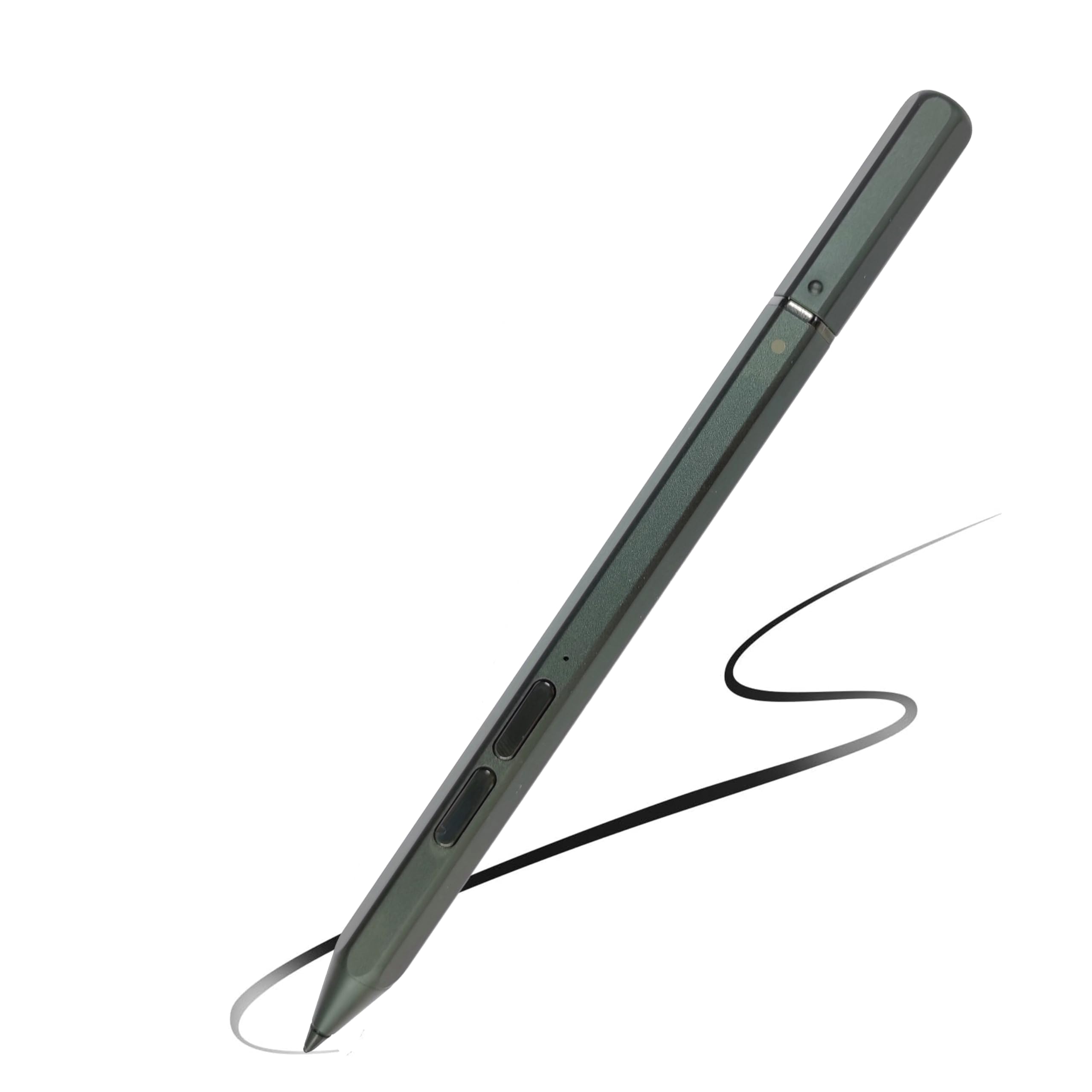
🖊️ Unlock your creative edge with the E-Colour Pen Pro — where precision meets style.
The MITATTOK E-Colour Pen Pro SD6OM68133 is a matte black stylus designed specifically for Lenovo ThinkPad X1 Fold Gen 1 and ThinkPad Z13 Gen 1 laptops. Featuring 4096 levels of pressure sensitivity, it offers precise input ideal for graphic design and note-taking. Compatible with Adobe Suite and Wacom Bamboo Paper, this pen blends classic pen feel with modern digital functionality, enhancing productivity and creativity on your Lenovo device.


| ASIN | B0D2KYJTLG |
| Best Sellers Rank | #98,396 in Cell Phones & Accessories ( See Top 100 in Cell Phones & Accessories ) #2,077 in Styluses |
| Customer Reviews | 3.7 3.7 out of 5 stars (23) |
| Date First Available | April 24, 2024 |
| Item Weight | 2.24 ounces |
| Item model number | SD6OM68133 |
| Manufacturer | MITATTOK |
| Package Dimensions | 8.27 x 2.64 x 1.06 inches |
O**R
Not Working
The pen does come with battery, but when you press the top button it's keeps flashing red and not picked up by Bluetooth detector while supposed to flashing white to enter Bluetooth mode, I bought a brand new AAAA Battery and I changed the battery still the same issue, It's not working. I'm gonna return this item since it's not working obviously!!! Update : my device is not compatible So I didn't had the chance to test it, it might work with somebody else. So I will change the rating from 1 star to 5 star, thanks.
D**T
LOVE THESE PENS
I have a Lenovo Yoga laptop and these pens are perfect for graphic design use. they pair wonderfully and last a considerable time.
A**X
Garbage
This pen, and the Active Pen 1 are both garbage. I was cornered into buying them because they are claimed as the only compatible devices with the Lenovo Thinkpad Flex 5, though I am keen on exploring alternative Bluetooth options considering their low functionality and durability. The pen worked fine for the first week. However, after trying change the battery, I was not able to screw back on the top because the threading was damaged, and now the pen must be held together by a piece of electrical tape. The pen has trouble connecting with the computer often, and requires creative ways of reconnecting (my favorite being smacking against my hand out of frustration). This pen has been the most disappointing part of my Lenovo device, and I would expect better considering the quality of the Thinkpad itself. **avoid at all costs**
A**E
The nib broke off in the pen holder in my laptop bag!
Still trying to find out if I can get replacement nibs!
M**K
When it works it works. When it doesn't it really doesn't...
I've had a Lenovo Yoga 720 for a handful of years. I am a digital artist and when it works it's amazing. I've gone through about 3 of these pens already because when they die, that's it. Replacing nibs, batteries, and the pen will just quit one day. 1.5 year lifespan at best in my experience. Making another purchase right now... T_T
T**A
Fine
It works for the price that it is.
B**Y
Wacom tech! What's NOT to like!!!
Doesn't have as many levels of pressure sensitivity, or good palm rejection, like most high end pens. But it still works really well to sketch/line art things!!!
E**R
Bluetooth Broken
I just received my pen that I bought for the replacement pen for my Yoga laptop. Unfortunately the Bluetooth is not working, not even a red light is showing for the pen and I've tried replacing the battery. I double checked the compatibility chart to confirm I purchased the right pen and I did in fact purchase the correct one. Disappointed that it doesn't have functional bluetooth (buttons don't work) but at least I can still use it as a stylus because I need it for work
L**S
Works right out the box
L**9
Un complemento para la tablet 😁
Trustpilot
2 months ago
2 months ago